Can You Share a ChatGPT Account? Risks & Alternatives
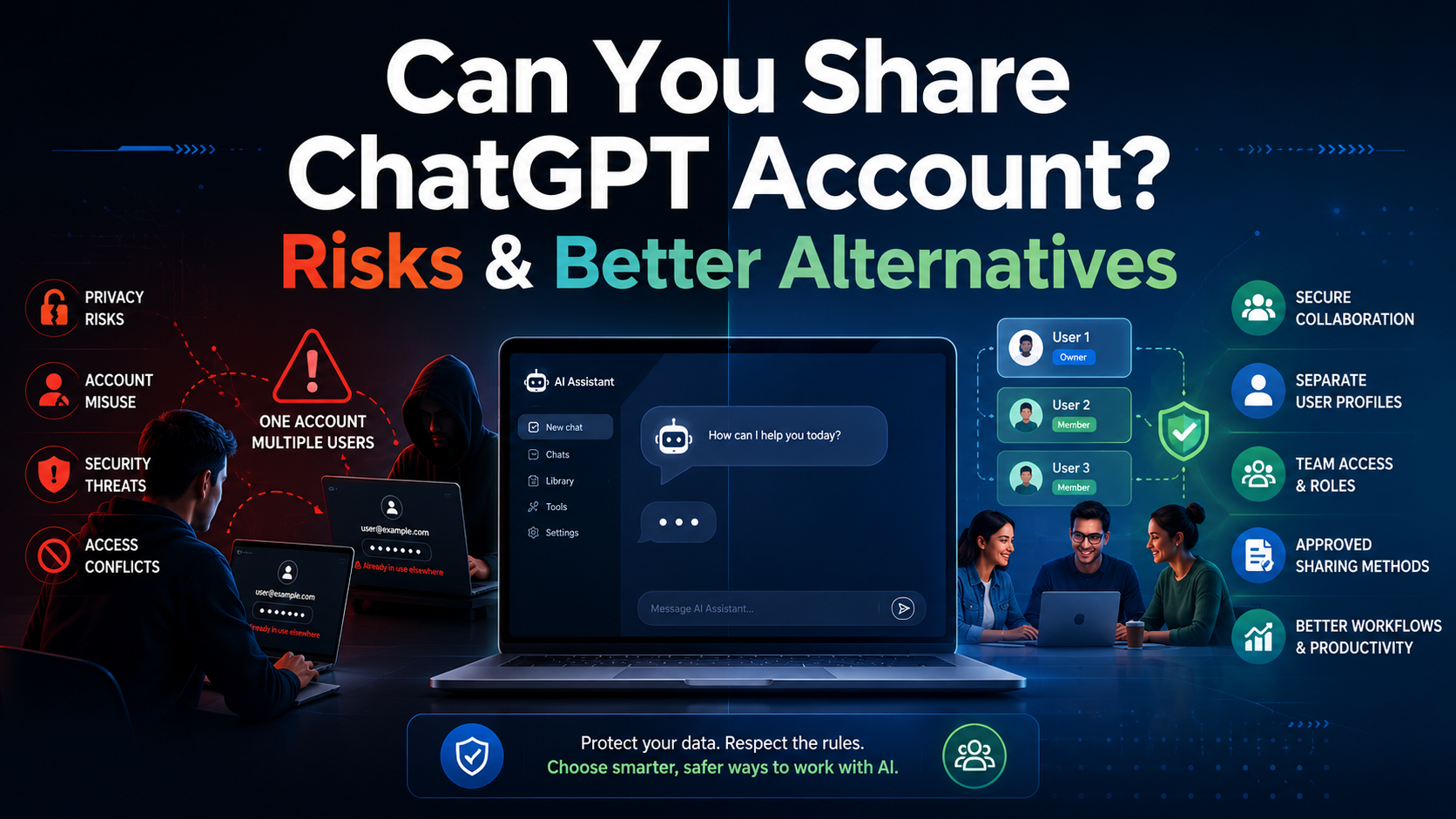

Can You Share a ChatGPT Account? Risks, Rules & Better Alternatives
As artificial intelligence continues to reshape how we work, learn, and communicate, securing access to premium AI tools has become a top priority for many users. With powerful capabilities like GPT-4, data analysis, and image generation, upgrading to a premium tier is a natural step. However, at $20 per month per user, subscription costs add up fast — making account sharing an appealing idea for many.
Whether you're a budget-conscious couple, a startup minimizing overhead, or a student study group, the temptation to split a single subscription is understandable. But before you hand over your password, it's crucial to understand the rules, the real risks, and the smarter alternatives available today.

Can You Actually Share a ChatGPT Account?
If you've ever searched "can I share my ChatGPT account?" — you're far from alone. The short answer is a nuanced mix of technically yes, but officially no.
What OpenAI's Terms of Service Actually Say
OpenAI's Terms of Service are quite clear on this point. ChatGPT accounts — whether free or Plus — are designed for a single user. Sharing your personal login credentials violates these terms directly. So while you can technically hand someone your email and password and they can log in, doing so risks account suspension or a permanent ban if the system detects suspicious simultaneous logins from different geographic locations.
If a colleague asks, "can you share your ChatGPT account for a quick project?" — it's best to pause and consider the implications. Even if it seems harmless, you're putting your entire account access on the line.
Sharing Within a Household: What's Different?
The context shifts slightly when sharing happens under one roof. A common question on tech forums is whether you can share a ChatGPT account with a spouse or family member.
Because you're likely sharing the same IP address and devices, OpenAI is less likely to flag this activity as a security threat. Many households do share a single login to save money. That said, even in a trusted home environment, there are real drawbacks worth considering:
- No private profiles: Every prompt you type is visible to anyone else using the account. Sensitive work emails, personal health questions, or surprise gift ideas are all shared by default.
- Shared message limits: If your partner uses up the GPT-4 message quota for the next few hours, you'll be downgraded to the basic model until it resets.
- Intertwined chat history: There's no way to separate conversations within a single personal account — everything is mixed together.

The Technical Roadblocks of Account Sharing
Concurrent Login Limitations
When you scale sharing beyond a household — to a team of friends or a business group — the problems multiply quickly. Can multiple users access one ChatGPT Plus subscription at the exact same time? Technically, it may work briefly, but you'll soon run into the platform's concurrent login limitations.
OpenAI's infrastructure is designed to prevent abuse. When the system detects multiple active sessions generating responses simultaneously from different IP addresses, it will frequently log users out, fail to load chat histories, or display error messages. The usage cap will also be hit far faster, rendering premium features useless for the rest of the group.
The Hidden Dangers: Security and Privacy
Why Shared Credentials Are a Cybersecurity Risk
Beyond the inconvenience of usage caps, the security implications of multi-user account access are serious — especially for organizations and freelance teams. Passing around a single password is a significant cybersecurity vulnerability. Proper organizational data security starts with ensuring every team member has their own authenticated access.
Here's why sharing a single login is a bad idea:
- Data Leaks & Confidentiality: When everyone logs into one account, managing privacy in shared chat history becomes impossible. An employee might paste proprietary code or sensitive client data — which all co-users can now see.
- Credential Compromise: The more people who know a password, the higher the risk. If one person falls for a phishing scam or uses an unsecured public Wi-Fi, the entire account is at risk.
- No Access Control: When a team member leaves, you must change the password and redistribute it to everyone — a tedious and insecure process with no audit trail.

The Right Solution: ChatGPT for Teams
Recognizing that businesses need collaborative AI without the security risks of shared passwords, OpenAI introduced a purpose-built solution: ChatGPT for Teams. This is the answer for anyone wondering how to share AI access without sharing credentials.
How to Set Up a ChatGPT Team Workspace
Setting up a ChatGPT Team workspace is surprisingly straightforward and takes just a few minutes:
- Log into your existing account and navigate to your account settings (bottom left corner of the dashboard).
- Select "Upgrade Plan" and choose the "Team" option.
- Create your Workspace — give your team a name (e.g., "Marketing Dept AI").
- Invite Members via email. Each person creates their own secure login — no password sharing needed.
- Assign Roles to designate admins who can manage billing and user access.
The Team plan includes all Plus features — advanced data analysis, DALL-E 3, and prioritized model access — within a secure, managed environment. It also guarantees that your business data and chat history won't be used to train OpenAI's future public models.
OpenAI Enterprise vs. Team Plan: Which Do You Need?
As your organization grows, understanding the differences between the Enterprise and Team plans becomes important.
The Team plan is ideal for small groups with a self-serve setup. The Enterprise plan is designed for large organizations — offering enhanced admin controls, single sign-on (SSO), domain verification, custom data retention policies, and completely uncapped usage. For a small design agency, Team is perfect. For a Fortune 500 company, Enterprise is the necessary step up.

Smarter Ways to Collaborate Without Sharing Logins
Not ready to upgrade to a Team plan just yet? There are smart alternatives that let you collaborate on AI without violating OpenAI's terms.
Use OpenAI's Built-In Shared Links
OpenAI allows you to share a specific chat conversation via a public link. If you craft a useful prompt or conversation, generate a link and send it to a coworker. They can read the exchange and — if they have their own account — continue it in their own workspace. This is a clean, secure way to collaborate without sharing access.
Leverage API-Based Collaborative Tools
There are numerous collaborative AI platforms available (such as TypingMind or Team-GPT) that connect to OpenAI via an API key. You pay for API usage — often cheaper than $20/month per user depending on volume — while the third-party software provides a shared interface with prompt libraries and team workspaces, all without anyone needing to share credentials.
For teams running multiple accounts across different platforms — social media, e-commerce, ads — tools like Hidemium offer a complementary layer of protection. As an antidetect browser, Hidemium lets you manage multiple browser profiles with isolated fingerprints, proxies, and cookies — ensuring each account stays completely separate and secure, whether you're using ChatGPT API keys or other shared resources across your team.
Best Practices for Organizational AI Deployment
Security, Policies, and Access Audits
Whether you choose individual accounts, the Team tier, or API-based tools, following best practices for AI deployment is non-negotiable. The same principles that apply to managing multiple accounts securely on social platforms apply equally to AI tools — each user needs their own authenticated session with clearly defined permissions.
- Enable Multi-Factor Authentication (MFA): Even if a password leaks, MFA ensures unauthorized users can't access your AI workspace.
- Establish Acceptable Use Policies: Define clearly what data can and cannot be entered into AI tools — especially prohibiting personally identifiable information (PII) or unreleased financials.
- Train Your Team: Educate users on prompt engineering and AI limitations like hallucinations. Efficient use = better ROI.
- Audit Access Monthly: On Team or Enterprise plans, review your user list regularly to ensure only active employees retain access.

Conclusion
The temptation to share a ChatGPT account to cut costs is completely understandable. But the honest truth is that the short-term savings rarely outweigh the long-term frustrations and risks — from shared message limits and tangled chat histories, to the serious dangers of data breaches and account bans.
Fortunately, the landscape of AI access has matured significantly. Whether you use shared chat links for casual collaboration, tap into API-driven interfaces, or officially upgrade to a Team workspace, there are now legitimate, secure, and efficient ways to bring AI power to your entire group. By following proper protocols and choosing the right subscription model, you can build a culture of secure innovation — and get the absolute most out of the AI revolution.
Related Blogs

Why Online Privacy Matters More Than EverEvery time you open your laptop or unlock your phone to surf the web, you leave a trail. From the ads that eerily follow you across different websites to the invisible trackers logging your device details, the internet is designed to collect data. This reality makes protecting personal data online one of the most critical digital skills you can master[…]

In today's article, we will explore Multilogin – one of the prominent names in the Antidetect Browser field. Multilogin has established its position due to its stable operation and long-standing presence in the market. However, it also attracts attention because of its high price and customer-specific support options. Notably, with the latest Multilogin X update, there have been significant[…]
Browser emulator is a technique that allows your browser to appear as if it is running on a different device, operating system, or browser. This method is often used for website testing, privacy protection or Access content restricted by region or platform.So how does browser emulation work? Is it really safe and legal? In this article, Hidemium will help you understand how it works, when to use[…]
Have you ever needed to access TikTok but didn’t have your phone nearby? I’ve been there too – when my phone ran out of battery or I just wanted to see notifications on the big screen without distraction. That’s when,TikTok Web becomes a great choice, bringing a smooth and surprisingly convenient experience.With TikTok Web, you can easily do a lot of things: from browsing your For You Page,[…]

In today’s digitally connected world, it’s critical that devices and networks communicate effectively with each other. That’s why gateways are more important than ever. Whether you’re an IT professional, a network engineer, or simply want to understand how networks work, this article will help you understand how your devices and networks work. Antidetect Browser Hidemiumwill help you understand[…]
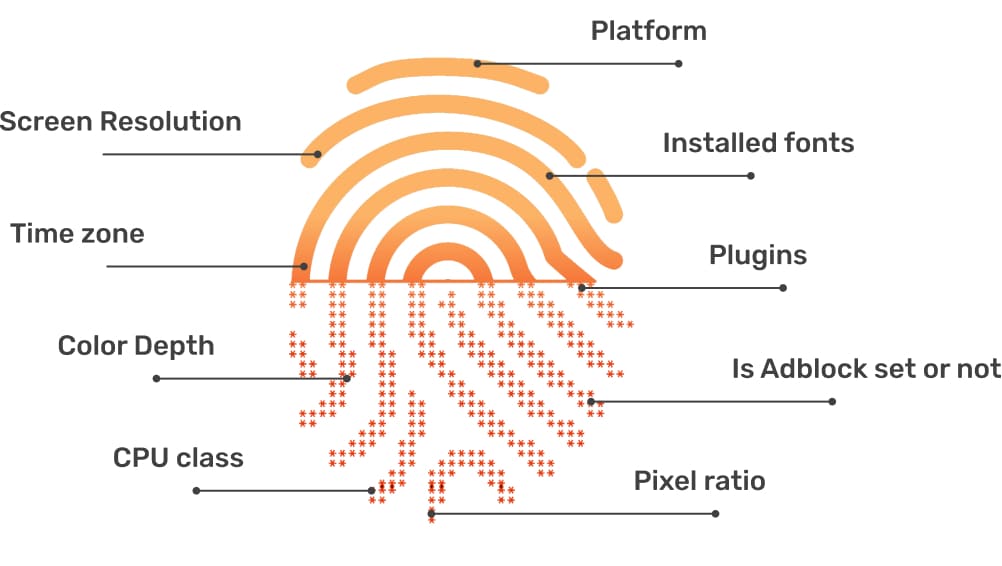
In the digital age, online user tracking has become commonplace, conducted for both positive and negative reasons. According to a report by Ghostery—a renowned provider of free software—over 79% of websites with unique domains use tracking tools to gather user data. Among these methods, canvas fingerprinting has emerged as a popular and effective technique. This article by Hidemium will help you[…]
