How to Safely Create Multiple Facebook Ad Accounts
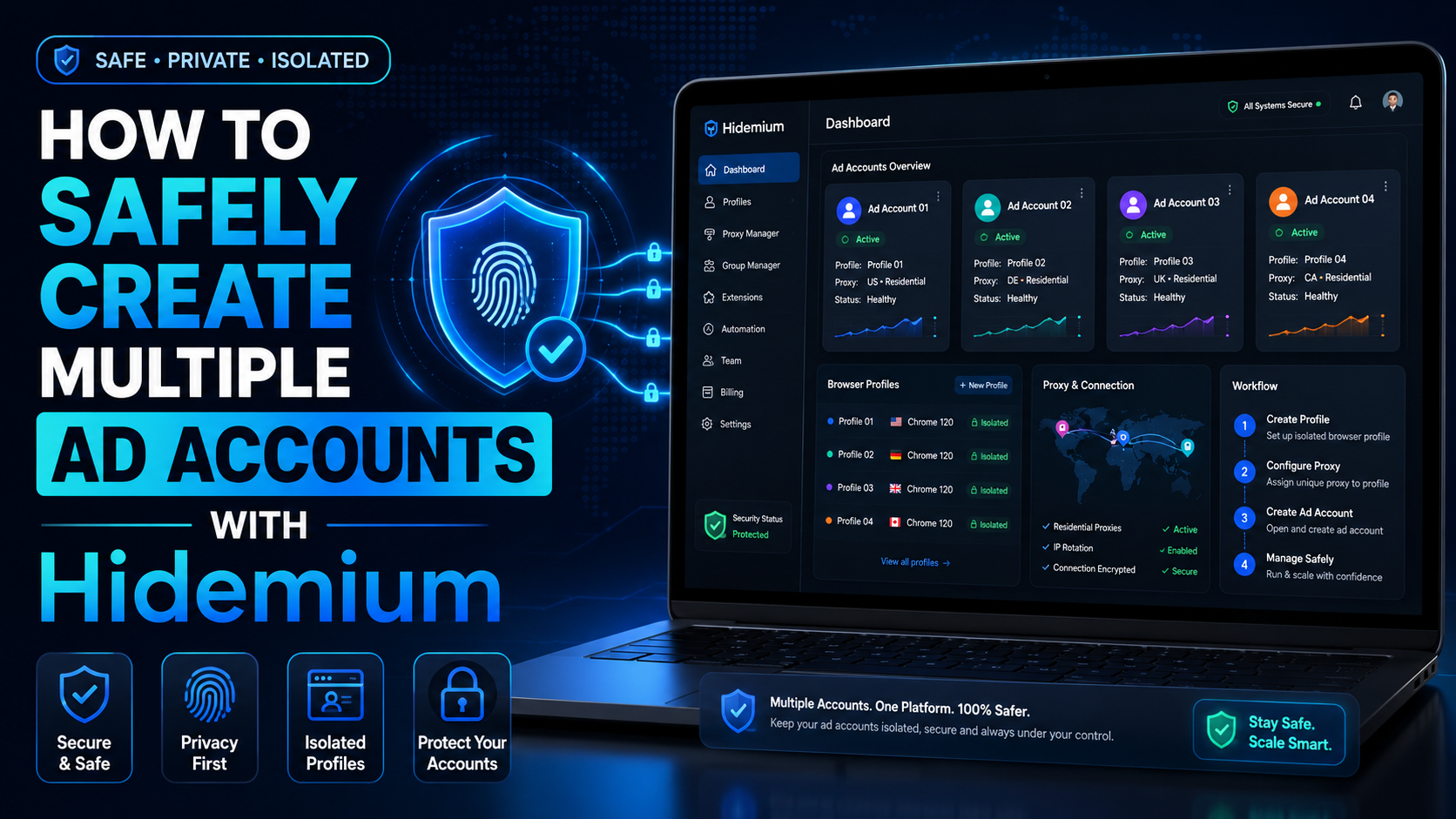

The restricted or locked account is probably a headache for businesses and advertising people. Facebook advertising is the leading trend in promoting online business in the 21st century. Most companies choose to advertise if they want to reach the right potential customers and generate sales quickly. Having an account problem will directly affect revenue.
So how to create multiple Facebook ad accounts and manage them to serve business activities while ensuring safety?
What is an ad account?
Advertising is a function of Facebook that allows users to advertise products they want to sell. To reach the right audience quickly and widely, users need to create an account to run ads and pay for Facebook.
What are the advantages of creating an account to run Facebook ads?
- Reach many potential audiences in a wide range and short time.
- The interface is familiar and easy to use, as most people are familiar with the Facebook platform.
- Directly advertise products without creating a website.
- There are many optional advertising methods.
Facebook ad accounts are currently divided into two types:
Personal ad account – Personal account: a commonly used account type, which is the account when you create Facebook and can run ads by default. However, a personal account only serves a small need simply because it has more limited functionality than a business account.
Business account: This type of account is not used to like, share, or chat like a personal account. The business account is used to develop the brand, manage Facebook Fanpage, etc.
How to create multiple Facebook ad accounts
How to create a personal ad account
- Step 1: Go to facebook.com.
- Step 2: Enter information to create an account.
- Step 3: Click the register button.
- Step 4: Activate the account (get the Facebook code sent to the phone number or email you entered and then enter it in the confirmation box).
- Step 5: Set up other information such as avatar, cover, hometown, etc.
How to create a business ad account
Before creating an ad account, you must create a business manager – Facebook Business Manager.
- Step 1: Need a personal Facebook account, fully updated information, security settings (how to create a personal account above).
- Step 2: Access Facebook Business Manager: business.facebook.com > select the Create account button.
- Step 3: Enter the business name, and email address > select Continue.
- Step 4: Set up information for business accounts: country, address, phone number, website, service purpose > select Submit.
- Step 5: Confirm email and complete registration.
You can now create a business ad account in the business manager.
- Step 1: Open the Account tab > select Ad Account > select Add > select New Ad Account.
- Step 2: Account settings: advertising account name, advertising on behalf of, time zone, currency, payment method > select Create ad account.
- Step 3: Add an account management member; you can choose now or skip to add later.
- Step 4: Receive notification of successful account creation, and the ad account you just created will appear in the business manager.
Create multiple Facebook ad accounts
- With a personal Facebook account: create up to 3 business advertising accounts
- For each business Facebook account: create up to 3 ad accounts.
So how to create more Facebook ad accounts?
Long-term operation with an increasing advertising budget will be a plus point for Facebook to allow you to create more ad accounts.
You can create multiple Facebook accounts by creating multiple individual accounts. But the verification problem needs to be very careful because creating multiple accounts is very easy to be locked out of Facebook.
If you need to create and manage multiple Facebook ad accounts, you can refer to the Hidemium browser anti-detection software. With the ability to create and manage multiple accounts with just one click. Hidemium primarily simulates your profiles working on different real devices, making the platform not detect suspicious signs. Try Hidemium plan now with seven days free trial!
Related Blogs
1. What is Captcha Typing for Money?Captcha (Completely Automated Public Turing test to tell Computers and Humans Apart) is a security tool used to distinguish real users from bots, by requiring them to re-enter distorted characters displayed in an image.Typing Captcha to earn money is the job of re-entering these characters on online platforms and receiving corresponding remuneration. After[…]

In the digital age, online identity protection and multi-account management are crucial for many industries. Online platforms are tightening moderation policies and using digital fingerprinting technology (browser fingerprinting) to detect and restrict unusual activities. This creates challenges for individuals and businesses operating multiple accounts, running advertising campaigns, or engaging[…]

In China, the Internet censorship system – commonly known as The Great Firewall (GFW)– continuously blocks access to thousands of international websites and applications such as Google, Facebook or WhatsApp. Therefore, for tourists, foreigners living in China or local residents, VPN became an important tool to maintain digital freedom and access the services needed for work and personal[…]
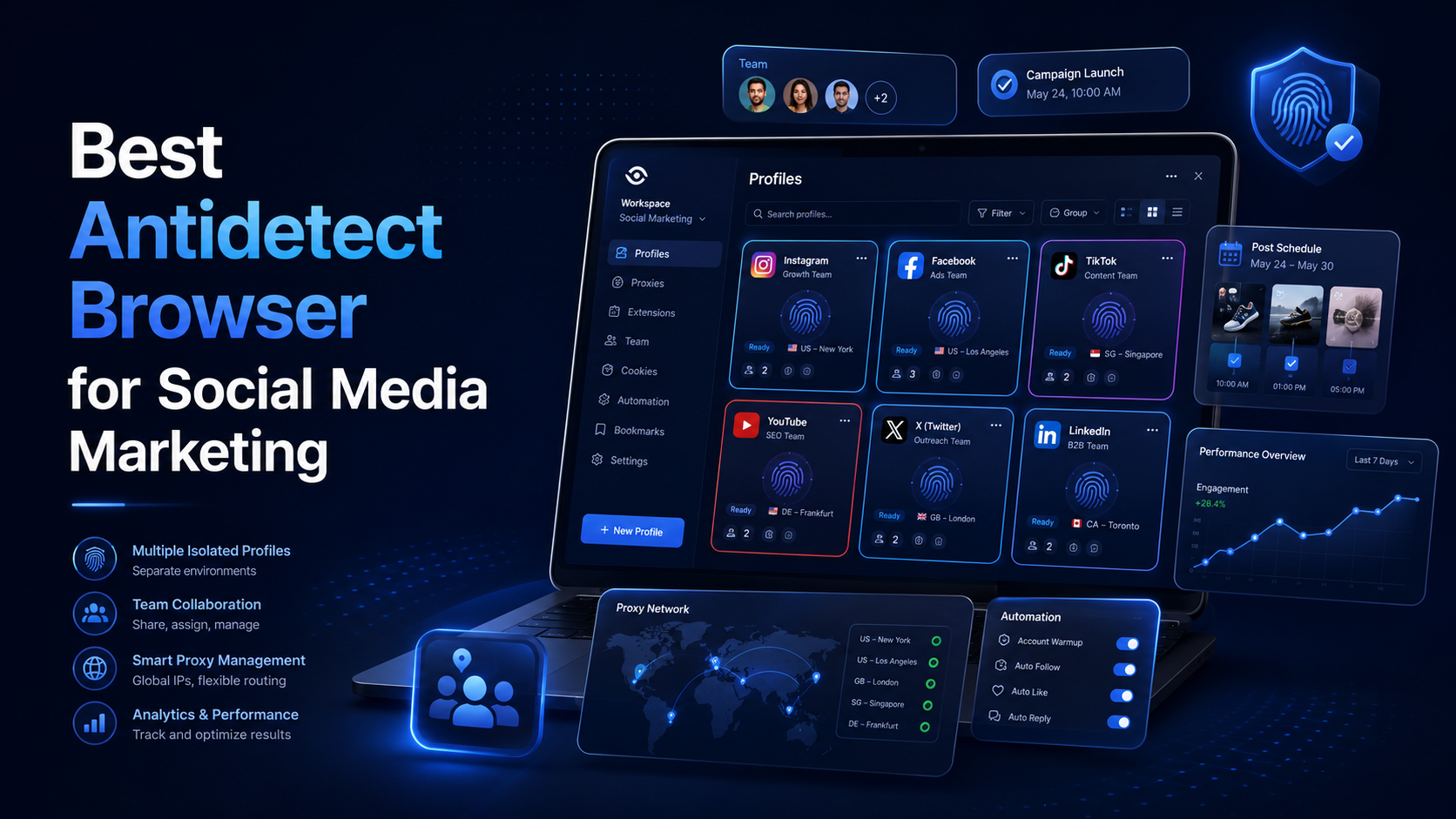
Best Antidetect Browser for Social Media MarketingSocial media marketing is no longer limited to publishing content on one Facebook or Instagram account. Agencies and in-house marketing teams may manage several brands, regional pages, advertising accounts, content calendars, and client workspaces at the same time.This creates an operational challenge. When multiple accounts are opened in the same[…]
Canvas Fingerprinting: What It Is & How to Block ItWhat is canvas fingerprinting?Canvas fingerprinting is a browser tracking technique that uses the HTML5 canvas element to generate a unique signal from your device, browser, graphics hardware, fonts, and rendering behavior. Websites can use this signal to recognize a browser even when cookies are cleared or blocked.Unlike cookies, canvas[…]

The dark web is a fascinating realm. It's a part of the internet that's hidden from conventional search engines.To access it, you need a special tool. A dark web browser is your gateway to this hidden part of the internet.But not all dark web browsers are created equal. Some offer better security features, while others provide a more user-friendly interface.Choosing the right dark web browser is[…]
