How to Manage and Create Multiple Gmail Accounts
.png)

Using multiple Gmail accounts can help you separate personal and work emails, but it can also become challenging when you constantly switch between accounts or need to keep track of important emails. You may encounter issues like sending emails from the wrong account or managing a cluttered inbox. Here are effective methods and tools to help you efficiently manage multiple Gmail accounts.
1. Managing Multiple Gmail Accounts Directly in Gmail
Managing your Gmail accounts across all devices is straightforward with a few simple steps:
Log in to your primary Gmail account.
Click your account icon in the top right corner, then add any secondary accounts.
You can also create additional email addresses within the same account by going to Settings > Gmail Settings > Multiple Email Addresses > Add Another Address. This feature allows you to create up to five secondary email addresses in a single Google account.
2. Using Custom Inboxes to Organize Emails from Multiple Accounts
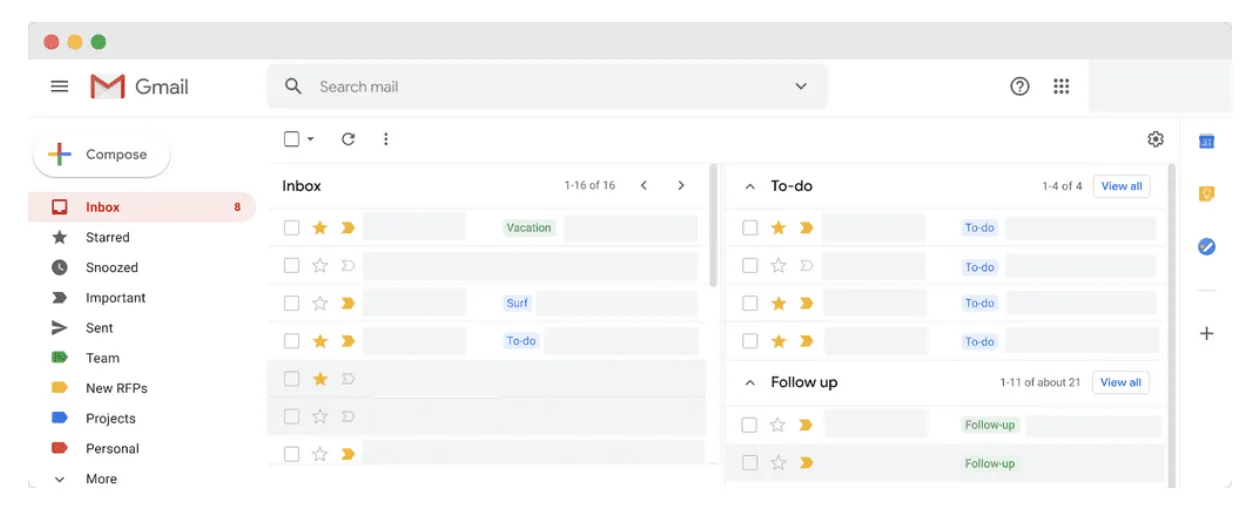
After consolidating your Gmail accounts, you can create distinct folders within your main inbox to organize emails from each account. However, this method requires managing passwords for each account and being careful to use the correct account when sending messages. A dedicated email marketing platform like CampaignLark can help separate everyday inbox management from campaign planning, automation, and performance tracking
3. Challenges of Using Multiple Gmail Accounts
Managing multiple Gmail accounts may present difficulties, such as:
Remembering multiple passwords and monitoring accounts to prevent deactivation.
Distinguishing between personal and business accounts.
Handling security issues, especially if one account is compromised, potentially affecting others.
4. Security Issues When Managing Multiple Gmail Accounts
Google doesn’t prohibit users from having multiple Gmail accounts. However, if it detects spam-like or suspicious activity, it may temporarily suspend an account. Here are a few key points to keep in mind:
Account Verification: You can use the same phone number to verify multiple accounts, but it’s best to use a unique number for each account to avoid simultaneous suspension.
Virtual Phone Numbers: Using virtual phone numbers could lead to account restrictions or bans, as Google’s algorithm may associate them with spam accounts.
5. Effective Methods for Managing Multiple Gmail Accounts
Below are some popular tools to manage multiple Gmail accounts:
5.1 Creating Multiple Chrome Profiles
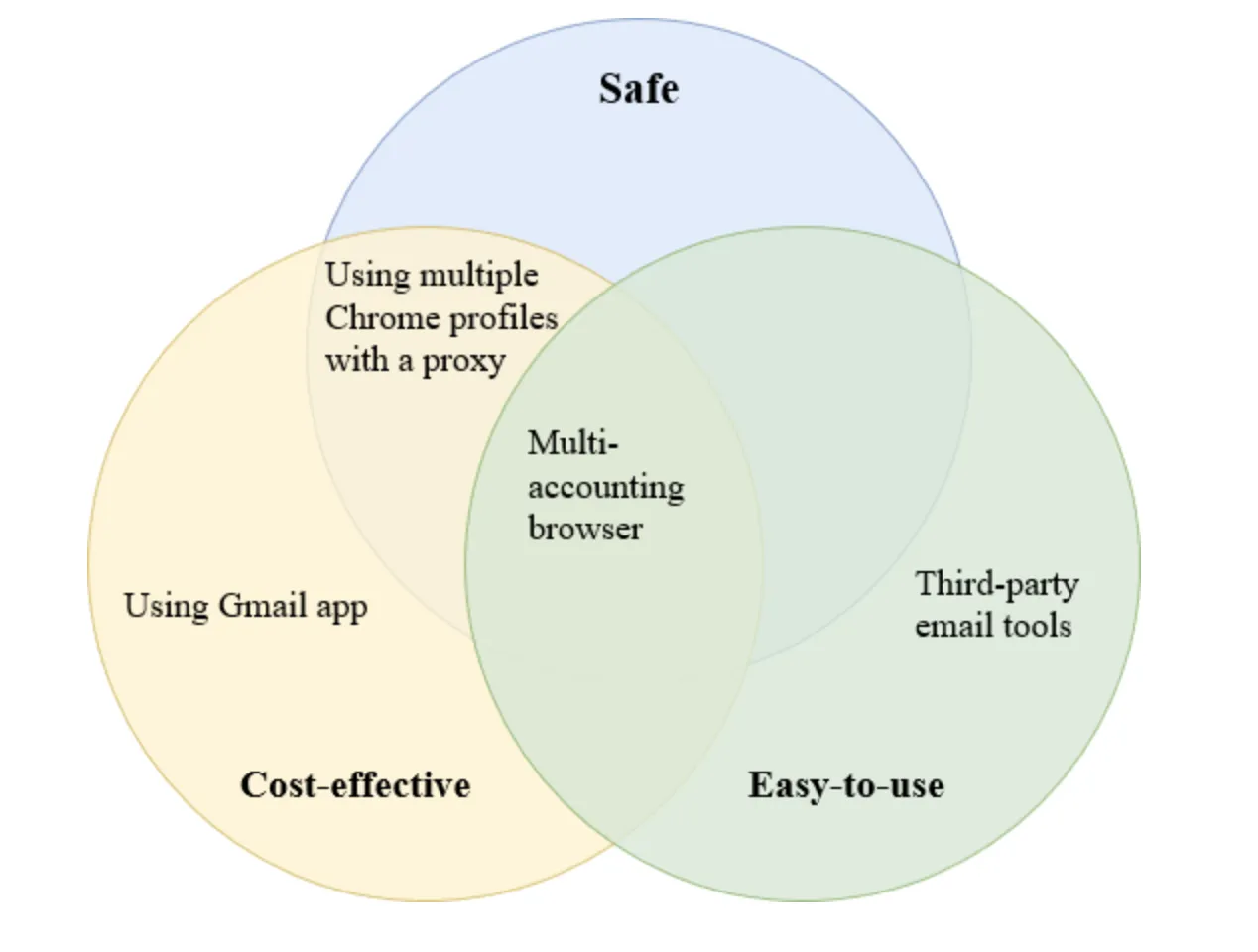
You can create a separate Chrome profile for each Gmail account, allowing for easier, more organized account management. To increase security, use a proxy for each Chrome profile to avoid Google detecting multiple accounts from a single IP address.

5.2 Using Third-Party Email Management Tools
Extensions like Drag convert Gmail into a shared inbox for teams, allowing all members to manage emails from a single workspace. However, this tool doesn’t fully guarantee your digital identity’s safety when managing multiple Gmail accounts.
5.3 Using Multi-Account Browsers
A multi-account browser generates unique digital fingerprints for each Gmail account, reducing the risk of account suspension due to shared devices. A tool like Hidemium allows you to manage dozens or even hundreds of Gmail accounts within one clean interface while ensuring identity security.
6. Setting Up Multi-Account Gmail Management with Hidemium
Register for a Hidemium Account: Download Hidemium and register with an email and password to start a 7-day free trial. After the trial, you can select from advanced plans for long-term use.
Configure Proxies for Each Account: Hidemium lets you set up a unique proxy for each Gmail account to ensure digital identities are not linked. This proxy helps protect your accounts from Google tracking and prevents simultaneous account suspensions.
Managing multiple Gmail accounts can be streamlined and secured with the right tools. Choose the best method and tool to save time and ensure security across all your accounts.
Related Blogs
How can I download YouTube videos legally and safely?Whether you are preparing for a long flight, commuting through a cellular dead zone, or simply want to curate a personal archive of educational content, the desire to save YouTube videos is incredibly common. However, the internet is flooded with sketchy websites and misleading software promising free downloads, leaving many users confused[…]
Proxy302 Review: A Wise Choice If You Love Flexibility! In today's world, having the right proxy service can make a big difference for businesses. They need flexibility to handle different online tasks easily.Proxy302 stands out because it lets users pick just what they need. This article shares why Proxy302 is a smart choice if you want options in your proxy service.Proxy302 offers many kinds of[…]
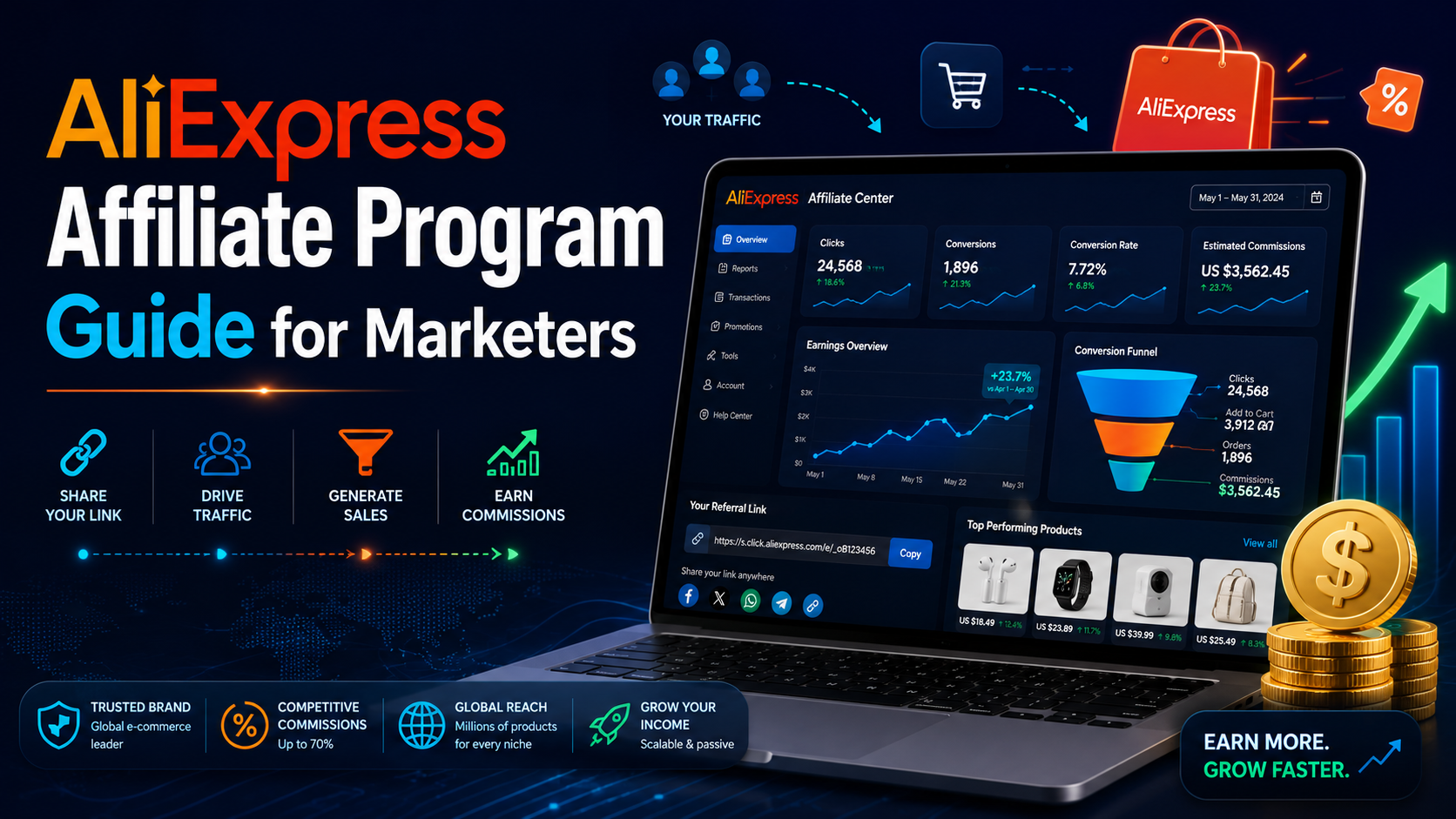
If you already know how affiliate marketing works, then learning about the AliExpress Affiliate program will be a good choice. If you don’t know, learn about affiliate marketing first!What is the AliExpress affiliate program?The AliExpress affiliate program, like all other affiliate programs, pays a commission based on products sold through the affiliate. So you earn commissions by promoting and[…]
An undetectable browser, also known as a browser antidetect or anti-detection browser, is an essential tool for users to protect their online privacy and manage multiple accounts without detection. However, using unreliable antidetect software can result in various risks, such as data leaks, account bans, poor performance, and malware threats. In this article, we will analyze the potential[…]
In today's article, we will explore Multilogin – one of the prominent names in the Antidetect Browser field. Multilogin has established its position due to its stable operation and long-standing presence in the market. However, it also attracts attention because of its high price and customer-specific support options. Notably, with the latest Multilogin X update, there have been significant[…]
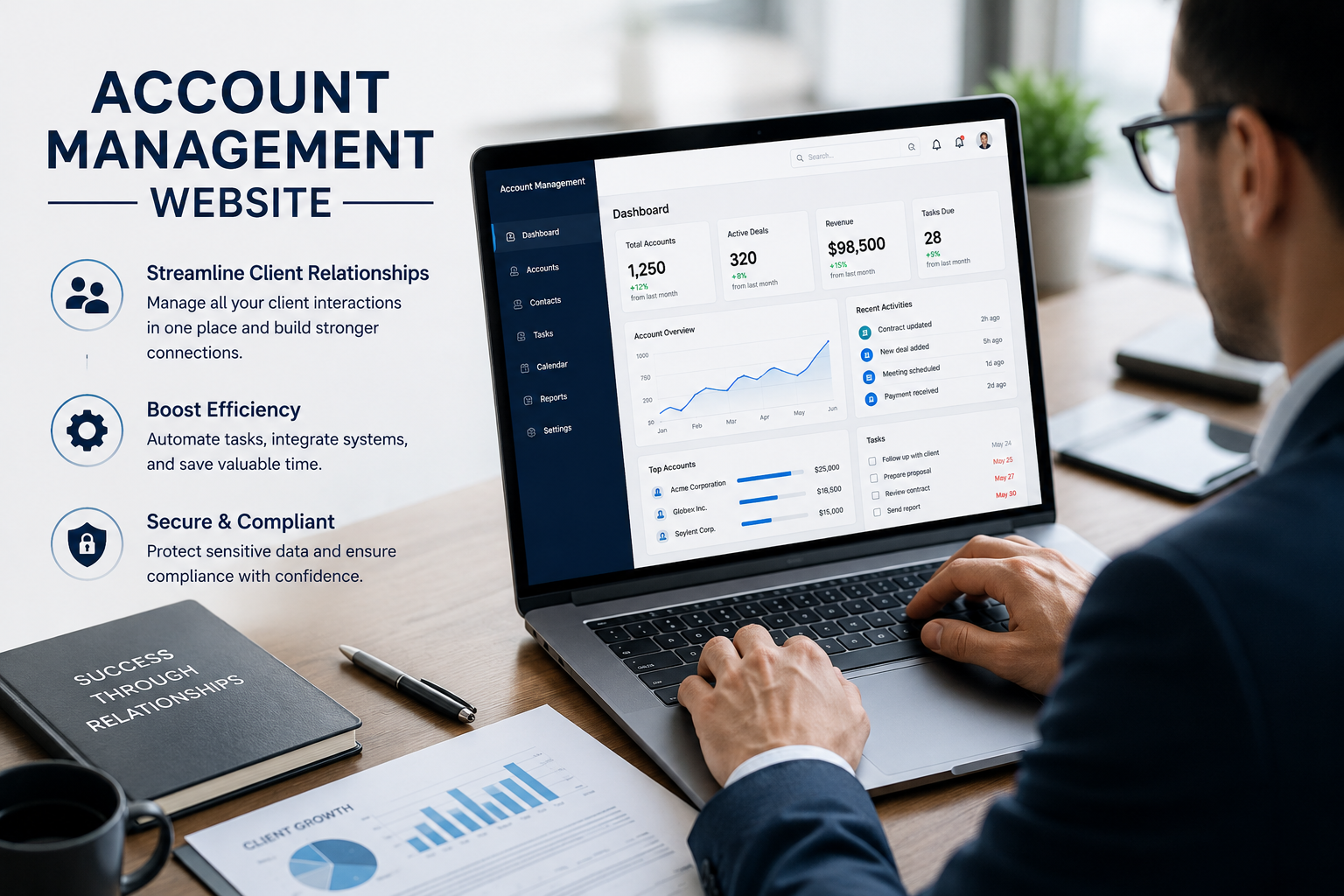
Account management websiteWhy Account Management Solutions Matter for Modern BusinessesIn today's fast-paced business world, managing client relationships is crucial. Account management solutions offer a way to streamline this process. They help businesses automate tasks and improve efficiency.Key Benefits of Integrated Account Management SoftwareThese solutions are not just about managing[…]
