How to Run Multiple Gmail Accounts Safely in 2026
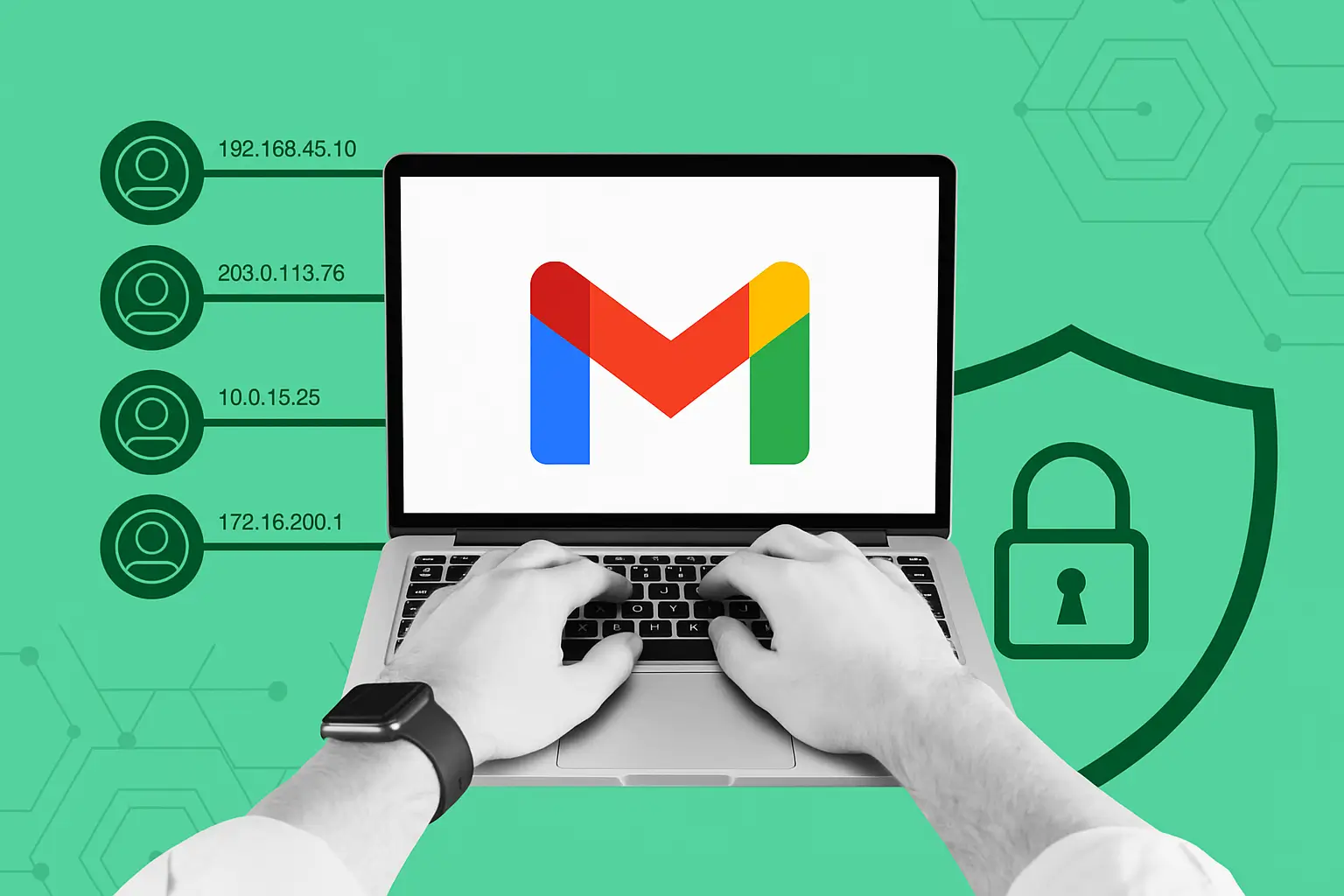

Can You Have Multiple Gmail Accounts?
Yes — Google officially allows users to have multiple Gmail accounts. There's no hard limit on how many accounts you can create. However, running multiple accounts from the same browser, device, or IP address can trigger Google's fraud detection systems, leading to account suspensions or permanent bans.
In 2026, Google's account security systems have become significantly more sophisticated. Simply opening incognito windows or switching accounts in the same browser is often enough to get accounts flagged as potentially fraudulent. Here's what you need to know to run multiple Gmail accounts safely at scale.
Why Google Detects Multiple Accounts
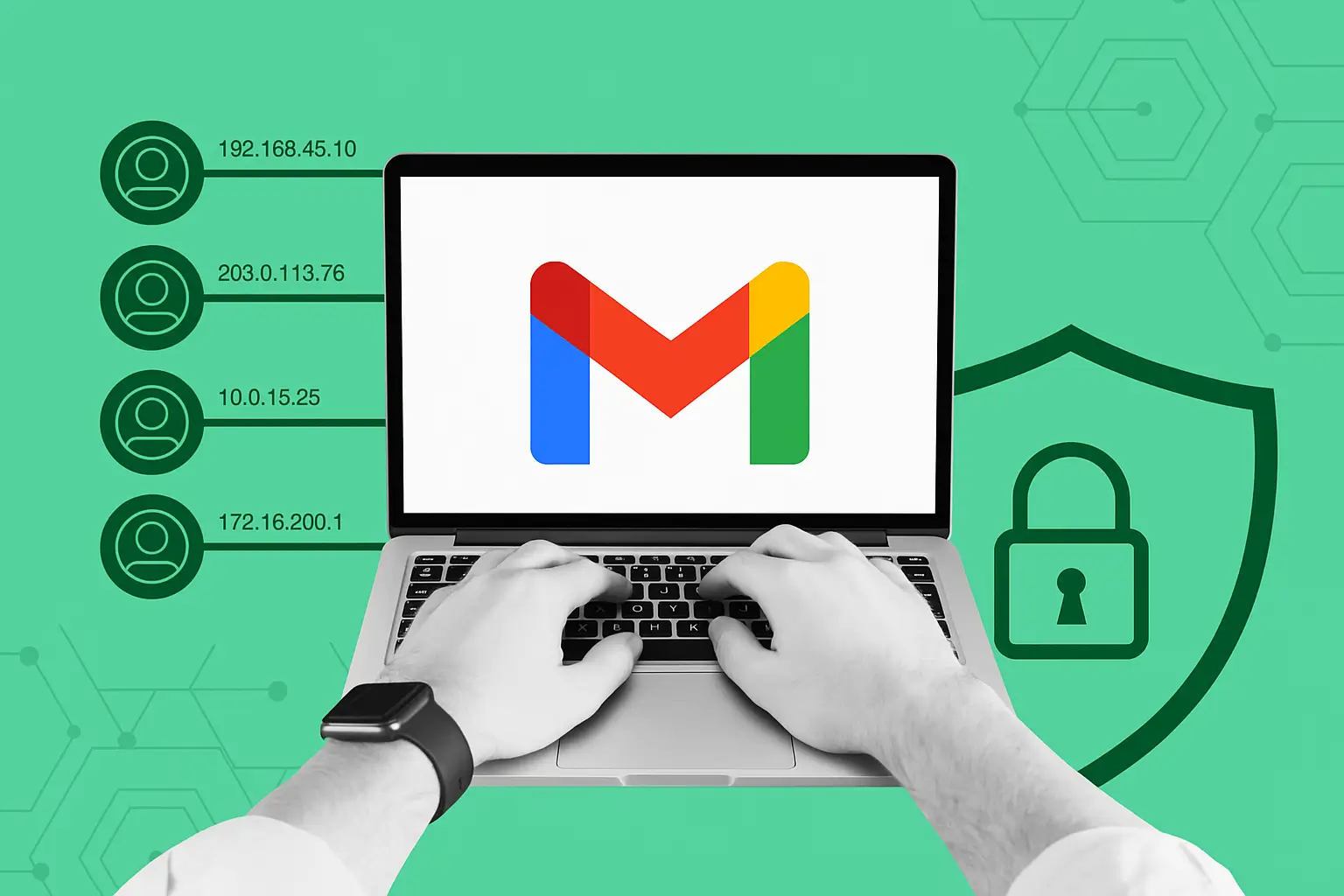
Google uses a combination of signals to detect users running multiple accounts:
- Browser fingerprint: The unique combination of your hardware and software settings that identifies your browser across sessions
- IP address: Multiple accounts logging in from the same IP triggers risk scoring
- Cookies and local storage: Cross-contamination between accounts in the same browser creates detectable patterns
- Behavioral patterns: Similar typing rhythms, navigation patterns, and activity schedules across accounts
- Device recognition: Screen resolution, GPU fingerprint, and hardware configuration
When Google detects these patterns, it may require phone verification, limit account features, or permanently suspend accounts suspected of policy violations.
How Many Gmail Accounts Can You Have?
Google doesn't publish a maximum number, but practical limits exist based on phone numbers — Google typically allows verification of 4-10 accounts per phone number. For professional use cases requiring dozens or hundreds of Gmail accounts, you need a more systematic approach.
The Safest Way to Run Multiple Gmail Accounts in 2026
The most reliable method for managing multiple Gmail accounts without bans is to use an antidetect browser with isolated profiles and quality proxies. Here's how this works with Hidemium:
- Create a separate Hidemium profile for each account: Each profile gets a completely unique browser fingerprint — different User-Agent, Canvas signature, WebGL hash, screen resolution, and timezone
- Assign a unique proxy to each profile: Use residential or mobile proxies to give each account a distinct, clean IP address. Mobile proxies work particularly well for Gmail as they appear as regular smartphone users
- Never cross profiles: Log into each Gmail account only from its designated Hidemium profile — never switch accounts within the same profile
- Match timezone to proxy location: Hidemium automatically syncs browser timezone with proxy location, creating a consistent geographic profile
- Use different recovery information: Each account should have unique recovery email/phone combinations to avoid linking accounts in Google's systems
Use Cases for Multiple Gmail Accounts
There are many legitimate professional reasons to manage multiple Gmail accounts:
- Business operations: Separate accounts for different departments, projects, or client relationships
- Marketing and outreach: Email warm-up campaigns require multiple sending accounts to build domain reputation
- Software testing: Developers testing Google integrations need multiple accounts to simulate different user scenarios
- Research and scraping: Accessing Google Search, YouTube, and other Google services from fresh accounts for research purposes
- Privacy separation: Keeping personal, professional, and business activities in separate isolated accounts
Gmail Account Limits: What You Need to Know
Key Gmail limits to be aware of when managing multiple accounts:
- Sending limits: Standard Gmail accounts can send up to 500 emails per day. Google Workspace accounts can send up to 2,000 per day
- Storage: 15GB free storage per Google account, shared across Gmail, Drive, and Photos
- New account restrictions: Newly created accounts often have sending restrictions for the first 7-30 days
- Phone verification: Google requires phone number verification, with a limited number of accounts per phone number
Managing Gmail Accounts at Scale with Hidemium
For teams managing 10, 50, or hundreds of Gmail accounts, Hidemium provides the infrastructure to do this safely and efficiently:
- Profile organization: Group profiles by project, client, or purpose with Hidemium's folder system
- Team access: Share profile access with team members while maintaining account isolation
- Automated workflows: Use Hidemium's built-in automation to handle repetitive tasks across multiple accounts simultaneously
- Proxy management: Manage and rotate proxy assignments across your entire account portfolio from one dashboard
Start Managing Multiple Gmail Accounts Safely Today
Hidemium is used by thousands of marketers, developers, and business professionals to manage multiple Google accounts without risk of cross-contamination or detection. Download Hidemium for free and set up your first isolated Gmail profile in under 5 minutes.
Related Blogs

In the digital age, online identity protection and multi-account management are crucial for many industries. Online platforms are tightening moderation policies and using digital fingerprinting technology (browser fingerprinting) to detect and restrict unusual activities. This creates challenges for individuals and businesses operating multiple accounts, running advertising campaigns, or engaging[…]

When accessing the website but encountering errors such as 404 Page Not Found good 502 Bad Gateway, most likely the cause comes from the DNS cache on the device. At this point, Flush DNS is a simple but extremely effective solution to handle this situation. So what is Flush DNS and how to do it? Together Antidetect Browser Hidemium ratherDiscover details below!1. What is DNS Flush?Flush DNS is[…]

Sales teams lose more revenue to bad CRM data than to any single competitor. Reps are told the CRM is the "source of truth," yet 27% of sales data sits inaccurate at any given moment, and reps burn roughly 546 hours a year cleaning it up. That is not a workflow issue. It is a mechanism failure. For years, the fix was more discipline: better templates, mandatory fields, quarterly hygiene projects.[…]

When managing multiple accounts for MMO, eCommerce, or multi-platform marketing, IP address and geographic location are always among the top risk factors. If multiple accounts log in from the same IP or an incorrect location, platforms can easily detect account linkage, leading to suspensions or bans.This is also why using a proxy alone is no longer sufficiently safe. A more sustainable solution[…]
Canvas Fingerprinting: What It Is & How to Block ItWhat is canvas fingerprinting?Canvas fingerprinting is a browser tracking technique that uses the HTML5 canvas element to generate a unique signal from your device, browser, graphics hardware, fonts, and rendering behavior. Websites can use this signal to recognize a browser even when cookies are cleared or blocked.Unlike cookies, canvas[…]
If you are using Binance exchange to invest in crypto, or trade digital assets, have you ever wondered. “Can I create multiple Binance accounts?”. This is a common question, especially for those who want to separate personal and business accounts, or sub-accounts for capital, creating Referrals Marketing (Refer others to get rewards).In this article,Antidetect Browser Hidemium will help you[…]
