Accurately Check Proxy & Firewall in 3 Minutes
.png)

In the context of rapidly advancing technology, mastering how to check Proxy and Firewall will help users protect their information security and optimize their web browsing experience. Let's join Hidemium to explore simple methods for checking Proxy and Firewall through the detailed instructions in the article below.
How to Check Proxy and Firewall on Win 10, Win 11
Proxy and Firewall are two essential tools for managing network traffic and protecting systems from external threats. Regularly checking your Proxy and Firewall settings is crucial to ensure they are working effectively and have no security vulnerabilities. Below are detailed methods for checking Proxy and Firewall.
How to Check Proxy using Free Online Services
To check your Proxy, you can use free online services. Simply open your web browser on your device and visit websites such as https://www.whatismyproxy.com/ or https://ipfighter.com/. After checking, the results will be displayed on your screen, showing you the Proxy's IP address, location, and status.
How to Check Firewall on Win 10, Win 11
To check the firewall on Windows 10 and Windows 11 accurately, you can follow these steps:
Step 1: Open Windows Settings
Go to Control Panel or press the Windows + X key. In Control Panel, select "System and Security", then select "Windows Defender Firewall".
Step 2: Complete the check
In the left-hand menu, select "Turn Windows Defender Firewall on or off". Options will appear, allowing you to turn off Windows Defender Firewall for both "Private network settings" and "Public network settings".
Check the boxes as shown in the illustration below and click "OK" to save the changes.
Related Blogs
Selecting the right dropshipping tools is the key factor that helps businesses not only survive but also develop sustainably. According to statistics, 57.4% of the top 1% of dropshipping store owners are using more than 10 different applications to operate and optimize operations.In the context of fierce market competition, shop owners need to constantly search for exclusive products, cost[…]
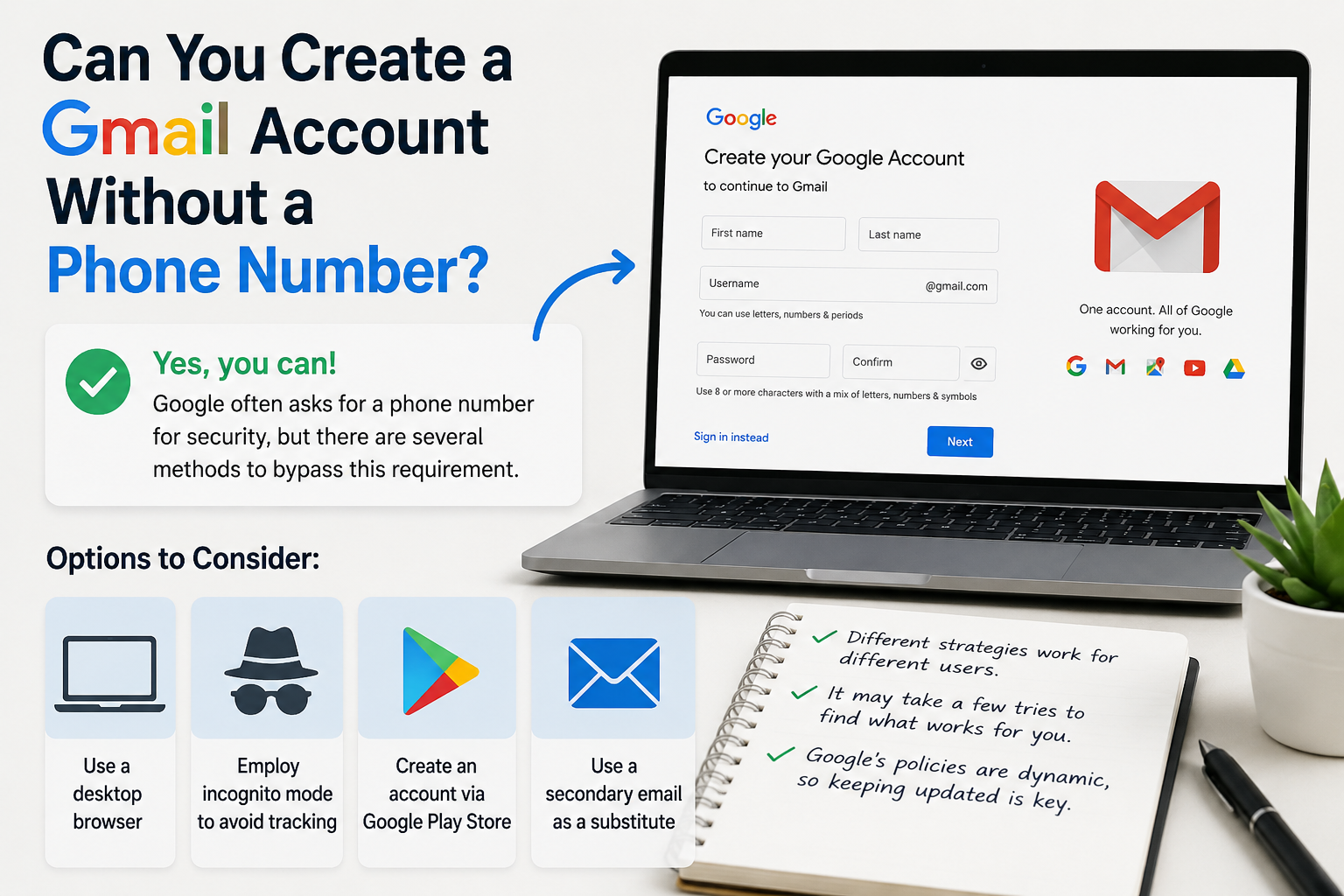
Create gmail with no phone numberCreating a Gmail account without a phone number is possible. Many users prefer this for privacy reasons.Google often requests a phone number for verification. However, there are ways to bypass this step.This guide will show you how to create a Gmail account without providing a phone number.We will explore different methods and tips to achieve this.Whether you're[…]
LinkedIn Premium offers a variety of plans to suit every professional's needs. In this article, you'll learn how to get LinkedIn Premium for free completely, along with a list of outstanding offers in 2025.Whether you're looking for a job, generating leads, growing your business, or recruiting top talent, LinkedIn Premium is the tool to help. Plus, Hidemiumalso share one New alternatives in 2025,[…]

In a network system, MAC address and IP address Both serve to identify devices, but they perform completely different functions. Understanding the difference between these two types of addresses not only helps you manage your network better, but is also key to ensuringinformation security – especially for those working in the field Cyber Security or digital marketing.Let's go together Hidemium[…]
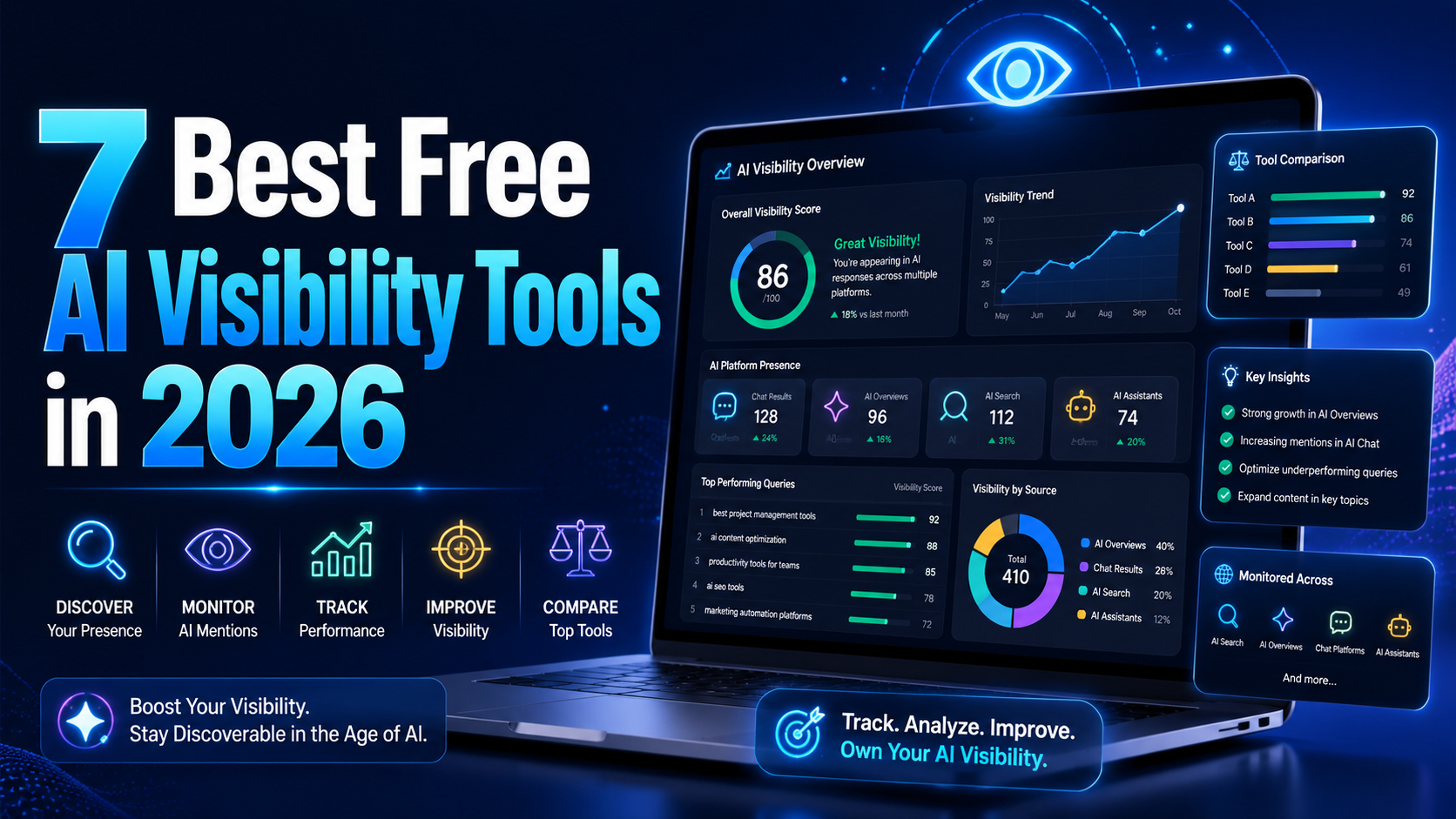
AI visibility is now increasingly talked about measures in marketing and with an excellent reason. As more consumers are asking ChatGPT, Gemini, and Perplexity to provide product recommendations instead of typing an inquiry into Google, companies must be aware of whether AI instruments are actually talking about their brands. It's good to know that there is no need for an enterprise budget to[…]
.png)
Have you heard of TikTok SEO? It’s not just a trend but a "golden" tool that helps your videos stand out among millions of other content on the platform. TikTok SEO works similarly to website SEO—optimizing keywords, analyzing data, and implementing strategies to ensure your content appears in the right place at the right time.According to a study by Google, 40% of today's younger generation use[…]
