Master Facebook Account Management: Secure & Optimize
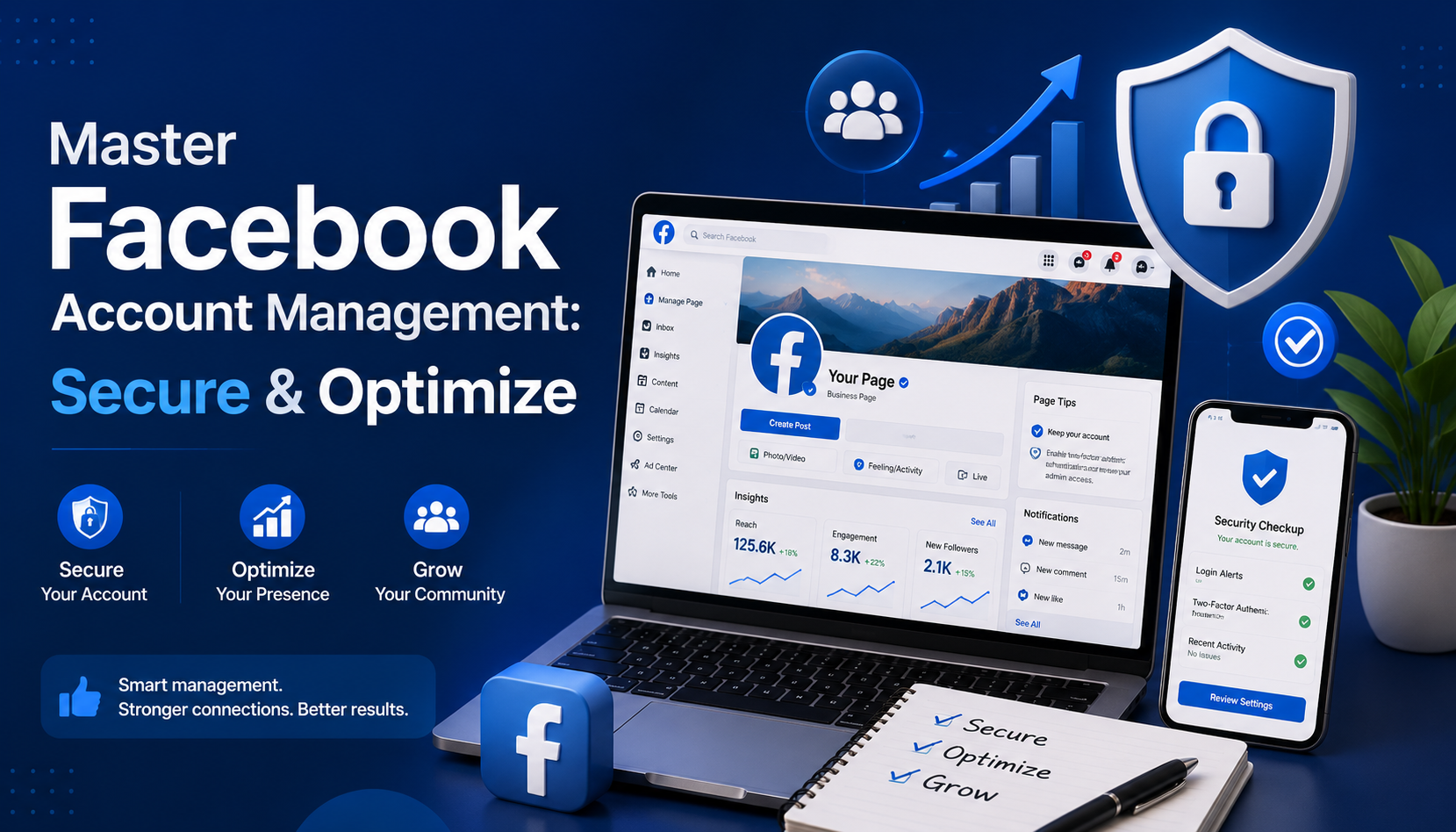

Mastering Facebook Account Management for Personal and Business Use
Whether you are an individual casually connecting with friends or a brand striving to build a loyal community, mastering the art of facebook account management is essential. Facebook has evolved from a simple college networking site into a complex ecosystem requiring both careful personal oversight and strategic business navigation.
For comprehensive account management, Facebook requires a dual approach: safeguarding your personal digital footprint while optimizing your professional presence. In this guide, we will explore practical strategies for maintaining a secure, private, and highly effective presence on the platform, blending personal account care with professional social media management techniques.
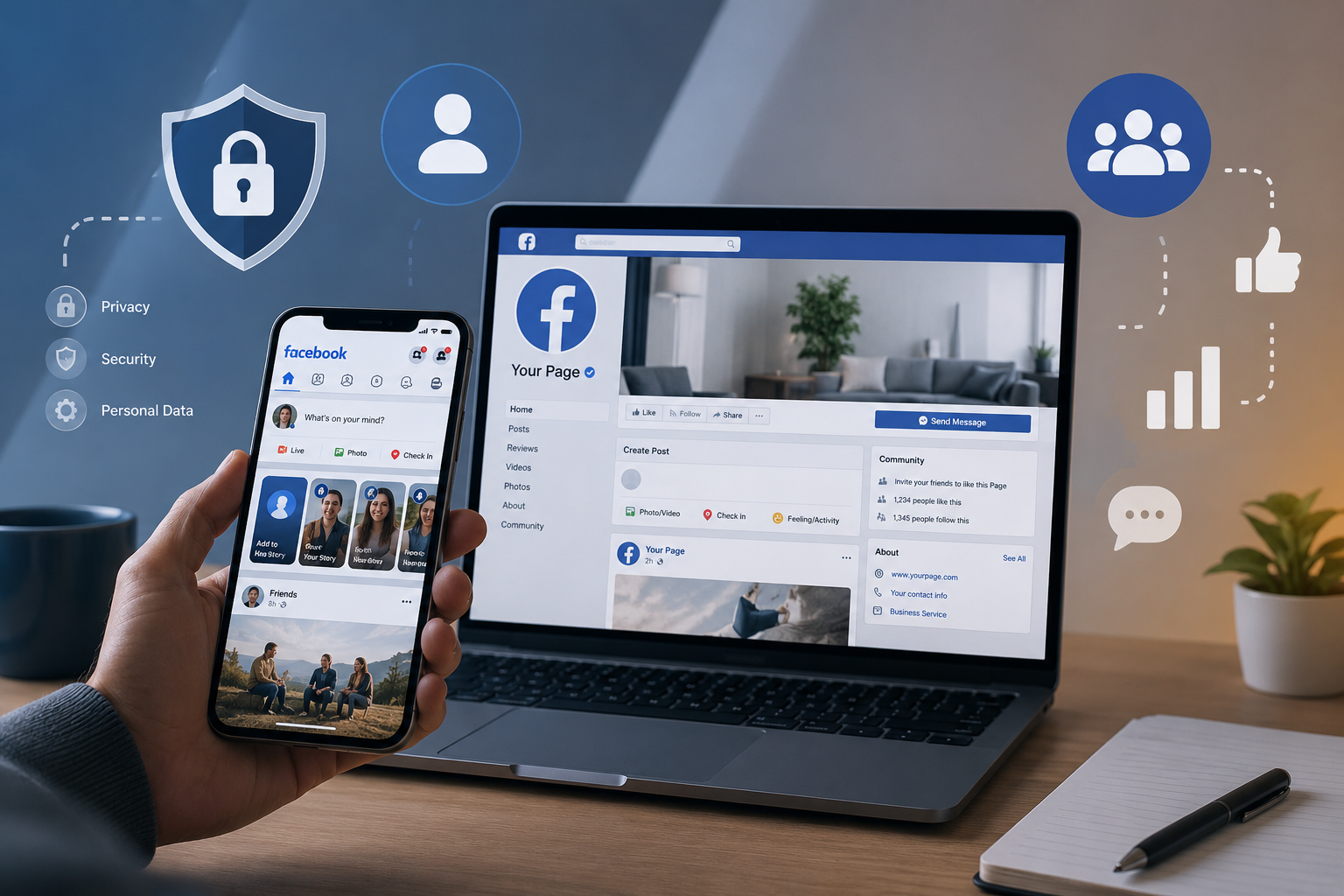
Personal Profile Management: Security and Privacy First
Your personal profile is the key to everything you do on the platform. Before you start running ads or managing community pages, your foundation must be rock-solid.
Fortifying Your Account Security
In an era where digital threats are increasingly common, knowing how to secure Facebook profile from hackers should be your top priority. Security is not a one-and-done task; it requires proactive measures such as strong authentication, regular security reviews, and Zerofox alternatives for continuous social media threat detection and brand protection.
The most effective step you can take is completing your two-factor authentication setup (2FA). By requiring a secondary code sent to your mobile device or an authenticator app, you build an impenetrable wall against unauthorized logins.
Additionally, you should stay vigilant about who (and what) has access to your data. Over the years, you have likely used Facebook to log into various games, quizzes, and external websites. Routinely reviewing and removing third-party app access prevents these external platforms from continuously scraping your data long after you have stopped using them.
Unfortunately, even with tight security, bad actors exist. If you ever discover a cloned profile using your photos and name, immediately utilize the platform's tools for reporting impersonation and identity theft. Facebook has dedicated channels to swiftly remove these fraudulent accounts and protect your reputation.
Mastering Your Privacy Settings
Privacy on social media is entirely in your hands, provided you know where to look. To ensure your information is only visible to those you trust, run through a quick privacy settings audit checklist:
- Default Audience: Set your future posts to "Friends" rather than "Public."
- Profile Discoverability: Restrict who can look you up using your email address or phone number.
- Tagging and Timeline: Enable timeline review so you have the final say on what tagged photos appear on your profile.

For complete transparency regarding what the platform knows about you, consider downloading personal data archive. This feature allows you to export your entire Facebook history—including posts, photos, and messages—giving you a tangible backup of your digital life and a clear view of your shared data.
Day-to-Day Profile Optimization
Effective management is also about curating your daily experience. If you find yourself overwhelmed by constant pings, spend a few minutes customizing notification alerts. You can mute specific groups, turn off email notifications, and prioritize updates from close friends, drastically reducing digital fatigue.
You may also want to separate your professional and personal lives. Meta now allows managing multiple profiles on one device under a single login. This means you can have a main profile for family and a separate, dedicated profile for your local community groups or professional networking, all without constantly logging in and out.
Finally, it is wise to plan for the future. By setting up a legacy contact, you designate a trusted friend or family member to manage your memorialized account in the event of your passing. They won't be able to read your private messages, but they can pin a final post, respond to new friend requests, and update your profile picture.
Taking a Break: Pausing or Leaving the Platform
Social media burnout is real, and occasionally, you may need a hiatus. When that time comes, it is crucial to understand the difference between deactivating vs deleting Facebook account.
Deactivating is a temporary measure. Your profile disappears from public view, and people cannot search for you. However, you can still use Messenger to stay in touch, and the moment you log back in, your account is fully restored.
Deleting, on the other hand, is an irreversible action. Once you initiate deletion, Facebook gives you a 30-day grace period. If you do not log in within those 30 days, your photos, posts, and account data are permanently wiped from Meta’s servers. Always download your data archive before choosing this nuclear option.

Mastering Facebook Business Page Management
Once your personal profile is secure, you can confidently shift your focus to the business side of the platform. Professional social media management demands a structured, strategic approach, moving beyond simple status updates into the realm of analytics, team collaboration, and targeted marketing.
The Power of Meta Business Tools
Trying to run a business page from your personal newsfeed is a recipe for disorganized chaos. To scale your brand, you need a dedicated facebook business management account. Previously known as Facebook Business Manager, this centralized hub separates your personal profile from your business assets, ensuring you never accidentally post a personal photo to your company’s page.
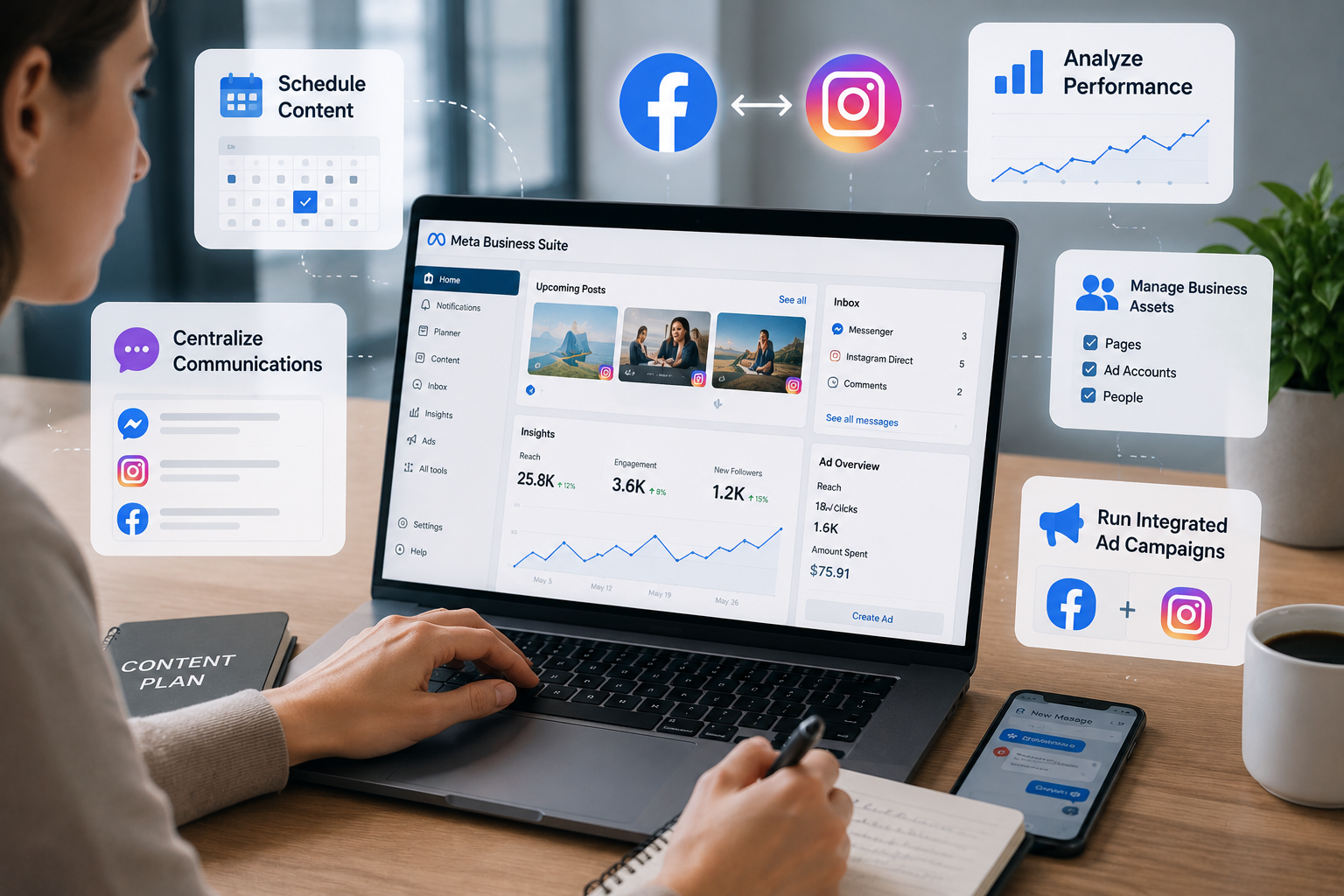
To truly streamline your workflow, a quick Meta Business Suite walkthrough is highly recommended. The Business Suite is your daily command center. Here, you can:
- Schedule Content: Draft and schedule Facebook posts and stories weeks in advance using the built-in content planner.
- Centralize Communications: Reply to Facebook comments, Messenger chats, and Instagram Direct Messages from a single unified inbox.
- Analyze Performance: Access deep insights into your audience's demographics, post reach, and engagement metrics to refine your content strategy.
A major advantage of this suite is the seamless integration between platforms. By linking Instagram and Facebook accounts, you ensure brand consistency. You can cross-post content simultaneously, sync your business contact information, and run integrated advertising campaigns that reach users across both networks effortlessly.
Team Collaboration and Roles
As your business grows, you will likely need help managing your social media presence. Sharing your personal login credentials is a massive security risk and violates Facebook’s terms of service. Instead, focus on assigning page administrative roles.
Meta provides tiered access levels for team members. You can assign someone as an "Editor" to create content and reply to comments, or as an "Analyst" simply to review performance metrics. The "Admin" role should be strictly reserved for business owners, as Admins have the power to delete the page or remove other team members.
Advertising and Troubleshooting
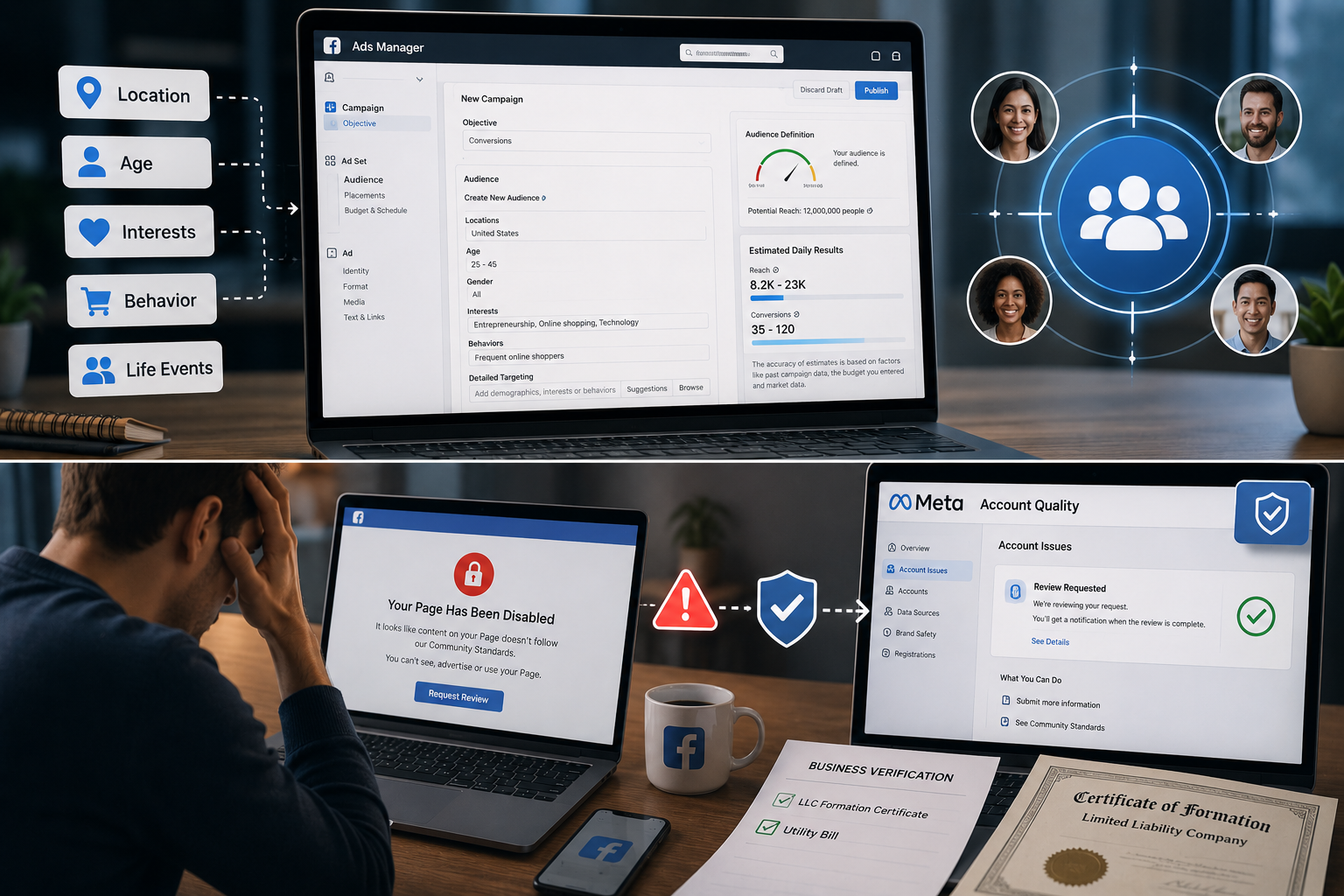
Organic reach on Facebook is notoriously challenging, making paid advertising a necessity for many brands. When creating campaigns, adjusting ad targeting preferences is where the true power of Facebook's algorithm shines. You can target users based on hyper-specific criteria: their geographical location, age, interests, purchasing behavior, and even life events like recently moving or getting married. Regularly refining these preferences ensures your marketing budget is spent on users most likely to convert into customers.
However, business management isn't without its hurdles. One of the most stressful experiences for a social media manager is waking up to find a page restricted or banned. Navigating the process of recovering disabled business pages requires patience. Usually, this happens due to an automated flag for a policy violation—such as a misunderstood ad creative or an aggressive posting frequency.
If this happens, do not panic. Head directly to the Meta Account Quality dashboard. Here, you can request an official review by a human representative. Be prepared to provide business verification documents, such as an LLC formation certificate or a utility bill, to prove your brand's legitimacy.
The Evolution of Account Management
Proactive Facebook Account Management and Tool Utilization
The landscape of digital interaction is constantly shifting, and Meta frequently rolls out new interface updates, privacy regulations, and algorithm changes. Staying proactive rather than reactive is the golden rule of platform management.
Whether you are performing a routine privacy checkup to keep hackers at bay, curating your newsfeed notifications for better mental health, or diving deep into ad targeting for your e-commerce store, success relies on utilizing the specific tools Meta provides.
By treating your digital presence with care, maintaining strict security protocols, and leveraging professional business hubs, you can transform Facebook from a distracting time-sink into a powerful, secure engine for personal connection and business growth. Make it a habit to audit your settings quarterly, keep your team's administrative roles updated, and always stay informed about the latest security features to keep your accounts thriving.
Related Blogs

Here's a number that should keep product managers up at night: 62.54% of global website traffic now comes from mobile devices. Not desktops. Not tablets. Phones.And if you're building anything for the web in 2025, that stat changes everything about how you approach development and testing. The desktop-first mentality that dominated web development for two decades? It's basically over.Why Mobile[…]

In the current market, when consumers form an opinion about your business by just taking a glance at your visuals, it is essential to pay attention to your brand identity.The logo, brand colors, slogan, and even fonts and text styles are what make your brand stand out. Especially in 2026, when the market is more competitive than ever before, it is essential to create unique features for your[…]
Creating an account to sell on Amazon is not easy for sellers. However, locked Amazon accounts are even more common problems. Losing an account is a significant loss for those who trade even for a day. This is unavoidable in the sales process. So what can you do when Amazon ban your account? Or how to minimize these risks? Find out below!What is a suspended Amazon account? Sanctions from[…]
You used to post regularly but suddenly your engagement dropped sharply? No likes, comments, or shares at all? It’s very likely you are being shadowbanned – a hidden moderation mechanism that social media platforms apply to limit content visibility without issuing any kind of warning.In this article, Hidemium will help you understand more clearly what shadowban is, the signs to recognize when you[…]
Are you starting your content creation journey and struggling to get free YouTube views? Getting your first 1,000 views can be a big challenge, especially if you don’t want to run ads or use support tools. However, it is completely possible to get free YouTube views without using tools and without running ads if you apply the right strategy. In this article, you will discover effective, safe and[…]
Having your Reddit account temporarily suspended can be frustrating, especially if you don't know why. Understanding the reasons and how to fix it can help you regain access quickly or safely create a new account. In this article, Hidemium will break down the common reasons why Reddit accounts get suspended, how long they last, and what to look for when creating a new Reddit account.1. Common[…]
