.png)

Browser fingerprint spoofing is often used in advertising and MMO activities. Run multiple accounts and as a result, you get an email that stops all of your business: “Your account is suspended”. When this is the case, you are very unlikely to appeal and have almost no chance of recovery with platforms like Facebook Business. What will you do to remedy this situation?
Usually, many people will think of a solution to block browser fingerprints. In other words, block the attempts of websites and platforms to track and verify your identity. However, this is not the wise way to do it. Because as soon as a website is tracking what it considers to be a malicious activity that you try to hide your identity, you will be flagged as suspicious. And finally, the account got banned.
What is browser fingerprinting spoofing?
So if fingerprint blocking isn’t possible, what about mimicking or spoofing another device? This way multiple profiles can be accessed from a single device. But this way is also fraught with problems.
In the past, browser fingerprint spoofing could have been a relatively simple operation. It seems to be just a case of modifying the user agent string. But now, it can disappear in an instant.
For example, you can change the operating system type and feel it’s fine. But in reality, you realize other elements also need to be altered in detail and these mismatches become dangerous.
If you are faking a specific operating system, for example, iOS mobile operating system – any corresponding details need to match as well. For example, make sure the screen resolution is suitable for mobile devices, not desktops or laptops. Or even set the X and Y values of the browser window permanently at 0 because the browser cannot be resized on mobile devices. And smaller details like fonts won’t be the same on all systems, either.
The best way to stop account bans – Hidemium
Ultimately, the best way to prevent an account from being banned is to meet these 2 factors:
- It does not prevent browser fingerprinting. Failure to do so will result in a ban.
- It must be authenticated and identical to the real user. Otherwise, it will also be quickly identified.
Hidemium is the perfect solution for browser fingerprint spoofing. The software uses native browser profiles that allow browser fingerprints as they appear to third parties, as native devices. With the ability to customize your configuration at the most granular level. Hidemium is backed by our industry-leading experts in browser fingerprinting. Try Hidemium for Free Now!
Related Blogs

In the context of relationships with cyber security threats as cyberattacks continue to increase, protecting small businesses from cyberattacks has become a top priority. 2025 marks a turning point with many advanced technology solutions that help small businesses improve their defenses without spending too much money.This article Antidetect Browser Hidemium will introduce Top 13 Cyber Security[…]

Fiverr is one of the leading marketplaces in the world where employers can hire a freelancer to perform various digital services. Those services range from creating a website or logo for your business to video editing, photo design, video scripting, web analytics, etc.Nearly 4 million people rent digital services on Fiverr each year, and hundreds of thousands of creators make a living on the[…]
.png)
Nowadays, websites can easily track user behavior through IP address and device parameters. This means that, even if you have changed your IP or used incognito mode on your browser, the system can still detect that you are logging in and operating multiple accounts at the same time.An effective solution to overcome this situation is to use it antidetect browser – specialized tool to help simulate[…]

In an era of shrinking internet privacy, the need for anonymity while browsing the web has become more important than ever. In fact, most websites now use fingerprinting techniques to collect user data. Even when using incognito mode, these technologies can still identify your device through the unique characteristics of your browser and system.Modes like “Incognito” or “Private Browsing” only[…]
.png)
In the age of strong digitalization, using multiple accounts on platforms like Facebook, Google, TikTok or Amazon is common, especially for those doing affiliate marketing, advertising, or online business. However, these platforms are increasingly tightening their policies, easily detecting and locking accounts if unusual behavior is detected. And this is where browsers come in Antidetect Browser[…]
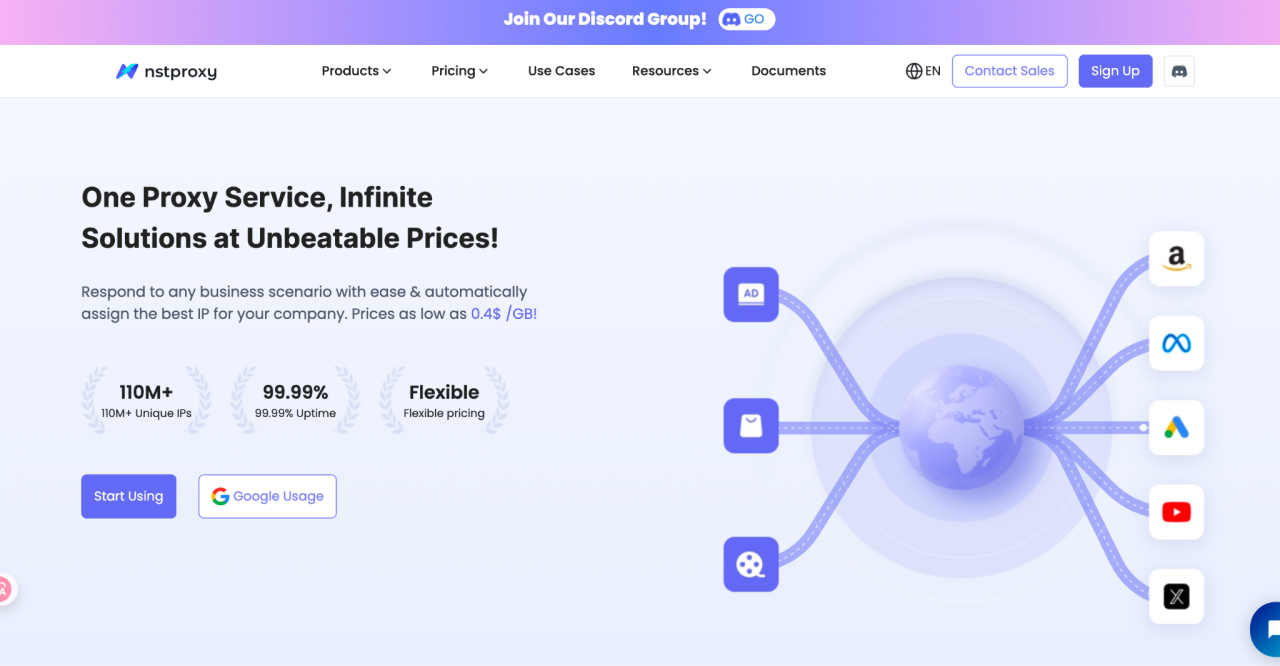
In today's data-driven business environment, companies conducting market research, advertising verification, or large-scale data collection increasingly rely on high-quality proxy services to avoid detection and platform restrictions. However, traditional proxy services often suffer from unstable connections and limited geographic coverage, leading to low efficiency. The emergence of Nstproxy is[…]
