BitBrowser 2025 – A Simple and Powerful Anti-Detect Browser for Multi-Account Management
.png)

BitBrowser 2025 – A Simple and Powerful Anti-Detect Browser for Multi-Account Management
Managing multiple online accounts across platforms has become a daily necessity for marketers, e-commerce sellers, crypto users, and digital professionals. However, the risks of account linkage, bans, and privacy leaks are more real than ever. That’s where BitBrowser comes in—a robust anti-detect browser designed to give you safe, isolated, and efficient multi-account access in a single tool.
Let’s explore what makes BitBrowser stand out in 2025.
What is BitBrowser?
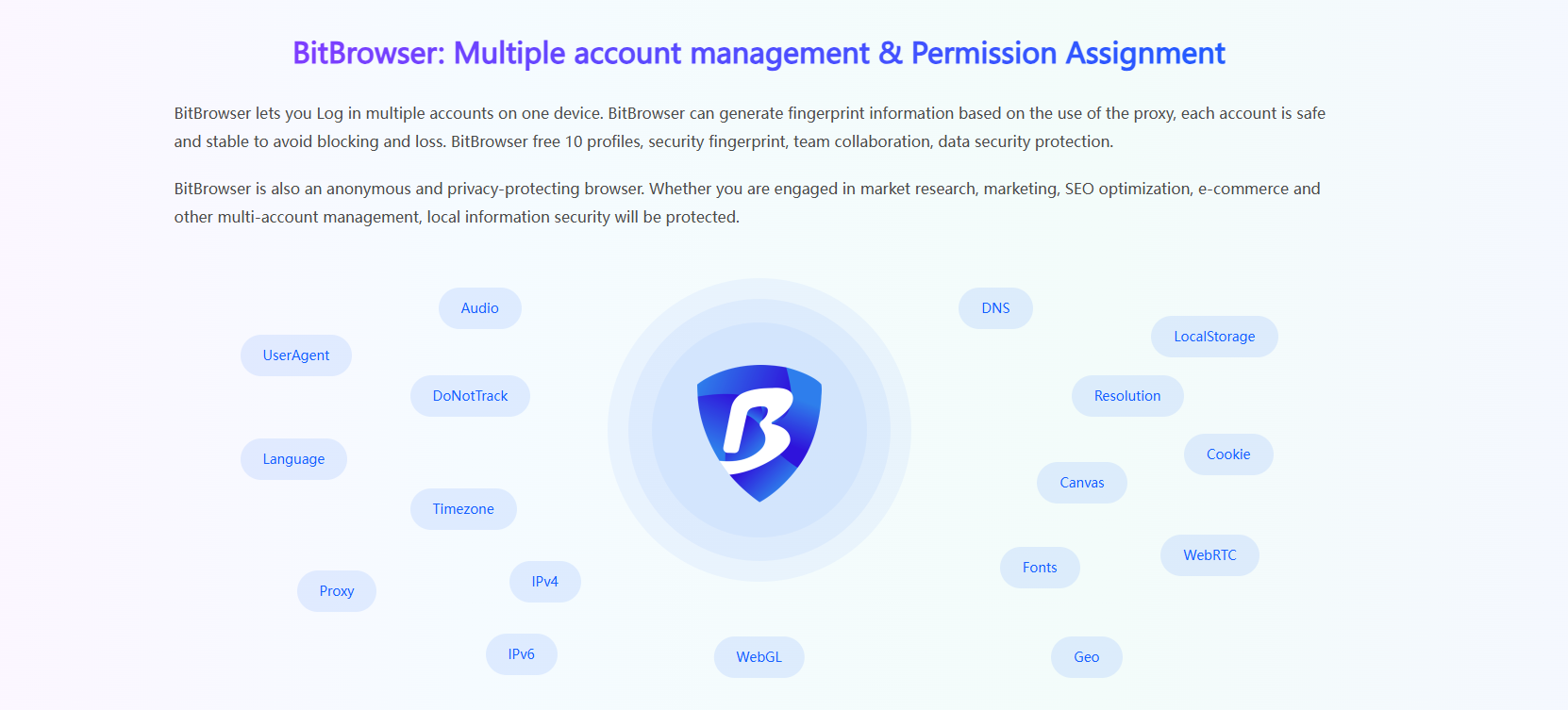
BitBrowser is an anti-detect browser that allows users to run multiple browser profiles simultaneously, with each window acting as a completely independent environment. Each profile comes with its own device fingerprint and proxy IP, preventing any possibility of account correlation between profiles.
The browser is built on both Chromium and Firefox kernels, with deep customization at the system level to ensure high-level isolation, privacy, and safety. Whether you’re managing ten or a hundred accounts, BitBrowser helps you keep them separated and secure.
What does BitBrowser do?
BitBrowser mainly realizes: multiple browser windows, multiple accounts (FB/TK/X/WS..), to prevent the occurrence of associated accounts between windows. Each window simulates independent computer information and proxy IP addresses to make the environments independent and isolated from each other, thereby improving account security! Deeply developed using Google and Firefox kernels, it achieves a safe and pure environment effect at the physical level. There is 100% no correlation between browser windows. With the multi-employee collaborative management function, it improves your account security and operational efficiency!
How is BitBrowser Different from Regular Browsers?
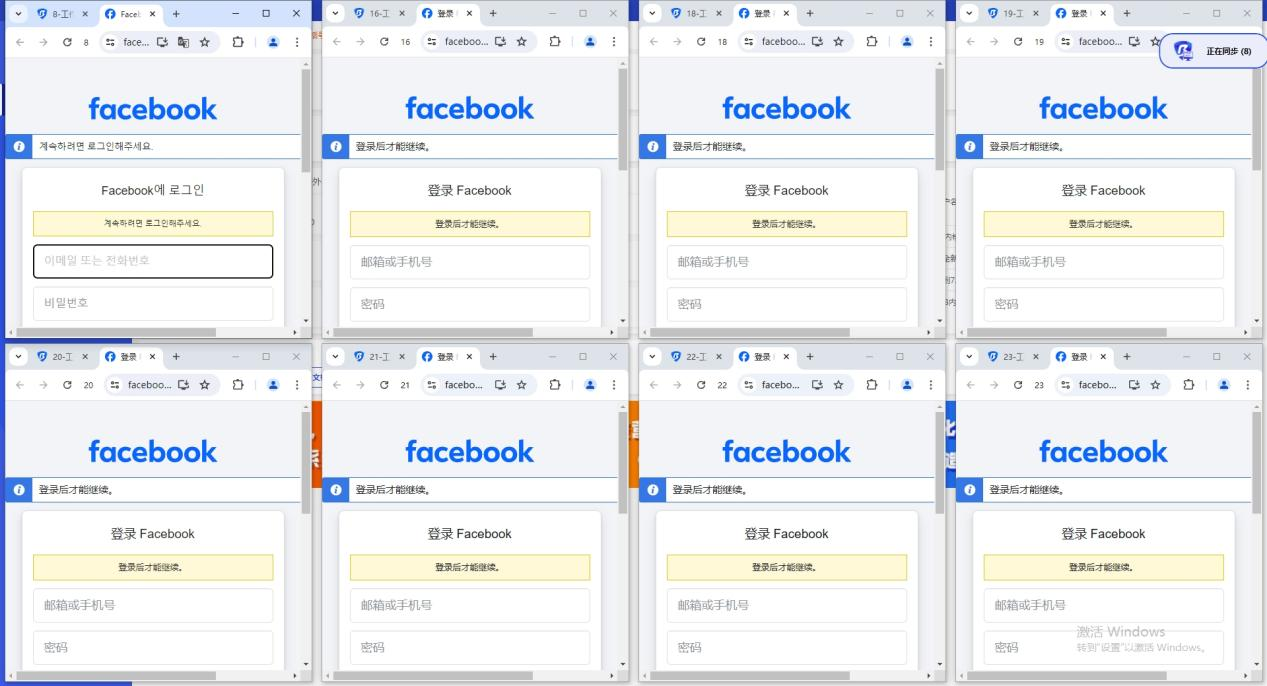
BitBrowser can log in to multiple accounts to prevent association. When you open BitBrowser, you can open multiple accounts on the same platform in the browser window to reduce the risk of unrelated accounts.
Which businesses are suitable for BitBrowser?
BitBrowser is ideal for:
- In the cross-border e-commerce industry, you can open multiple store windows to log in to multiple store accounts.
- For social media account maintenance, etc., do social media account matrix, maintenance and other operations.
- For web3.0 virtual business, it has a good effect of preventing multiple logins from being associated, and can also protect local privacy, blockchain, etc.
For advertising placement/SEO optimization, etc., it protects local information very well. Supports changing addresses to protect local information, etc. Research work, etc.
How to use BitBrowser?
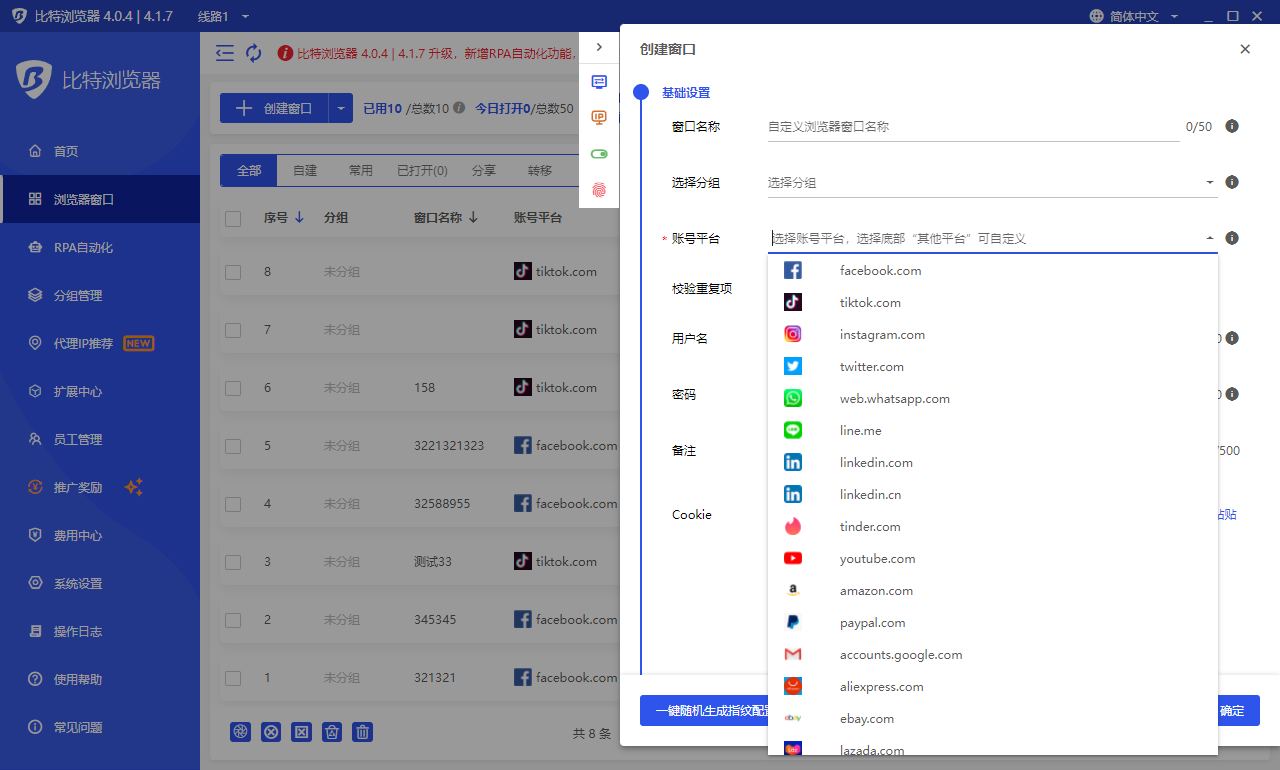
The method of using BitBrowser, Bit Fingerprint Browser supports 10 profiles for free (10 windows are set up and opened), and it is necessary to carry static/dynamic proxy IP to the window to set it, and the local environment starts global mode. Only after the fingerprint is generated can it operate normally. If the proxy is not set, the local proxy is used. If 10 windows are not enough, you need to purchase a membership package.
What are the functions of BitBrowser?
- For details, please see the official website link: BitBrowser
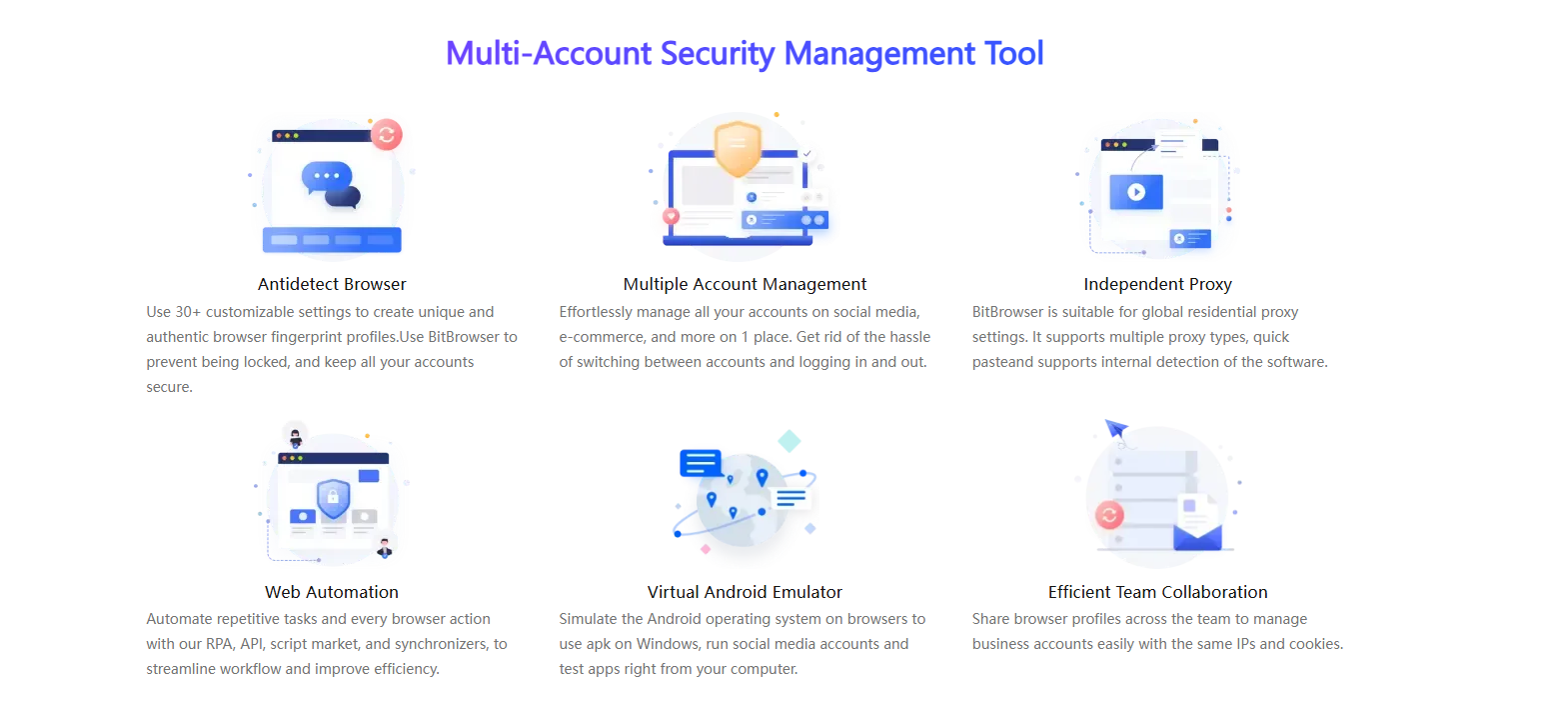
- One-click synchronization: control multiple windows at the same time.
- Proxy settings: support global proxy environment construction. Static/dynamic.
- Google/Firefox kernel: supports deep kernel development. You can switch to use the kernel in the browser.
- RPA automation: you can set up automation programs for the creation port, and automatically perform simple and brainless work.
- API interface: Local AP|The software comes with local services, which supports users to operate the software window and run automation scripts through the Local API interface call.
Script market: provides the ecology of the script market and provides a publishing section for more users and developers.
Batch Management Features
- Import/export multiple profiles in one go.
- Batch cookies import/export for selected profiles.
- Batch proxy and fingerprint configuration.
Remote team control: Create sub-accounts and assign tasks to team members securely.
BitBrowser offers a reliable and user-friendly solution for anyone managing multiple online identities or accounts. Whether you're running an e-commerce business, building a social media empire, testing blockchain applications, or protecting your online privacy, BitBrowser helps you work securely, efficiently, and without limits.
Start with 10 free profiles and experience the difference for yourself.
👉 Visit BitBrowser Official Website
If you’d like help creating shorter versions of this content for platforms like Telegram, Twitter, or LinkedIn—just let me know!
Related Blogs

In the era of digital data explosion, the need to collect and process information from the Internet is becoming increasingly urgent. This is the time Web Scraping Serves as a powerful alternative to time-consuming and resource-intensive manual data collection methods.So What is Web Scraping? How does it work and what value does it bring to individuals or businesses? Let's find out Hidemium[…]

Accessing blocked websites is no longer difficult if you know how to properly use a Proxy. This is considered one of the most optimal solutions to bypass internet restrictions while maintaining privacy and personal data security. Let Hidemium walk you through 3 easy-to-apply Proxy methods for firewall circumvention!1. Use web-based Proxy servicesProxy websites act as intermediaries that help hide[…]

Let's start with a question: what device are you using to read this content? A reasonable guess would be a smartphone or a laptop, or perhaps even a used desktop. Over the past decade, smartphones have gradually outpaced desktop computers, making it harder for other devices to compete in terms of internet access. The only remaining competitor is the laptop, but in many cases, it has also taken a[…]
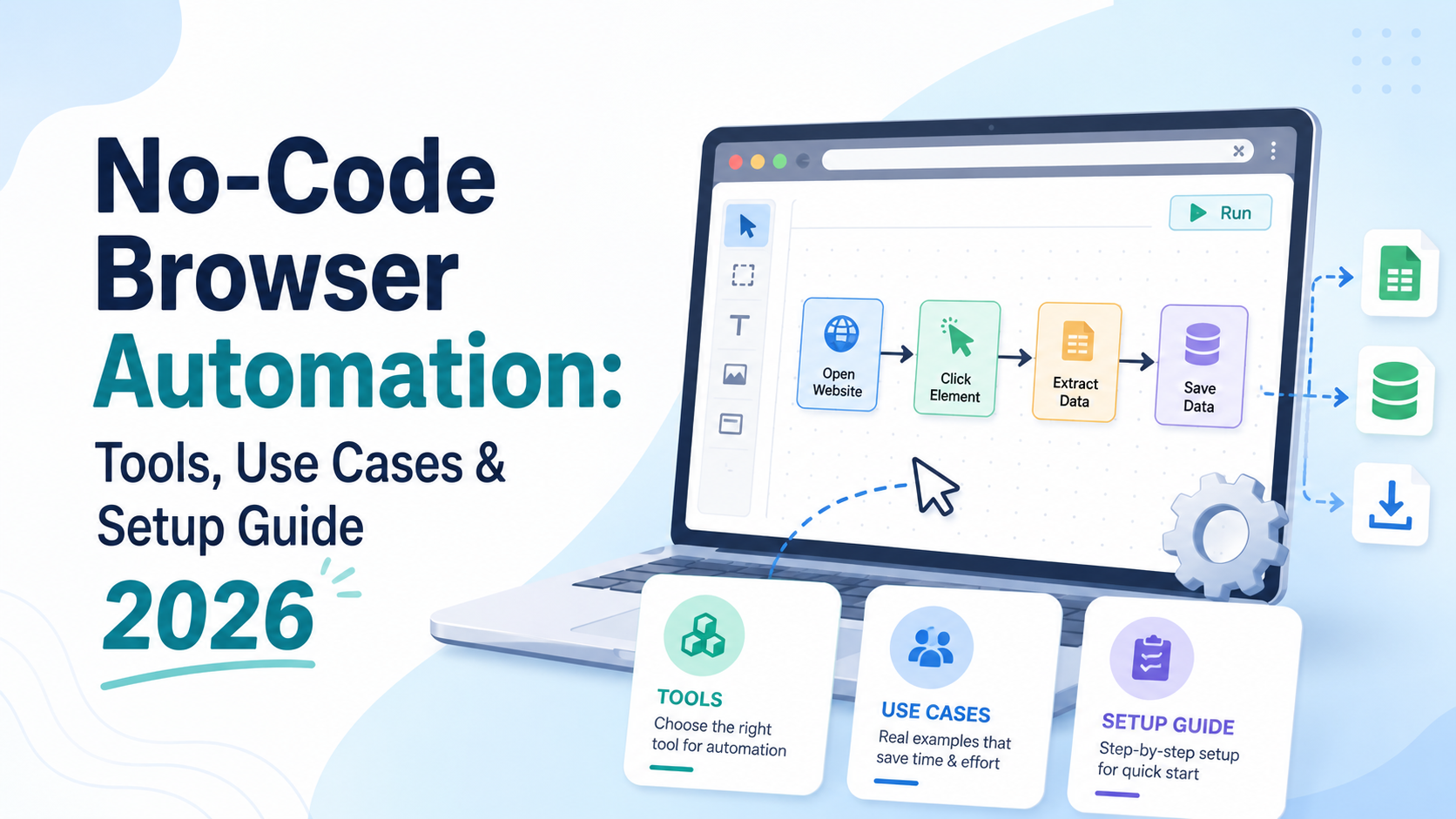
What Is No-Code Browser Automation — and Why Does It Matter in 2026?For years, browser automation was the exclusive domain of developers. If you wanted to automate repetitive web tasks — filling forms, scraping data, clicking through workflows, or managing multiple accounts — you needed to write code in Python, JavaScript, or another language. Tools like Selenium, Playwright, and Puppeteer were[…]
.png)
Why You Might Need Two Venmo AccountsWhether you are launching a new side hustle, organizing payments for a community group, or simply trying to separate your weekend spending from your professional income, you might find yourself wondering about the logistics of your digital wallet. If you are asking yourself, can I have two Venmo accounts, you are certainly not alone. As our financial lives[…]

How to get my marketplace backHow to Recover Access to Your Marketplace AccountWaking up to find that you have lost access to your primary digital selling platform can send even the most seasoned seller into a panic. Whether you rely on social commerce to declutter your garage or to run a full-time business, being unexpectedly locked out impacts your bottom line. If you find yourself desperately[…]
