Design.com Posters vs VistaCreate vs PosterMyWall: Full Comparison
.png)

Posters are among the most effective visual tools for marketing. They are used for events, promotions, branding, and social media campaigns. Nowadays, online tools make designing posters quick and easy. You don’t need design experience to create something professional.
However, not all poster makers provide the same results. Some emphasize speed and automation. Others focus on creative manual design. Some offer large libraries of templates, while others emphasize control over editing.
The Importance of Poster Design Tools in 2026
Poster design tools are used in nearly every industry. They help businesses quickly promote events, products, and services. A good tool saves time and improves design quality. It also reduces manual editing.
Key Factors
- Speed of creating a finished poster
- Quality of templates and layouts
- Level of editing required
- Availability of AI features
- Branding consistency across designs
- Export options for print and digital use
In this comparison, we’ve conducted a detailed research of Design.com, VistaCreate, and PosterMyWall. We’ve focused on speed, design quality, templates, editing tools, and overall performance to find out which one works best in 2026.
1. Design.com
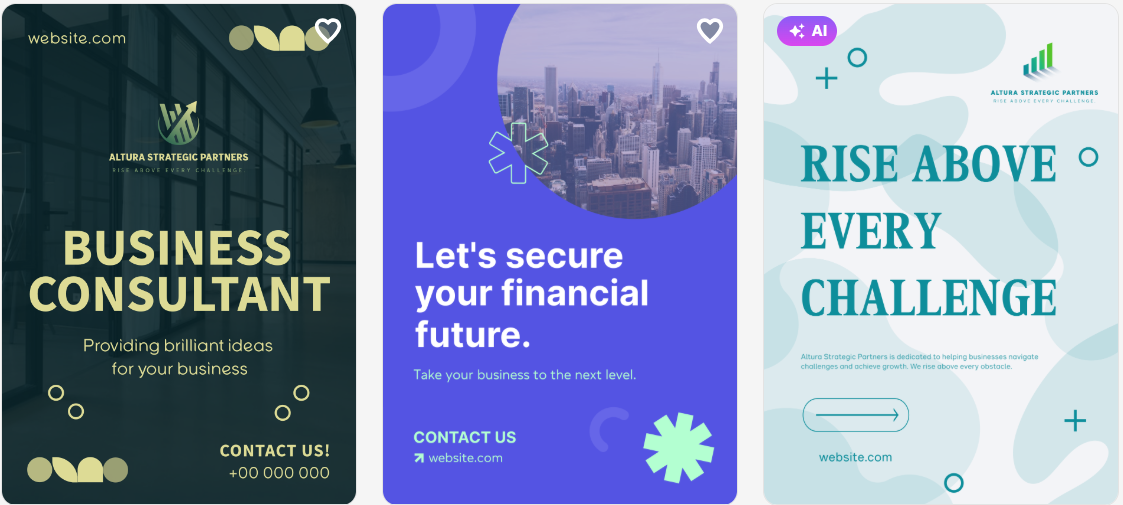
Design.com combines poster creation with branding tools, templates, and automated design systems. It is built for speed and professional output.
Most posters are generated instantly and need minimal editing. The system automatically balances fonts, colors, and layouts.
Pros
- Massive library of poster templates across industries.
- AI poster generator creates near-complete designs instantly.
- Minimal editing needed for most outputs.
- Integrated branding tools (logos, fonts, color systems).
- Consistent design across posters and other assets.
- Commercially safe, originality-checked designs.
- Multiple export formats, including print-ready files.
- Supports additional tools like flyers, social posts, and presentations.
- Strong typography system with over 750+ fonts & 525+ exclusive ones.
Performance Metrics
- Speed: Instant; posters generated in seconds.
- Design Quality: High; professional, structured layouts and exclusive results.
- Quantity of Options: Very high; thousands of templates.
- Editing Features: AI-assisted and beginner-friendly.
Cons
- There’s no native app yet, but the browser experience is fast and responsive across devices.
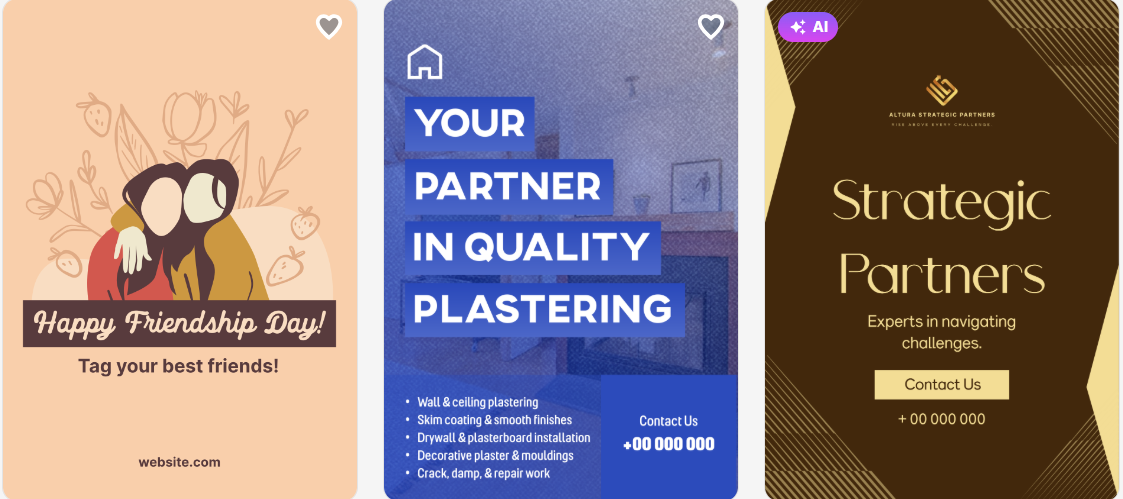
Design.com is ideal for users who want fast, professional posters with minimal effort and strong branding consistency.
2. VistaCreate
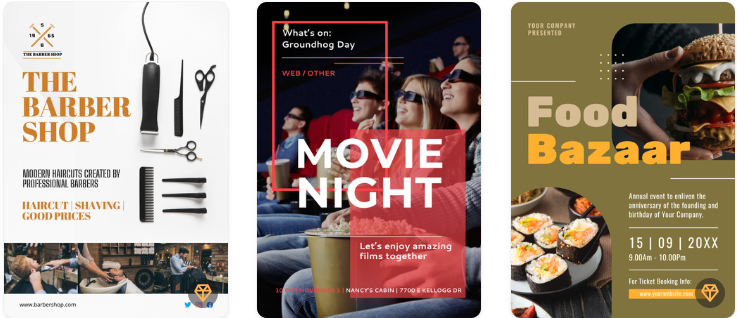
VistaCreate is a design tool focused on creating visual content. It offers a large library of templates and flexible editing tools. It suits users who want more control over design details.
Pros
- Wide variety of poster templates.
- Strong drag-and-drop editing system.
- Good animation and motion design features.
- Brand kit support for consistent styling.
- Suitable for social media and marketing content.
Performance Metrics
- Speed: Medium; requires manual editing.
- Design Quality: Amateur; modern and visually appealing.
- Quantity of Options: Large; a vast template library.
- Editing Features: Drag-and-drop editor with customization tools.
Cons
- Requires more time to refine designs.
- Some templates need heavy customization.
- AI automation is limited compared to newer tools.
VistaCreate is great for users who want creative control and flexible editing options, but it takes more time to achieve polished results.
3. PosterMyWall
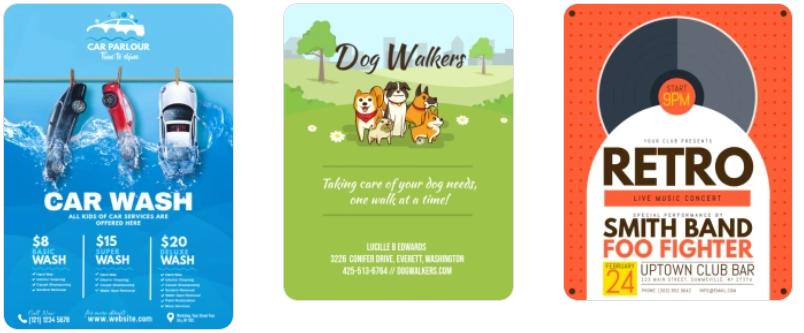
PosterMyWall is an online design tool focused on quick poster creation. It offers a large collection of templates and is widely used for basic marketing visuals.
Pros
- Large library of ready-made poster templates.
- Easy-to-use interface for beginners.
- Suitable for quick promotional designs.
- Includes basic animation and formats for social media.
- No advanced design skills are needed.
Performance Metrics
- Speed: Medium; it depends on the template selection and edits.
- Design Quality: Medium; it's decent but not always consistent.
- Quantity of Options: A wide range of templates available.
- Editing Features: Basic drag-and-drop editor with simple controls.
Cons
- Limited advanced customization options.
- Some templates feel outdated or repetitive.
- Less automation compared to AI-powered tools.
- Design consistency can vary.
PosterMyWall is best for users who need quick and simple poster designs, but it lacks advanced AI features and professional-level control.
Feature Breakdown: Which Wins?
Feature | Design.com | VistaCreate | PosterMyWall |
| Speed | Very fast – instant generation | Medium – manual editing needed | Medium |
| Design Quality | Professional | Amateur | Medium |
| Templates | Thousands of AI-generated templates | Large library | Large library |
| Editing Required | Low | Medium–High | Medium |
| Ease of Use | Very easy and an intuitive interface | Moderate | Easy |
| AI Features | Strong AI poster generation with human touch | Limited AI tools | Minimal |
| Customization Level | High (AI-guided) | Medium, manual control | Basic |
| Export Options | Print-ready + digital formats | Standard + animation formats | Standard formats |
| Branding Tools | Full integrated branding suite | Brand kits available | Limited branding tools |
| Animation Features | Yes | Yes | Basic |
| Print Readiness | Fully optimized | Supported | Supported |
| Best For | Fast professional posters | Creative control | Simple poster creation |
Final Verdict
Each tool targets a different type of user. Some users prioritize speed and automation. Others want design control and flexibility. The best choice depends on individual workflows and design requirements.
Speed and automation reduce effort and help users launch campaigns more quickly. Manual tools provide greater control but need more time and input in design.
For users seeking a fast, high-quality poster with strong branding and minimal editing, Design.com is the standout solution in 2026.
Related Blogs
.png)
In the online business and social network management environment, using multiple accounts on the same platform such as Facebook, Twitter or Amazon is a common need. Ghost Browser was born as a convenient solution, helping users easily manage multiple accounts in a single browser interface. This article Hidemium will explain what Ghost Browser is, why it has become the favorite choice of many[…]
.png)
How to Get Social Media Help: Tips, Tools, and Resources That Actually WorkWhether you're locked out of your account, dealing with a sudden algorithm change, or trying to protect your digital footprint, navigating social media platforms can feel like a full-time job. Fortunately, social media help is well within reach — if you know exactly where to look and what strategies to apply.Platforms like[…]
How to Integrate PiaProxy with Hidemium — Complete Privacy at Your Fingertips In today’s digital world, privacy, stability, and efficiency are essential — especially for marketers, developers, and eCommerce professionals managing multiple accounts and geo-targeted operations. Combining Hidemium with PiaProxy brings a powerful synergy — one that enhances anonymity, bypasses restrictions, and[…]
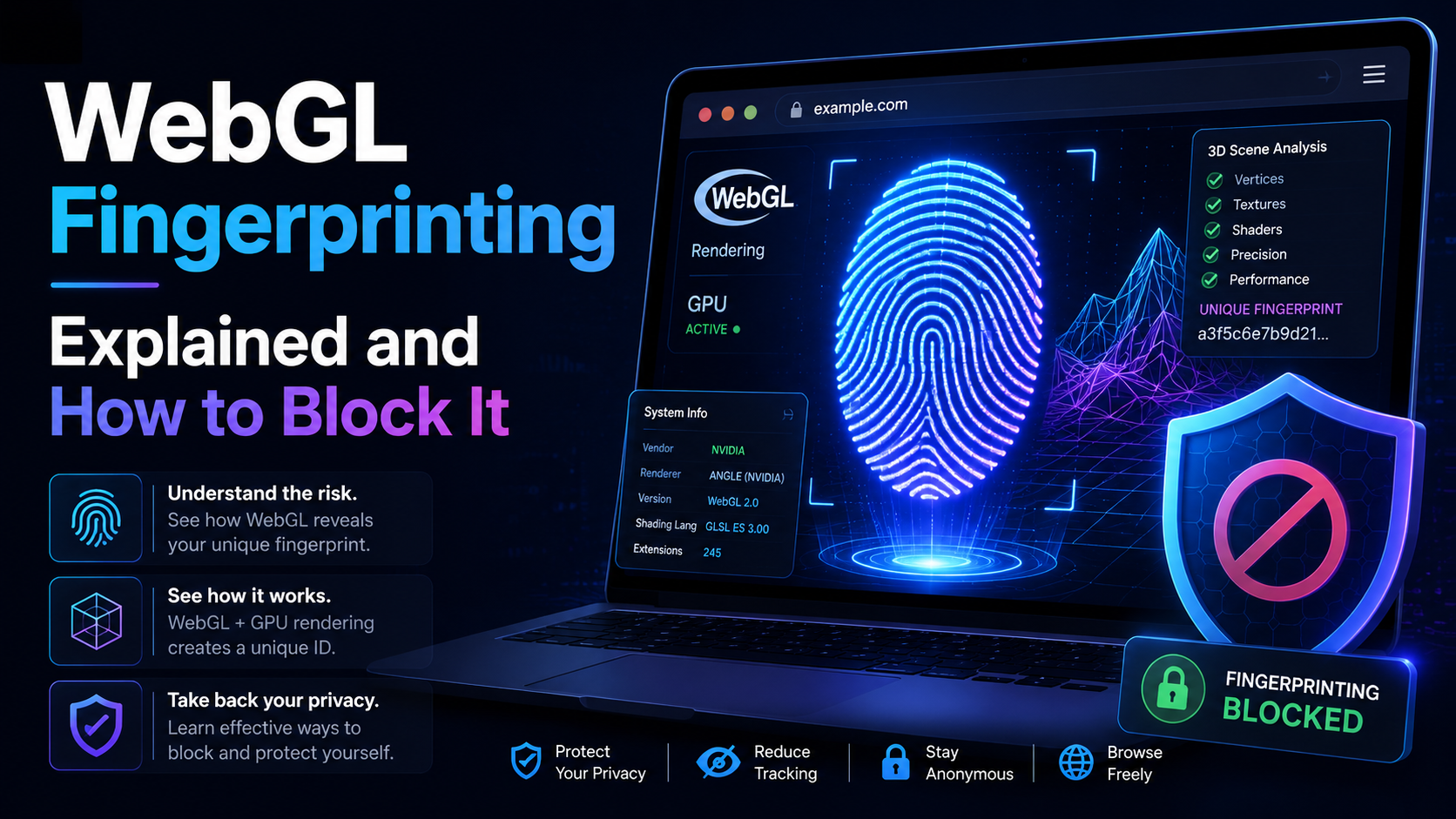
WebGL is built similar to a website. Platforms can rely on WebGL exploits to recognize browser fingerprints. So what is the nature of WebGL, advantages, and its applications? And is there a way to block websites from collecting browser fingerprints via WebGL?Overview of WebGLWhat is WebGL?WebGL stands for Web Graphics Library – a graphics library that allows drawing, displaying, or interacting[…]
Google Chrome is a popular browser but not the best choice when you need Manage Multiple X Accounts (Twitter) at the same time. In this article, we will explore the limitations of Chrome, the role of browser fingerprint, and why antidetect browser Hidemium is a superior solution for creating and operating multiple secure accounts.1. Is it possible to create multiple X accounts on[…]
Multiple internet identities include anything from multiple accounts on a single website to different computers with a different connections. The reason why people need them is various.Within the context of our website and Hidemium, we view identity as a set of computer, browser, and connection parameters that the server can read off your client. Calling those parameters fingerprints. Here we[…]
