How to Integrate PiaProxy with Hidemium — Complete Privacy at Your Fingertips

How to Integrate PiaProxy with Hidemium — Complete Privacy at Your Fingertips
In today’s digital world, privacy, stability, and efficiency are essential — especially for marketers, developers, and eCommerce professionals managing multiple accounts and geo-targeted operations.
Combining Hidemium with PiaProxy brings a powerful synergy — one that enhances anonymity, bypasses restrictions, and streamlines your workflows. In this guide, we’ll walk you through how to integrate PiaProxy with Hidemium for optimal performance and privacy.
Why choose PIAProxy?
PIAProxy is a trusted proxy solution provider, built for professional users who seek stability, anonymity, and high-speed connections.
PIAProxy Residential Proxy
✅ Covering more than 200 countries and over 350 million real residential IPs worldwide
✅ Support sticky and rotating sessions
✅ Support SOCKS5/HTTP/HTTPS protocols
✅ Suitable for multiple scenarios such as crawling, research, marketing, etc.
PIAProxy's residential proxy pricing adopts a tiered structure based on traffic. Small-scale users can access 5GB packages starting at $3/GB, while those with larger traffic needs can enjoy a more economical price of 0.77/GB.
PIAProxy Unlimited Proxy
For data-intensive businesses, PIAProxy offers unlimited bandwidth packages starting at $79 per day. These plans are charged by time rather than data consumption, which is ideal for projects that require large amounts of data crawling or continuous monitoring. The unlimited proxy package mainly includes:
✅ No traffic restrictions
✅ Support concurrent connections
✅ Whitelist and username/password authentication options
PIAProxy SOCKS5 proxy
✅ 350 million real home IPs
✅ Support country, city, zip code and ISP precise positioning
✅ Up to 12 hours of session
✅ No traffic and concurrency restrictions
✅ Suitable for social marketing, account management, data crawling, advertising verification and other scenarios
Socks5 is priced at 0.05 per IP, supports flexible purchase of packages on demand, and with an integrated control panel and high compatibility with third-party tools, it can achieve efficient deployment and stable launch, helping enterprises to perform various network tasks safely and reliably.

Why Use Hidemium?
Hidemium is a modern antidetect browser trusted by users across industries. It allows users to manage multiple digital identities and browser sessions with enhanced fingerprint protection.
What Makes Hidemium Stand Out:
- ✅ Create unlimited browser profiles with unique fingerprints
- ✅ Native support for HTTP/SOCKS proxies
- ✅ Built-in automation and session isolation
- ✅ Perfect for social media, scraping, eCommerce, and ad verification
- ✅ Clean user interface and cross-platform support
When paired with premium proxies like PiaProxy, Hidemium becomes a fully secure and scalable environment for your online operations.
Stay tuned for our step-by-step integration guide to set up PiaProxy inside your Hidemium browser profiles — so you can enjoy enhanced privacy, control, and productivity in just a few clicks.
How to Set Up PiaProxy Proxies in Hidemium (step-by-step)
1. Download and Install Hidemium
Go to hidemium.io/download and install the latest version for your system.

2. Log into Hidemium and Create a Profile
Once inside the Hidemium dashboard, click on “Add Profile” to get started.

3. Sign Up or Log Into PiaProxy
Visit PiaProxy and log in or create an account.

4. After logging in, simply explore the available proxy plans, pick the one that works best for your needs, and complete your purchase in just a few clicks.

PiaProxy offers a wide range of proxy types to suit different needs, including SOCKS5 proxies, static ISP proxies, residential proxies, unlimited residential plans, and datacenter proxies.
5. Proxy access configuration options
Next, choose your desired IP location — for example, you can select the United States as the country and California as the city. Then, set the proxy type to HTTP. Your proxy credentials will be provided in the format HOST:PORT:USER:PASS, or you can customize the format based on your preferences.

6. Back to Hidemium, after selecting add profile, click on the Proxy column and select Your Proxy

7. At your Proxy, you choose Proxy Type as HTTP|HTTPS, then fill in the parameters in Proxy as the IP parameters Royal provided

Once you've entered all the required details — including IP address, port, username, and password — click 'Check Proxy' to verify the connection. If it’s successful, proceed by selecting 'Create profile with Hidemium' to complete the setup.
8. Then open the newly created profile and check the IP with any website you want.

If you're seeing the IP address and proxy information displayed, that means everything is set up correctly and your proxy is active. Enjoy using it!
Integrating PiaProxy with Hidemium is a smart choice for anyone aiming to scale their online activities while ensuring strong privacy and control. With Hidemium’s powerful browser profile management and PiaProxy’s wide range of high-quality proxy services, you gain a secure, flexible, and reliable solution — ideal for everything from multi-account operations to geo-targeted data research.
Whether you're an experienced marketer, a data-focused developer, or just beginning your journey, this combination puts robust tools right at your fingertips. Give it a try today and enjoy a more private, seamless, and efficient way to manage your digital presence.
Related Blogs
.png)
Scale 10000 Profiles Daily with Hidemium and FleetProxy for Multi Account SuccessThe desk fan hums, and the monitor shows more tabs than you could ever manage by hand. Ten profiles open, then fifty, then hundreds, each one carrying a separate login and staying alive without conflict.That’s the kind of environment Hidemium creates.Behind it all, FleetProxy feeds each connection a path that feels[…]
.png)
Managing multiple Amazon accounts sounds like a smart way to scale your business—until things go wrong.Many sellers start with good intentions: separating brands, testing new products, or organizing operations. But without the right setup, multiple accounts can quickly get linked, flagged, or even permanently banned.In this guide, we’ll walk through how to create and manage multiple Amazon[…]

Telegram bị chặn bởi nhà mạng tại Việt Nam đang là chủ đề nhận được sự quan tâm lớn từ cộng đồng người dùng. Sáng ngày 26/5/2025, nhiều người tại Việt Nam bất ngờ không thể truy cập và sử dụng ứng dụng Telegram như bình thường. Điều này gây gián đoạn trong quá trình liên lạc cá nhân, trao đổi công việc cũng như sao lưu tài liệu quan trọng.Nhằm giúp người dùng khắc phục tình trạng này, bài viết[…]
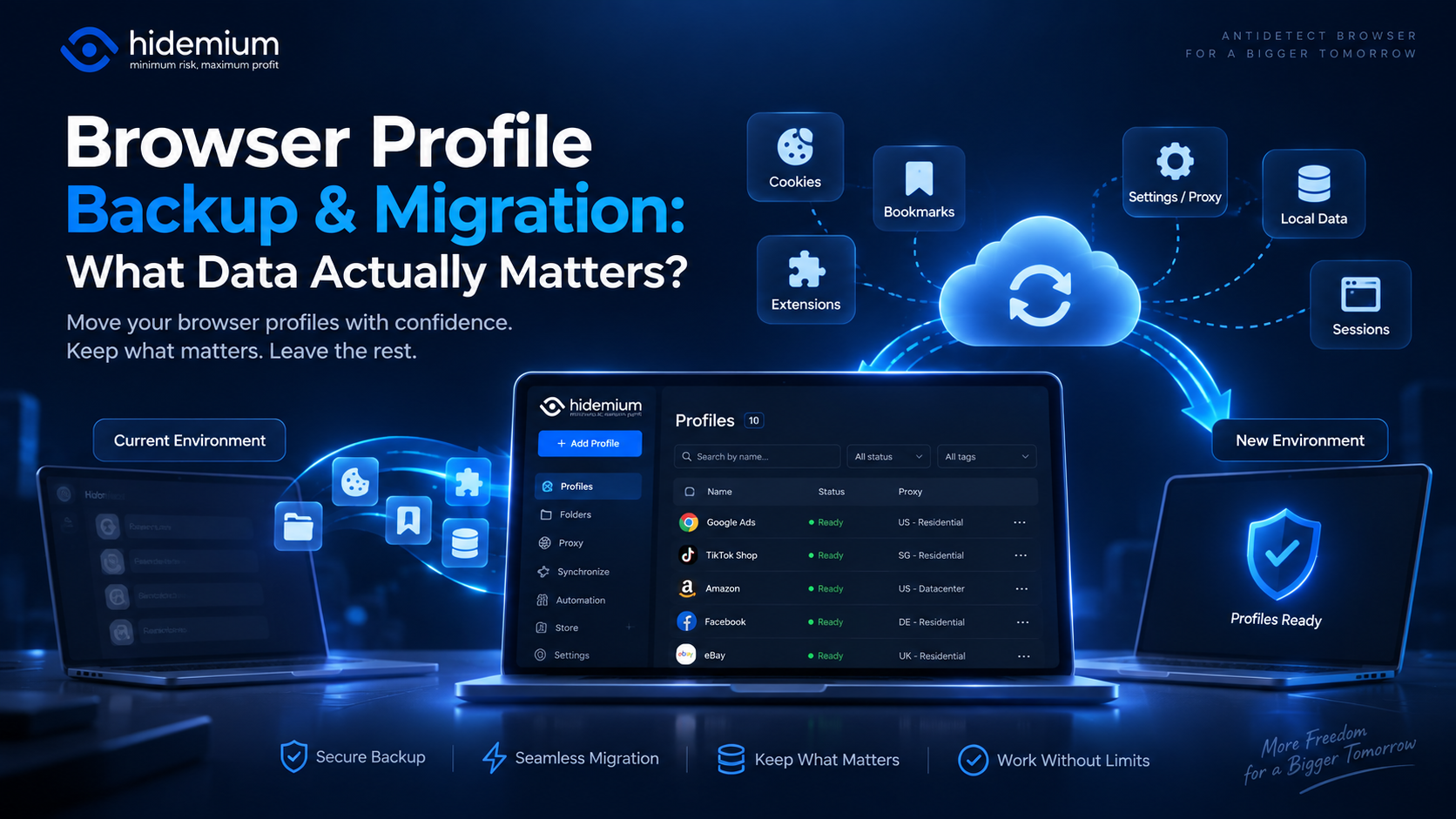
Moving a browser profile sounds easy:Export → Import → Open.But that is rarely the whole story.A migrated profile may open successfully while the user is logged out, extensions are missing, proxy settings have disappeared, or website data behaves differently.In other words:The profile moved, but the working environment did not.That is why browser profile backup migration should not be treated as[…]

Advertising products and services on social networks are widespread to reach customers more effectively, especially on Facebook. Therefore, the seller’s primary concern is to use multiple Facebook ad accounts effectively to get the right users while ensuring that they do not violate the regulations of this giant. The following article will provide exciting information for those looking to sell on[…]

Growing on Facebook isn’t as simple as posting consistently. Pages with low follower counts often struggle to build trust, even if their content is strong. When new visitors land on your page, the first thing they notice is your numbers. If those numbers look inactive, many users leave before engaging.That’s why many creators, brands, and businesses look for the best site to buy Facebook[…]
