How to Create Unlimited Google Accounts in 2025

In the digital age, owning and managing multiple Google accounts not only is it a personal need, but it is also an indispensable part of the operations of businesses, marketers or freelancers. The article below Hidemium will guide you how to Create a large number of Google accounts safely and efficiently in 2025, and suggests strategies, support tools, and management tips to help you optimize work performance while ensuring high security.
1. Why should you create multiple Google accounts?
There are clear benefits to using multiple Gmail accounts, especially if you need to separate tasks, improve security, or run large-scale marketing campaigns. Here are the most common reasons:
Effective project management: Dividing accounts into customer groups, projects or departments helps you organize your work more scientifically, avoid data confusion and save processing time.
Enhanced security and privacy: Separating information between accounts helps reduce the risk of data leaks and protects you from cyber attacks or identity theft.
Serving marketing and brand development activities: Many businesses create separate accounts to run ads in parallel, track campaign performance, or assign appropriate access to each department.
>>> Learn more: How to manage and create multiple Gmail accounts
2. What do I need to prepare to create a large number of Google accounts?
In 2025, Google implemented many controls to limit spam and mass account creation. However, if you understand the process and apply the right support tools, create multiple google accounts still completely feasible and safe.
Here are the things you need to prepare before you start:
Verification email (can use temporary email): Every Google account requires a verification email. Instead of using your personal email, you can take advantage of temporary email services to save time and ease control when creating multiple accounts.
Phone number (may be required): In some cases, Google will ask for phone number verification. You can use a virtual number or combine it with a tool like Hidemium to protect personal information and minimize the risk of mass blocking.
Reliable proxy: Usage 4G proxy or mobile proxy will help you hide your real IP address, avoiding being marked for creating multiple accounts from the same IP. This is an important factor to help maintain security and clear account separation.
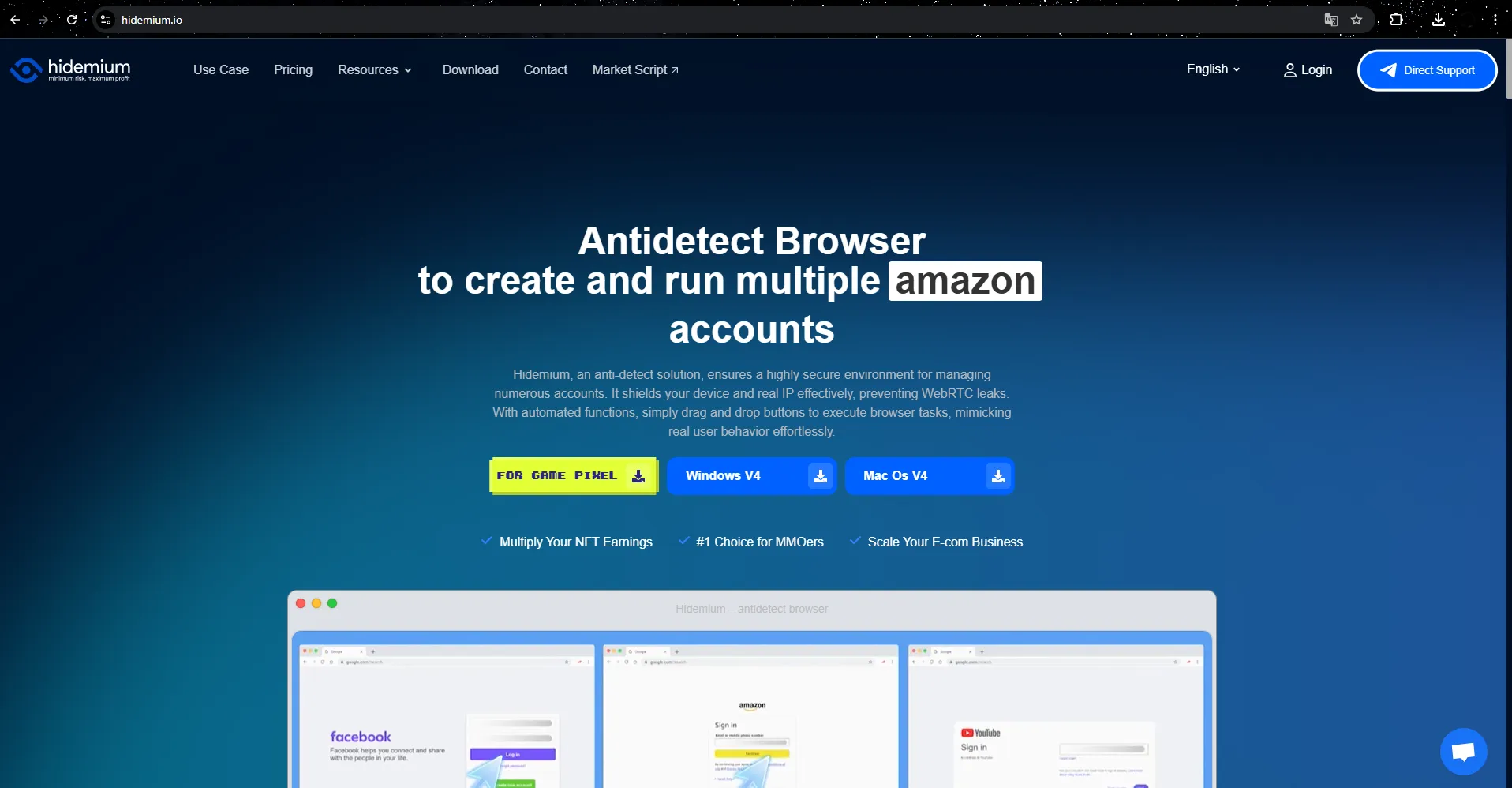
Specialized browser: It's not a good idea to create all your accounts on the same browser. Although Chrome supports creating multiple profiles, using antidetect browsers like Hidemium will be more efficient. Each profile acts as an independent device with its own fingerprint, ensuring absolute anonymity when creating an account.
Once you have your email, phone number, quality proxy, and separate browser ready, you're ready to go create google accounts in bulk while still ensuring security and stability. Always make sure each account has its own operating environment to avoid being detected and limited by Google's system.
>>> Learn more:Top Trusted Platforms to Buy Social Media Accounts in Bulk
3. Effective strategies to create and manage multiple Gmail accounts securely
Creating multiple Gmail accounts is no longer strange, especially for those who do marketing, automation or account management. However, if not implemented properly, you can be detected by Google and have multiple accounts disabled. Below are strategies to help you create and manage multiple Gmail accounts effectively and sustainably:
✅ Use separate devices and browsers for each account
Google is able to detect abnormalities through browser fingerprinting and activity from the same device. Therefore, to ensure safety, you should use different devices (PC, phone, tablet) or separate browsers when creating an account. An optimal solution is to use an antidetect browser like Hidemium, allowing each account to be created in a separate virtual environment.
✅ Rotate IP with quality proxy or VPN
IP is the first factor Google uses to evaluate the validity of user behavior. If you create multiple accounts from a static IP, you are likely to be marked as spam. The solution is to use a high quality proxy (preferably mobile proxy or residential proxy) to change IP continuously and randomly per session.
✅ Use virtual phone number for secure verification
During the sign-up process, Gmail often asks for phone number verification. You can use the Prestigious virtual number service for quick, cost-effective and anonymous verification, instead of using personal numbers.
✅ Install full recovery information
Don't forget to add recovery email, security questions or two-factor authentication (2FA) to protect your account. These settings make it easier for you to regain access if something goes wrong or Google asks for additional verification.
Creating and managing multiple Gmail accounts can be easier and more secure if you use the right strategy. Combine the use of antidetect browser, quality proxy and separate profile management is the optimal solution to help you maintain a stable account system, avoiding unwanted account marking or locking.
>>> Learn more: Gmail bulk signup tool without checkpoint
4. Step-by-step guide to creating multiple, secure, unlimited Google accounts
Once you have the right tools and strategies in place, you can safely and effectively create multiple Google accounts without worrying about being detected by Google's security system. Here's a step-by-step guide to help you do just that.
Step 1: Create a separate browser profile using Antidetect Browser
First, download and install Hidemium – dedicated antidetect browser. This tool allows you to:
Hide IP address and browser fingerprint
Create each account in a separate environment as if using a different device.
Next, configure private proxy for each profile in Hidemium. This helps change the IP, hide the real location and avoid being identified by Google or linking accounts together.
Step 2: Go to Google sign up page
Open the profile you set up in Hidemium, go to the official Google account registration page.
Fill in all necessary information such as:
Name, username
Password
Recovery email (use temporary email to ensure privacy)
Step 3: Process phone number verification and accept terms
There are some cases where you can skip the phone verification step. If Google requires it, you can try:
Enter invalid phone number (if system allows)
Use virtual phone number or OTP code receiving service (be careful with reliability)
Then, carefully read and accept the terms of service to complete the registration.
Step 4: Pass CAPTCHA and set up privacy
Google may ask for a CAPTCHA to make sure you're a real user. Please manually pass this step.
Then, proceed to set up security and privacy options according to your usage.
Step 5: Repeat the process to create more accounts
To continue creating new accounts, simply repeat the above steps. However, make sure each time you create:
A new browser profile
A different IP address (change proxy or use VPN)
If needed, change fingerprint or emulator device in Hidemium
With this process, you can easily Create and manage large number of Google accounts without fear of being detected, flagged or restricted by Google. Usage antidetect browser Hidemium is the key to help you build a secure account system, especially suitable for needs such as marketing, automation or data mining.
5. Answers to frequently asked questions when creating multiple Google accounts
Creating a Google account is relatively simple, but if you need to create a large number of them, a few issues can arise. Here are some common questions and effective solutions:
Why did Google block my account creation?
Google may detect and block account creation if you use the same IP address, device, or phone number too many times. To fix this, you should use VPN or antidetect browser like Hidemium – a tool that helps create an independent browser environment for each account, while hiding identifying information such as fingerprint, WebRTC or user-agent.
Can I use the same email for multiple Google accounts?
No. Using different email addresses makes it easier to manage, reduces the risk of confusion, and increases security. In many cases, you can use a temporary email to speed up the registration process.
What to do if the account is locked?
You can try to recover using methods provided by Google such as recovery email or phone number verification. However, to limit the risk from the beginning, you should create an account from IP, device and browser are completely separate, to avoid being linked and flagged by Google as unusual behavior.
6. Conclusion
Creating a bunch of Google accounts in 2025 will no longer be an obstacle if you apply the right strategy. By using an antidetect browser like Hidemium, rotating IP via quality proxy and verifying via virtual phone number, you can completely manage large account systems safely, effectively and sustainably.
Whether your goal is personal, marketing, business, or system automation, investing in the right tools and processes will help you avoid lockouts and keep your accounts up and running smoothly.
Related Blogs
.png)
Hidemyacc is an Antidetect Browser software designed to protect users from online threats. It offers robust security features and anti-phishing measures, enabling users to create and manage multiple virtual accounts safely and efficiently.In terms of pricing, Hidemyacc is comparable to Hidemium. But does Hidemyacc truly meet expectations in terms of features and quality like Hidemium? Let’s[…]

In the digital era, online platforms such as Facebook, Google, TikTok, Amazon, Shopee, and others continuously leverage AI and Big Data to analyze browser fingerprints, user behavior patterns, and connections between accounts. This puts individuals and businesses managing multiple accounts at high risk of suspension if they lack the right solution. Antidetect browsers have emerged as a “shield,”[…]
.png)
In an era where online privacy and multi-account management have become vital for MMO, dropshipping or marketing people, antidetect browsers act as a "powerful assistant". Among them, XLogin used to be known as a popular choice. However, by 2025, many users began to question XLogin's stability, browser camouflage, and performance.So where is it? the most reliable XLogin alternative today? In this[…]
Why Marketers Are Searching for AdsPower Alternatives in 2026AdsPower has long been a popular choice for marketers who need to manage Facebook multiple accounts, run large-scale advertising operations, or conduct Facebook account farming. But in 2026, the landscape has shifted significantly — and so have the threats.Facebook's detection systems have grown far more sophisticated, leveraging[…]
How to Integrate IPRoyal with Hidemium — Complete Privacy at Your FingertipsIn today’s digital landscape, privacy, speed, and scalability are crucial. Whether you’re a digital marketer, developer, or eCommerce entrepreneur, managing multiple accounts and operations demands tools that are secure, seamless, and efficient.That’s why combining Hidemium with IPRoyal creates a powerful solution — one[…]
.png)
In today's online world, user security and privacy are extremely important factors. One of the advanced technologies that help protect personal information and bypass online restrictions is the Fingerprint Browser. When combined with Antidetect Browser software, this technology provides powerful anonymity, protects accounts, and allows users to manage multiple accounts without the risk of[…]
