Manage Multiple Facebook Ad Accounts Safely


Advertising products and services on social networks are widespread to reach customers more effectively, especially on Facebook. Therefore, the seller’s primary concern is to use multiple Facebook ad accounts effectively to get the right users while ensuring that they do not violate the regulations of this giant. The following article will provide exciting information for those looking to sell on Facebook.
How to sell effectively with multiple Facebook advertising accounts
What is the relationship between Facebook and ad accounts?
An advertising account is a successful registration and opening of an account based on the Facebook system. However, due to the lack of legal records and the restriction of some interaction rights compared to personal accounts, many Facebook advertising accounts were created to manage and run advertising and marketing campaigns in the region. Separate activities for targeted customers.
As a result, effective management of numerous Facebook advertising accounts will enable you to connect with a large number of potential clients by running advertising expenses, sharing usage rights, or developing and reevaluating advertising strategies to provide clients with more advantages. Earnings and excellent efficiency in advertising personal brands and photos to other people.
Benefits of managing multiple Facebook ad accounts
After understanding why users use multiple Facebook ad accounts to apply to their brand promotion, let’s review some of the benefits of doing this.
Building a personal brand
Effectively managing multiple Facebook advertising accounts with many friends/followers each account owns will be a stepping stone to help you reach and introduce your brand to potential customers.
Save advertising costs
Having many ad accounts with many followers and friends helps you and your business save costs on running ads regularly and make optimal use of software that supports maintaining the future. Interact with other users.
Bringing a stable income
Suppose you manage your Facebook ad accounts well in the long run. In that case, it also helps to ensure an incremental source of income over time and expand your advertising network through different channels such as interactive groups on social networks, email, etc.
Owning an advertising account brings many business advantages
Three steps to manage multiple Facebook ad accounts
To be able to manage multiple Facebook ad accounts effectively, refer to these three basic steps:
- Step 1: Create a new ad account and upload it to supporting software such as Multibrowser, Simple Account, etc., to help interact and increase reliability with the number of friends already within a month.
- Step 2: After that, the software will assist in automatically interacting with available friends and choosing to send friend invitations to potential customers to increase brand promotion.
- Step 3: Write and post-sales articles according to the rate specified by Facebook (80% share and only sales account for the remaining 20%). When someone comments on the article, they will be automatically inboxed to find out, ask for the price and close the order.
Common causes of ad accounts being blocked
Besides the flexibility to use a large number of Facebook ad accounts, you also need to grasp a few common reasons why reports are easily disabled:
Suspected fraud and violation of Facebook advertising laws
Facebook’s policy often automatically locks Facebook ad accounts that act abnormally, like abusing coupons or running multiple ads simultaneously to protect other users. Therefore, before running ads on Facebook, you must ensure that the account has a stable trust to avoid being locked and stopping the business.
Sharing advertising rights for “blacklist” accounts
However, if multiple Facebook advertising accounts are connected to accounts on the “blacklist” or if you run unsavory or blocked ads, you will also be noticed and rated poorly by Facebook. That is true even though Facebook’s advertising policy permits users to share (share) the right to use ads with one another.
Why is your Facebook account locked?
The picture posted is not up to the standard
You need to carefully read the rules and terms set forth by Facebook to avoid being included in Facebook’s “blacklist” that needs to be locked. For example, setting the maximum amount of text in an ad image to 20% will be defaulted to spam and removed from the news feed by the system. In addition, viewers do not give a good assessment of the quality of products or services in the above advertising image.
Besides, deleting running ads also causes Facebook to evaluate abnormal signs and may block many Facebook ad accounts.
Visa card registered to run inappropriate advertising
The most common causes are:
- The Facebook account name does not match the name on the registered visa card, the card has the same number, or the payment is refused.
- The process of halting, deleting, or ending an ongoing advertisement. Or has not been operating recently.
- Use a visa card to add to your Facebook ad account or run a coupon.
- Using many different network IP addresses (coffee shops, workplaces, homes, hotels, …), especially network IPs that have been blacklisted by Facebook, also automatically cause accounts.
In particular, readers using multiple Facebook advertising accounts should pay more attention to tracking the payment of advertising costs for Facebook if they do not want to be underestimated or have their accounts locked due to too long debts.
Create multiple ads running at the same time
Continuously running high-density ads can also be noticed by the Facebook system, catch errors, and can lock accounts to prevent spam and protect other users. Therefore, before using multiple ad accounts, setting up a specific and detailed time frame for each advertisement is advisable to ensure adequate progress.
Hidemium software – solution for multiple Facebook advertising accounts
Currently, Hidemium software is one of the practical support software to help sellers manage multiple Facebook advertising accounts easily and quickly with two features as follows:
- Basic features: create a browser suitable for operating systems (Android, Mac OS, Windows, …), IP emulator to help hide the actual address or fully automatic time zone, and geographical location.. according to the emulator IP.
- Advanced features: additional support tools to help increase Navigator (language, device size, operating system, etc.), the number of audio or video devices, and Hidemium software to help change the settings of the hardware device.
Hidemium software – an effective tool to manage multiple ad accounts facebook
The advantages of using Hidemium software to manage Facebook advertising accounts are as follows:
- Share access with others without providing a password.
- Establish a working group, and decentralize authority among members.
- Automatically log in, reopen previous tabs, and also help limit unauthorized self-access to Facebook advertising accounts.
- Get a private proxy for each Facebook ad account and manage proxy history and save re-entering the following business hours.
- The software also adds Proxy over SSH (SSH) options instead of current options like Socks4 or Socks5 or HTTP.
- Create multiple native browsers with different operating systems with emulated IP addresses to ensure the secure management of multiple ad accounts.
Hidemium is one software that helps sellers effectively manage multiple Facebook advertising accounts while ensuring safety following Facebook’s regulations. What are you waiting for without immediately experiencing this helpful software? Good luck!
Related Blogs
.png)
Due to the nature of Telegram, large-scale Airdrop games cannot run on browsers and can only be played on mobile devices, causing inconvenience for players, especially with games like Hamster Kombat. To address this issue, Hidemium has developed an exclusive extension to Bypass Telegram Game Bots. This tool allows users to easily participate in Telegram Airdrops directly from the browser, saving[…]
A Twitter/X account may be suspended because of spam or platform manipulation, suspicious security activity, violations of X Rules, or copyright complaints. If your Twitter account is suspended, review the notice from X, complete any required identity verification, and use the official appeal process if you believe the suspension was made in error.For brands, advertisers, and marketers, X is an[…]

Social media managers are tasked with producing a lot of content. Many platforms, many formats, one brand voice, daily or nearly daily publishing, all at once. Most of them now use some form of AI to help with at least a portion of that workload. There's nothing inherently wrong with using AI. The problems arise when AI-generated posts go live without getting a real editorial pass. The post that[…]

How Does Epic Games Know If You Bought an Account?Have you ever been tempted to buy a "stacked" Fortnite or Rocket League account loaded with rare skins and premium items? You are certainly not alone — the secondary market for gaming accounts is booming. However, buying, selling, or sharing accounts strictly violates Epic Games' Terms of Service. If caught, the account gets permanently banned,[…]
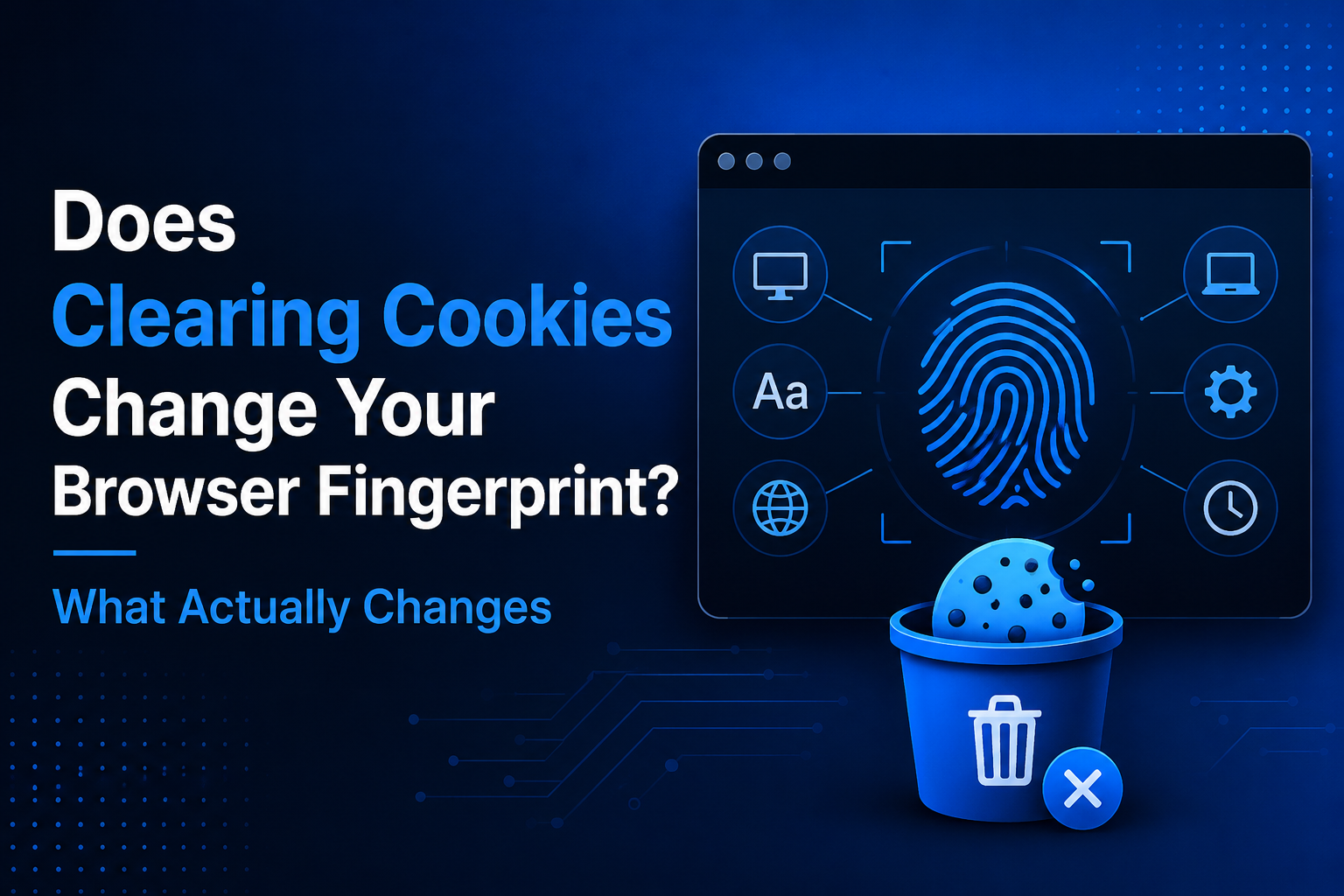
Quick Answer: Does Clearing Cookies Change Your Browser Fingerprint?No. Clearing cookies usually does not change your browser fingerprint.Deleting cookies removes stored identifiers and website session data from your browser, but a browser fingerprint is built from characteristics such as your operating system, browser version, screen resolution, language, time zone, fonts, Canvas, WebGL, and[…]
In the digital age, owning and managing multiple Google accounts not only is it a personal need, but it is also an indispensable part of the operations of businesses, marketers or freelancers. The article below Hidemium will guide you how to Create a large number of Google accounts safely and efficiently in 2025, and suggests strategies, support tools, and management tips to help you optimize[…]
