How to Set Up a Hidemium Proxy With QuarkIP

Managing multiple online identities or scraping data securely requires more than just a browser extension — it demands a reliable proxy solution. If you're using Hidemium, a popular anti-detect browser, combining it with QuarkIP’s high-quality proxy services can take your anonymity, stability, and performance to the next level.
In this guide, we’ll walk you through how to set up QuarkIP proxies in Hidemium — from selecting the right proxy type to configuration tips for maximum efficiency.
1.What is QuarkIP
QuarkIP, meanwhile, offers high-quality residential and datacenter IPs sourced from real ISPs. Whether you need static IPs for account farming or rotating IPs for automation tasks, QuarkIP provides flexible, stable, and high-anonymity solutions.
Together, they provide:
- 🔒 True browser-level isolation with fresh digital fingerprints
- 🌐 IP addresses that mimic real users from specific locations
- 🚀 Improved account survivability and lower risk of bans
- ⚙️ Easy integration—no advanced tech skills required
| Plan Type | Description | Price | Best For |
| Residential Proxies | Real ISP IPs with rotating or sticky sessions | Starting from $1.6/GB | Ad verification, secure logins |
| Datacenter IPv6 Proxies | High-speed, cost-effective static IPs | Starting from $1.74/Proxies | Automation, bulk actions |
| ISP Proxies | Fixed IPs from real ISP carriers | Starting from $7.48/Proxies | Long-term nurturing, high-trust platforms |
| Datacenter Proxies | High-speed IPs from cloud data centers | Starting from $4.52/Proxies | Account creation, social platforms |
2. Setting Up a Hidemium Proxy With QuarkIP
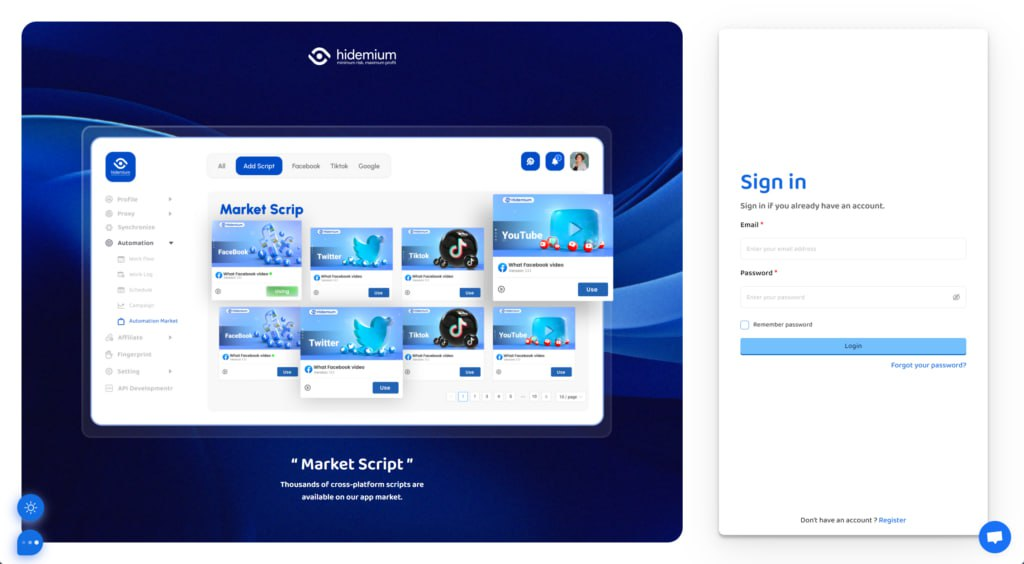
1.Download Hidemium, sign up if needed, and sign in
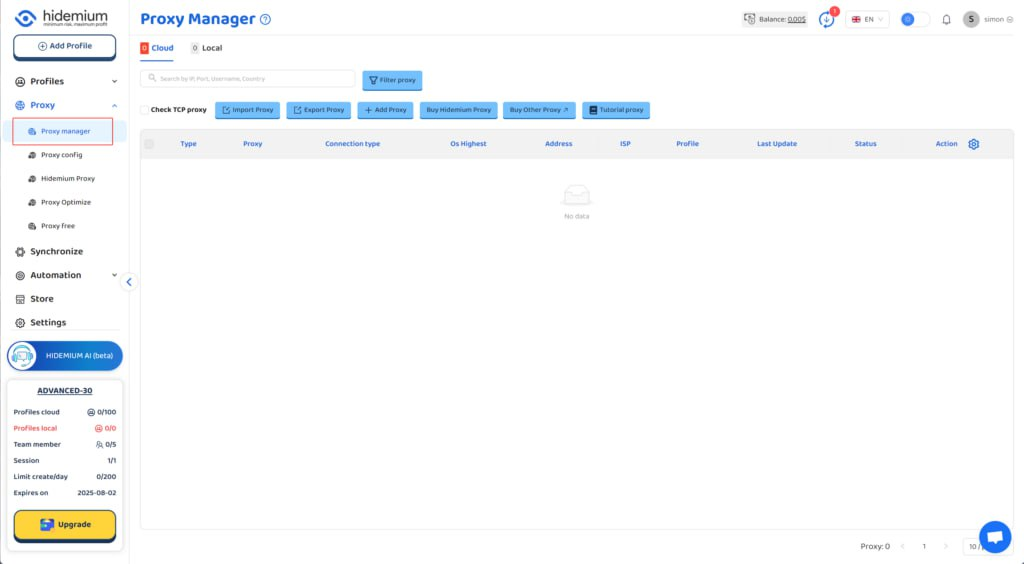
2.Go to Hidemium and click on 'Proxy manager'
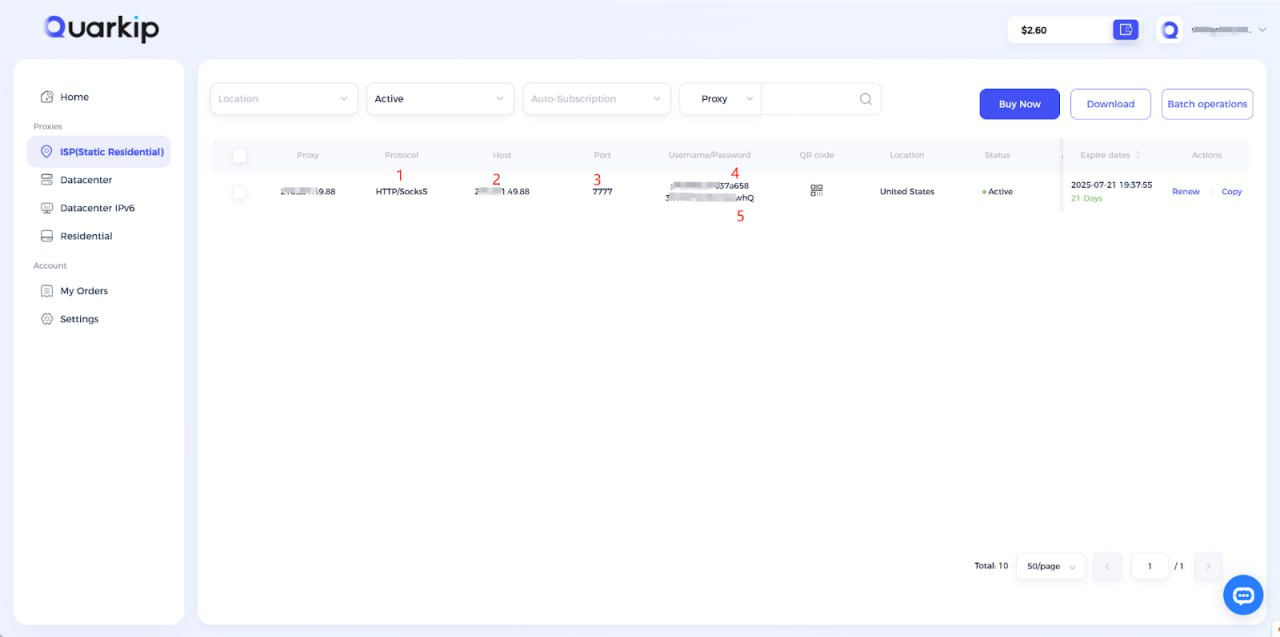
3. According to the content in the screenshot, enter the proxy protocol, proxy address, port, username, and password into their respective input fields, then click the confirm button.
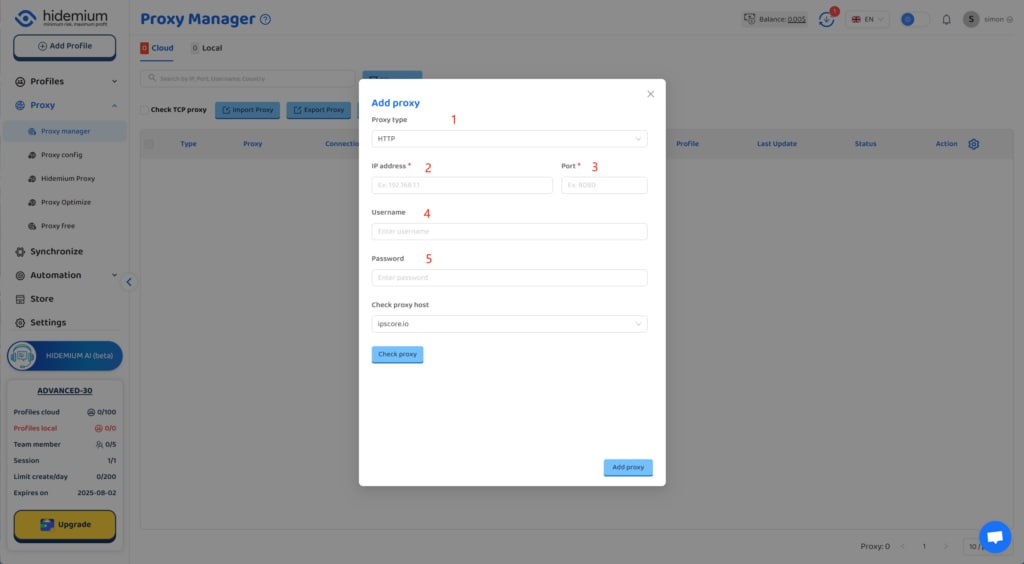
Using QuarkIP's United States ISP proxies as an example, enter the corresponding proxy information into MoreLogin based on the provided labels.
Unlike other proxy products, you can freely select HTTP or Socks5 protocols without having to change the port number.
How do I purchase QuarkIP ISP proxies?
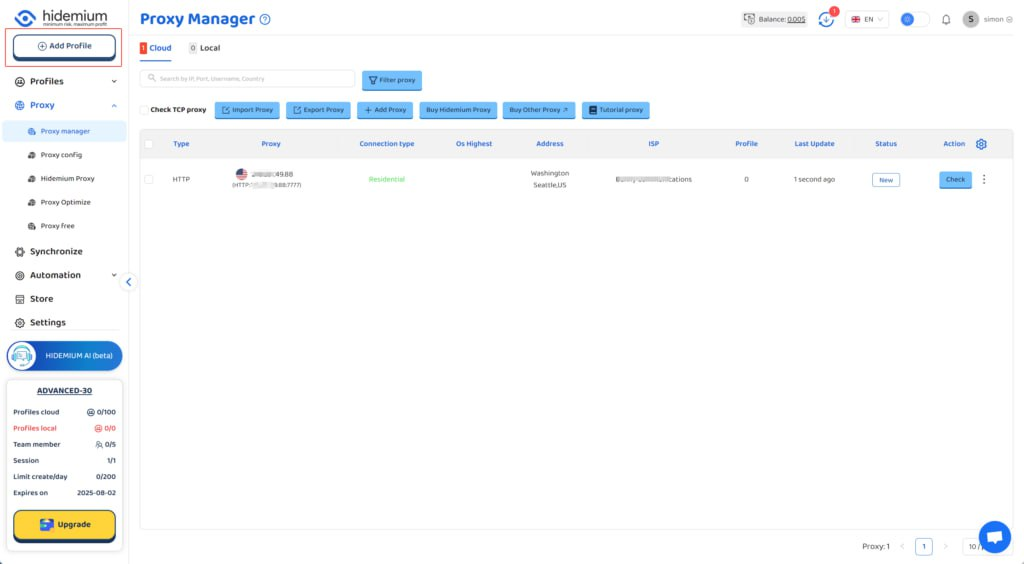
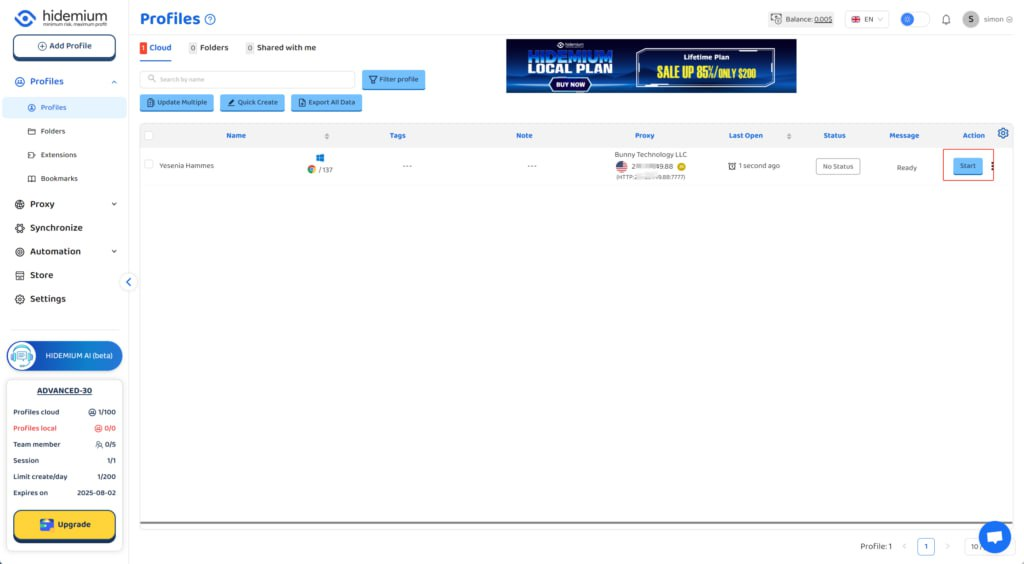
4. After the proxy is added and tested successfully, click the 'Add Profile' button at the top left
5. After filling in the other information, select the QuarkIP ISP US proxy we just added under the 'Proxy' section
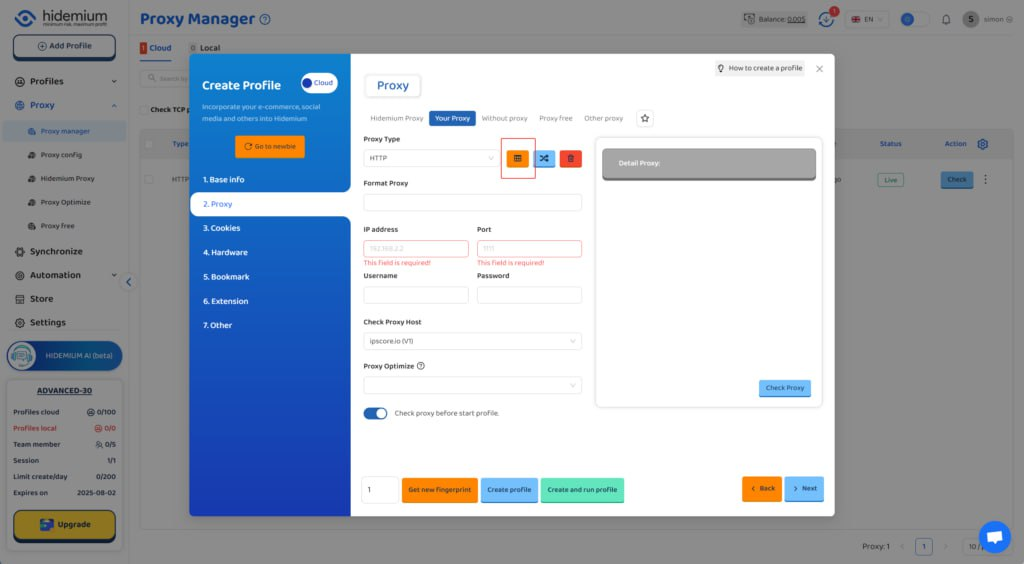
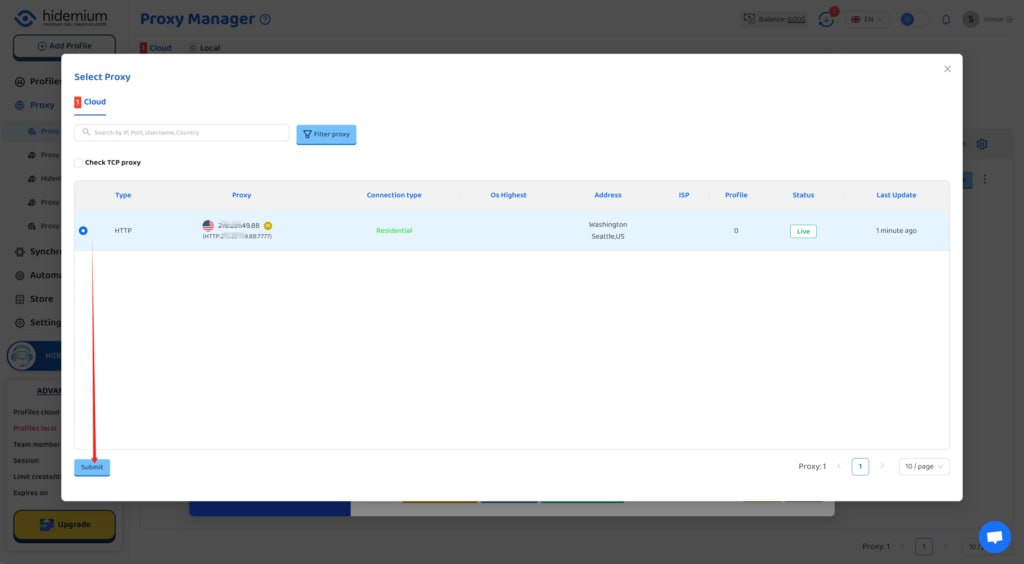
6. Click the start button, and you’ll see that the IP address has been changed
3. Best Practices When Using QuarkIP with Hidemium
To maximize performance:
- Rotate IPs regularly if using residential proxies.
- Use different fingerprints for each browser profile.
- Avoid logging into the same account across multiple profiles.
- Monitor proxy usage and switch countries as needed for testing or automation.
4. Final Thoughts
Pairing QuarkIP with Hidemium creates a powerful, stealthy browsing experience. Whether you're scaling operations or just starting out, setting up your proxy the right way can save you time, reduce friction, and boost success across your online tasks.
Have questions or need help? Contact QuarkIP support — we're here 24/7.
Related Blogs
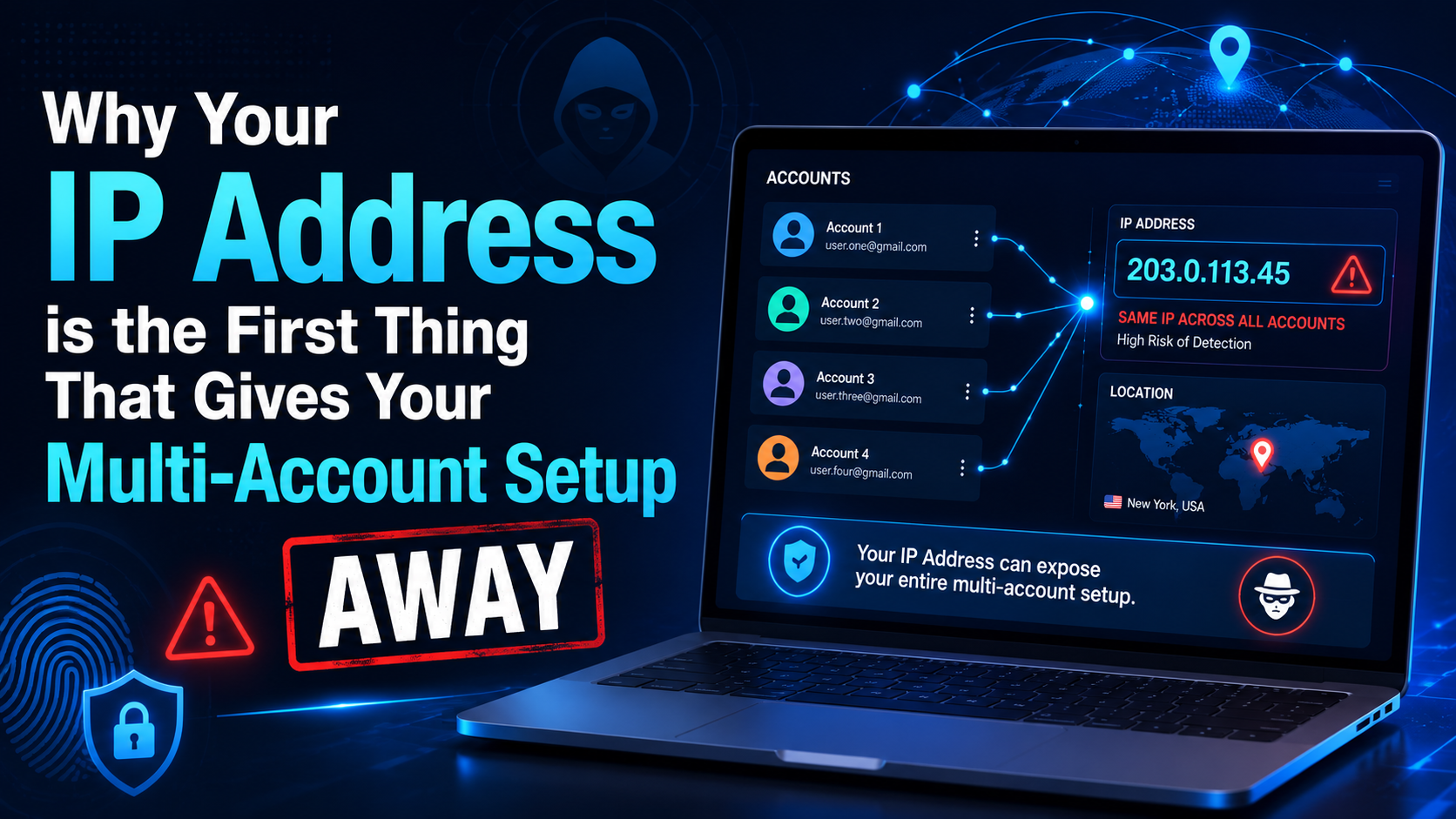
If you've ever managed more than one account on the same platform or a second Facebook ads account and a backup Amazon seller profile a handful of social media pages for different clients you've probably run into the same wall. One day the accounts are working fine the next they're all restricted at once even though nothing in your login behavior changed.The usual suspect isn't your browser or[…]
.png)
Why You Might Need Two Venmo AccountsWhether you are launching a new side hustle, organizing payments for a community group, or simply trying to separate your weekend spending from your professional income, you might find yourself wondering about the logistics of your digital wallet. If you are asking yourself, can I have two Venmo accounts, you are certainly not alone. As our financial lives[…]
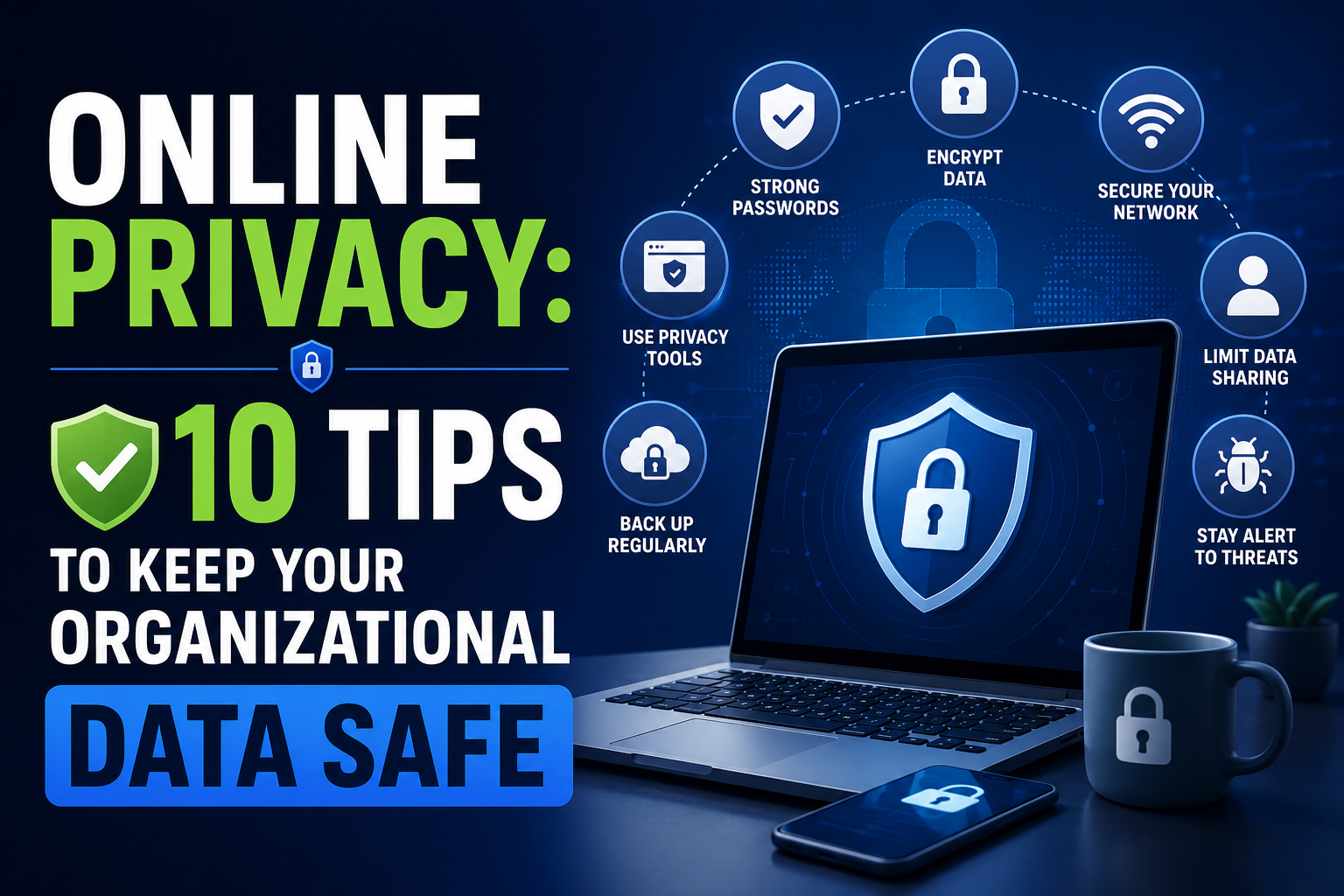
Data represents a valuable asset for any organization. Financial records, employee details, and proprietary information all require protection. The boundaries of data security have shifted because cloud solutions and remote work continue to expand. Protecting this information demands a comprehensive approach to online privacy and security across the entire organization.Financial penalties,[…]
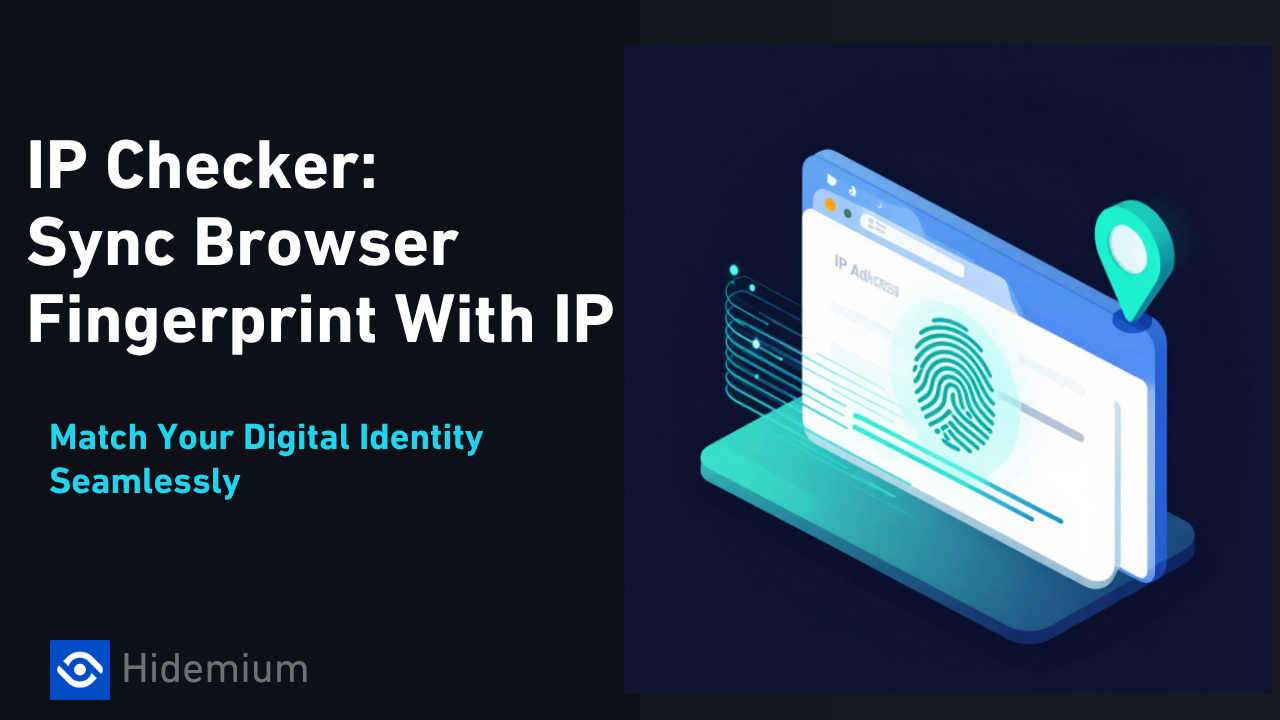
IP Checker is a feature of Hidemium that automatically matches the location settings of your browser fingerprint profile to your external IP address settings.Web platforms consider a mismatch between system and IP location information a red flag. IP Checker location allows you to avoid this flag IP, fly under the radar, and achieve greater account security.What is IP Checker?When a browser[…]

IPFoxy TikTok Proxy Review: Performance and How to Test Them TikTok’s global reach demands reliable residential proxies to avoid IP hopping flags and boost local traffic. Yet most proxies fall short—data center IPs get blocked, cheap options risk contamination, and blacklisted IPs trigger bans.Now we test IPFoxy’s residential proxies and share a review and tutorial to dodge these risks.1. Why[…]
.png)
How to Use Proxy302’s Proxies with Hidemium Try Proxy302 For Freewith the link:https://share.proxy302.com/hidemiumClick 【Start free trial】 and enter your personal information. Click【Register account】, the account is created successfully. If you have an account, just【Log in】.Why Use Hidemium?Hidemium is a modern antidetect browser trusted by professionals across the globe. It offers strong[…]
