Mullvad Browser Review: Features, Privacy & Security (2026)

Have you ever searched for a pair of shoes online, only to see ads for them minutes later across every website you visit? Most people assume "Incognito Mode" stops this. In reality, standard private browsing only hides your local history from others using the same computer — external websites and ad networks continue tracking you without interruption.
Every time you go online, you leave behind a digital footprint. Companies use browser fingerprinting — a unique trail of data points including your screen resolution, fonts, timezone, and system settings — to build a detailed profile of you across the web. Think of it like walking through a store where a clerk silently notes your every detail, even through a disguise.
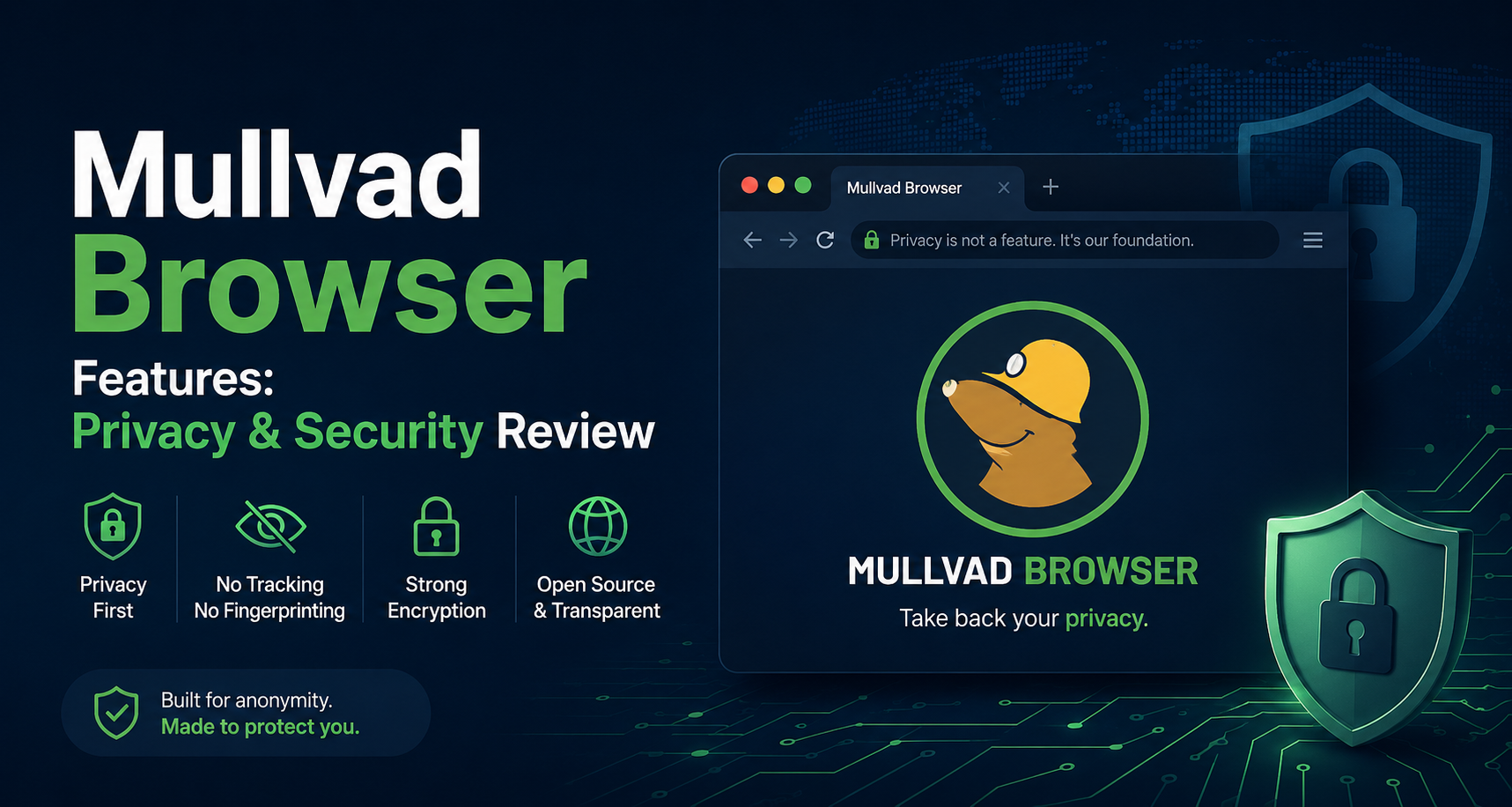
This is exactly the problem the Mullvad Browser is built to solve. Any honest Mullvad browser review will tell you that its core mission is to act as a digital mask: delivering anonymous web surfing without relying on the Tor network. Its built-in Mullvad browser features make privacy automatic by standardizing your connection so it looks identical to thousands of other users.

The Gold Standard: Why the Tor Project Partnership Matters
Open-Source Privacy You Can Trust
When building a serious privacy tool, the choice of development partners matters. Mullvad is built in collaboration with the Tor Project — the same organization that creates the world's most scrutinized open-source privacy software. Because the codebase is fully public, independent security researchers can verify exactly what the browser does and doesn't do, with no corporate secrets hiding in the background.
Speed Without the Tor Network Overhead
Hearing "Tor" often raises concerns about slow browsing speeds. There is, however, an important distinction: Mullvad uses Tor's browser technology but not the Tor Network itself. The network routes your connection through multiple relays globally to mask your location, which causes latency. Mullvad skips that relay system entirely, giving you strong privacy protection at normal browsing speeds — ideal for everyday tasks like shopping or reading.
This partnership forms the technical foundation of all Mullvad browser security features. By building on proven, open-source privacy tools, your daily browsing habits stay hidden from the companies that want to monetize them.
Putting on the Uniform: How Anti-Fingerprinting Protects You
What Browser Fingerprinting Actually Captures
Every time you visit a website, your browser automatically hands over an invisible ID card — a combination of technical details that, together, make you statistically unique. The Mullvad browser anti-fingerprinting features counter this by forcing your device to present a standardized, generic profile. Instead of standing out, you blend into a crowd of identical-looking users.
To understand the scope of what gets masked, here are the key data points the browser actively hides:
- Screen resolution — the exact dimensions of your monitor
- System fonts — the specific typefaces installed on your device
- Timezone — your local clock, which reveals your geographic location
Notice the gray borders that appear around web pages? That is browser letterboxing at work — a technique that forces your browser window into a limited set of standard sizes, preventing websites from identifying your specific monitor shape. Mullvad also blocks canvas fingerprinting, which is a method websites use to draw hidden graphics and uniquely identify your device based on how your GPU renders them.
If you want to see exactly what data your browser is currently exposing, you can run a browser fingerprint test to understand your current exposure level before making any changes.
The Built-in Shield: uBlock Origin and Security Levels
Blocking Trackers Before They Load
Think of the pre-installed uBlock Origin as a smart mail filter for the web. It intercepts hidden trackers and intrusive ads before they even load on the page. By stopping these background scripts — the invisible code that monitors your clicks and reading habits — you simultaneously reduce page clutter and cut unwanted tracking by over 90 percent.

Choosing the Right Security Level
Beyond ad-blocking, you can tune the browser's overall protection level by clicking the shield icon in the address bar:
- Standard — balanced protection for everyday browsing without breaking websites
- Safer — disables specific features like auto-playing media that could be used for covert tracking
- Safest — blocks nearly all background scripts for maximum protection during sensitive research
Mastering these Mullvad browser features lets you browse confidently across a wide range of tasks — from casual shopping to researching sensitive personal topics. That said, blocking outside trackers is only half of the privacy equation. The other half is what the browser itself reports back to developers.
The Silent Treatment: Zero Telemetry Means True Privacy
Most browsers quietly "phone home" — sending anonymized usage data back to developers under the banner of improving the product. This practice, called telemetry, creates a digital shadow: a record of your daily browsing patterns stored on servers you have no control over.
Mullvad takes a fundamentally different approach. One of its defining features is the complete removal of all telemetry code. No usage reports, no crash logs sent to a corporate server, no hidden data collection of any kind. Your daily browsing habits stay entirely on your own device. This zero-telemetry design is a meaningful, structural privacy commitment — not just a checkbox setting you can toggle on.
Your searches, your sessions, your habits: none of it ever leaves your machine. Understanding this distinction becomes clearer when you compare Mullvad against the popular alternatives.
Mullvad vs. The Competition: Brave and LibreWolf Compared
Privacy vs. Anonymity: An Important Distinction
When evaluating the best open-source privacy browsers, a common question arises: why not just use Brave? The answer comes down to the difference between privacy and anonymity. Privacy means pulling your curtains so neighbors can't see inside your home. Anonymity means walking down a busy street in a crowd wearing identical clothing to everyone else — nobody knows who you are, even if they're watching.
Brave blocks many ad trackers but still allows you to stay logged into accounts, accumulating a persistent identity over time. Mullvad is engineered for the second goal: complete anonymity, where no consistent profile of you can be built at all.
- Ease of Use: Brave feels familiar (similar to Chrome). LibreWolf requires manual configuration. Mullvad works out of the box but requires adjusting login habits.
- Out-of-the-box Privacy: Mullvad requires zero manual setup to protect your fingerprint — it wins this comparison by design.
- Daily Login Convenience: Brave keeps you signed in. Mullvad logs you out completely every time you close the browser window.
This deliberate session-based browsing — wiping all data on close — is a small trade-off for genuine invisibility. Pairing this behavior with a VPN takes the protection even further.
The Ultimate Guard: Combining Mullvad Browser with a VPN
A VPN alone hides your IP address — your internet home address — from websites and your ISP. But it doesn't protect your browser fingerprint. Websites can still identify your unique device profile even when your traffic is encrypted and routed through a VPN server. You're hiding your location, but your "face" remains visible.

Combining a VPN with Mullvad Browser creates true layered security: the VPN masks your IP, and the browser masks your fingerprint. Using them together is simple — activate your VPN before opening the browser. Together, they deliver anonymous web surfing without Tor network slowdowns, creating a double-layer defense that covers both vectors of tracking.
For users who manage multiple online identities — whether for e-commerce storefronts, affiliate campaigns, or social media accounts — a complementary approach worth knowing about is an antidetect browser like Hidemium. Unlike Mullvad (which focuses on making one identity anonymous), Hidemium lets you run multiple isolated browser profiles simultaneously, each with its own fingerprint, proxy, cookies, and login environment. This makes it especially useful for teams managing ads, multiple accounts, or large-scale automation workflows.
Is It Safe for Banking? Daily Habits and Login Management
Stateless Browsing and What It Means in Practice
The short answer: yes, Mullvad is safe for banking — but it requires a habit adjustment. The browser uses stateless browsing, meaning it never stores passwords, session cookies, or login tokens. Think of it like a hotel room that's completely cleaned and reset the moment you check out. High security, but no automatic conveniences.
Rather than replacing your everyday browser entirely, the most practical approach is to treat Mullvad as a dedicated private vault. Use it for tasks where privacy matters most — researching medical symptoms, comparing sensitive financial options, or accessing accounts you don't want tied to your regular browsing profile. Keep it separate from your daily logged-in workflows.
Trading automatic logins for manual entry may feel inconvenient at first, but it's the core of how this browser delivers its privacy guarantee. Once you build the habit of closing the window to wipe your session, it becomes second nature.
Your First 10 Minutes: Installation and the Fresh Start Habit
Getting Set Up in Under Five Minutes
You don't need a computer science background to take back your privacy. The setup process is straightforward, and you can have the browser running and verified in under five minutes:
- Download: Get the app directly from the official Mullvad website
- Check Letterboxing: Notice the gray borders around web pages — that's your fingerprint protection working
- Run a Leak Test: Visit Mullvad's built-in leak test page to verify your mask is active
- Close to Wipe: Shut the browser completely to clear your session and erase all traces
That last habit — fully closing the browser after each sensitive session — is your single most effective privacy action. For users who want to go further and maintain multiple separated online identities across different workflows, pairing this approach with a dedicated secure browser guide is a natural next step.
While every Mullvad browser review rightly highlights the impressive technical architecture, your real success metric is simpler: fewer creepy ads, more peace of mind, and the confidence that your online activity stays yours. Welcome to a cleaner, untracked internet.
Related Blogs
.png)
TikTok is not just an entertainment app but also a "goldmine" for content creators and brands to generate massive income. However, to make your posts on TikTok attract millions of views, selecting the ideal posting time—often referred to as the "golden hour"—is a crucial factor in increasing engagement and effectively connecting with your audience.1. What is the "golden hour" for posting on[…]

There is a point where a group chat stops being a management system. Usually it arrives quietly. You add the tenth contractor, or the second warehouse, or a support rotation in another timezone, and suddenly nobody can tell you who read the new returns policy, who finished the safety module, or which version of the shift roster is the real one. That is the problem this software category exists to[…]

In the context of global digital transformation, the two most prominent technologies today are AI (Artificial Intelligence) and Blockchain. If AI brings the ability/Intelligent data processing, learning and accurate prediction, Blockchain creates a transparent, decentralized and highly secure platform. When combined, they not only help optimize processes, improve reliability, but also open up the[…]

The Catalyst: Why We Need a Sonic RevolutionThe digital content landscape is expanding at a breakneck pace. Every day, millions of videos, podcasts, and digital ads are pushed online. Sound is half of this digital experience.However, the demand for high-quality audio has outpaced human output. Creators are constantly hungry for fresh, engaging beats. They need music that fits their specific mood[…]
1. What is Captcha Typing for Money?Captcha (Completely Automated Public Turing test to tell Computers and Humans Apart) is a security tool used to distinguish real users from bots, by requiring them to re-enter distorted characters displayed in an image.Typing Captcha to earn money is the job of re-entering these characters on online platforms and receiving corresponding remuneration. After[…]
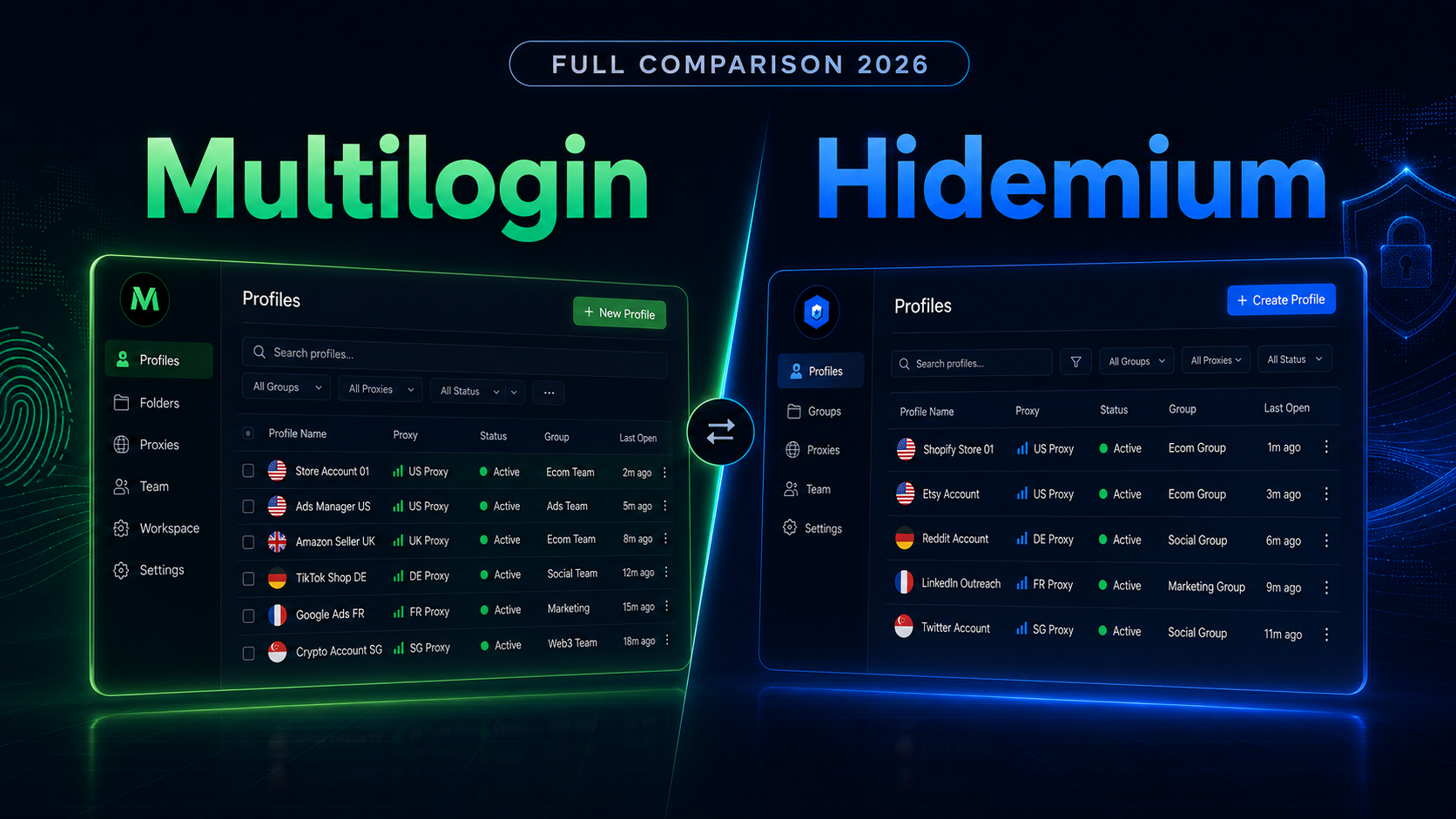
Multilogin vs Hidemium: Full Comparison 2026Multilogin vs Hidemium: quick answerMultilogin vs Hidemium is a comparison between two antidetect browser platforms used for browser profiles, proxy workflows, and multi-account operations. Multilogin is often seen as an established browser profile platform for professional users, while Hidemium is a strong choice for teams that want flexible profile[…]
