How to Avoid Getting Banned on Major Ad Platforms
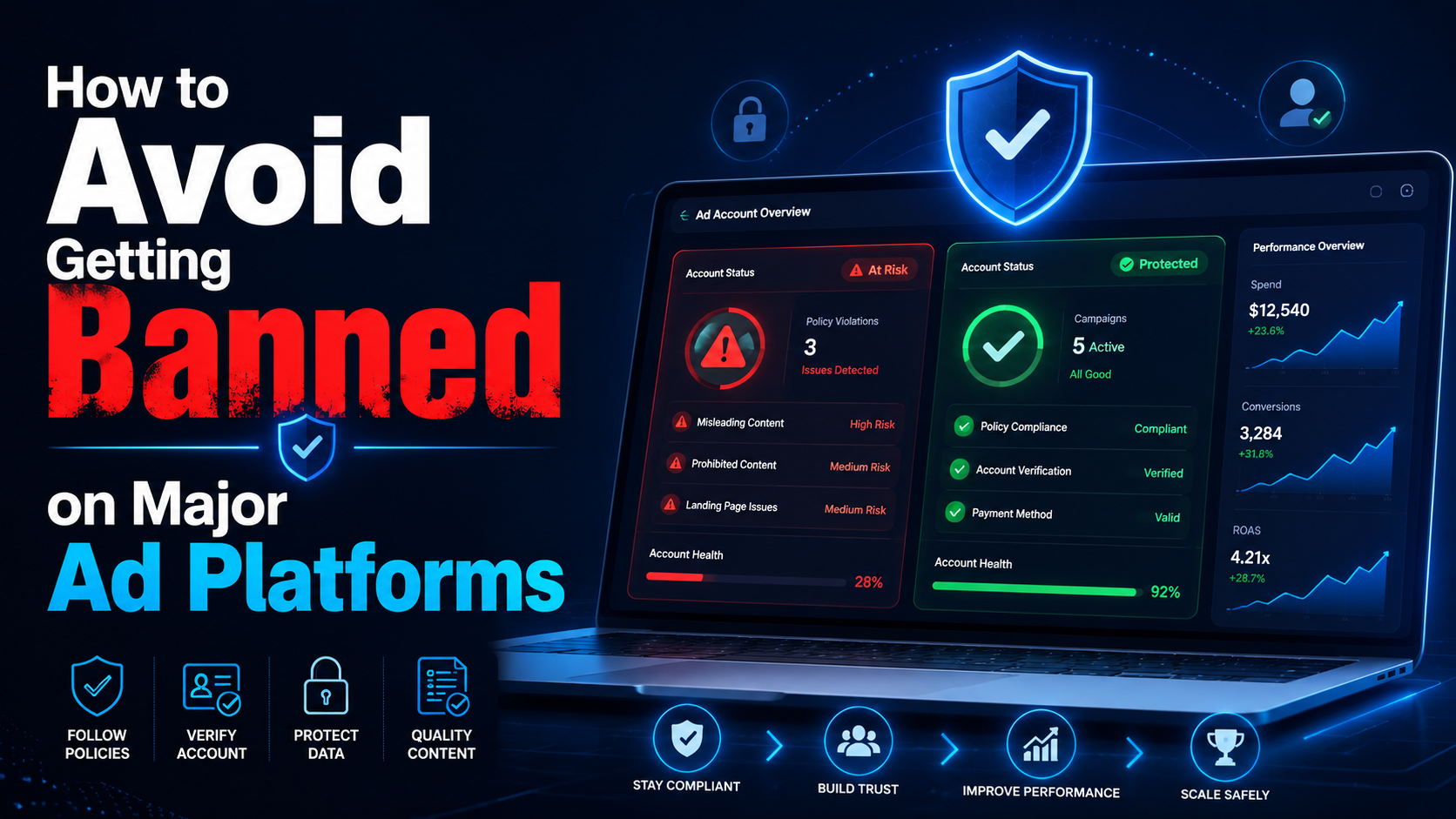

“You have been banned” is a situation often faced by most advertisers, affiliate marketers, or e-commerce professionals… on platforms:
- Can you get banned from Facebook
- Can you get banned from Google
- Banned amazon account
So why? How to find out why I was banned from Facebook? What do I need to do to solve this problem? Find the answer right away in this article.
What if your account has been banned?
Usually, before an account is banned, you don’t get a warning. And when that happens, you will receive an email notification that your profile has been banned or suspended. Many people only know when they try to log in to their account, and it doesn’t work.
Even if the reason the account is banned is not given, we can search for a list of the most common causes.
The reason the account is banned
Why platforms like Facebook, Google, and Amazon… can ban your account?
Access behavior with IP address conflict
The warning bell may ring if you use the same ad account or profile, but there’s a conflict. For example, you access an account through a VPN with a specific geographical location at one time, but another access uses a different location.
The same situation happens when you work in a team of colleagues in other countries accessing the same account.
Facebook or other platforms may mark such activities as suspicious and account ban.
Account history inconsistent
Many individuals or businesses choose to buy an account and set up a profile for immediate use. That is a considerable risk. Because as a new user of the purchased account, you can use it with a new IP address, geolocation, different behavior… That can lead to inconsistent account history. Even bought accounts may have been used for suspicious purposes in the past.
Multiple accounts with similar identities
Using a single browser profile to log in to multiple accounts increases the chance of being flagged. Many people try to hide or change the browser fingerprint. However, the usual solutions are still complex to prevent the detection of the natural fingerprint, including public IP, geolocation, hardware, system settings, etc.
Block the browser fingerprinting platform
Try to block fingerprinting because you think it’s the easiest way to prevent the platform from tracking you. However, it makes you immediately flagged because the behavior is marked as an attempt to conceal your identity – or suspicious activity.
In addition, Facebook also bans your account when it detects unauthorized access or malware infection on your computer, uses a fake name, or uses a personal account instead of a business page to advertise business…
So can you complain when the account is banned?
The answer is yes, you can appeal when an account is banned – but that almost always has a low success rate.
- If you have a Facebook account, you need to request a review through the Account Quality function, but little support information is provided.
- If you have a Google account, you must submit a detailed complaint and wait for an email response.
- For Amazon accounts, if the seller account is suspended, you need to contact the Amazon team to find out why. Then propose an action plan or POA that is convincing enough to demonstrate the problem doesn’t happen again. In case more than one account is discovered, and the account is disabled, you must file an appeal within 90 days.
However, these efforts often fail to yield more positive results. These platforms are always trying to protect their brands and want to handle errors with the utmost care. So your account is usually only restored when it is almost free of suspicious activity.
Besides, many people will also continue to create new accounts to maintain their business. However, this will also quickly lead to another ban because the platform can still track your new profile through your browser fingerprint and recognize the association with your banned accounts.
So what should you do to avoid your account getting banned?
To avoid account bans, you must resolve account history or behavior inconsistencies.
Instead of trying to block browser fingerprinting platforms or spoof differently, Hidemium provides a virtual browser configuration with unique fingerprint customization. It’s natural for any profile to be tracked across platforms like an actual device.
In addition, Hidemium helps each cookie, cache, browsing history… to be operated carefully, leaving no association between records. Learn the details of the plan to use Hidemium!
Related Blogs

Have you heard of Telnet but don't really understand how it works or its applications? In the world of networking technology, Telnet used to be one of the core tools for remote device management. The following article is from Antidetect Browser Hidemium will help you discover What is Telnet?, how it works, practical applications as well as weaknesses that have led to it being gradually replaced[…]

Bright Data is one of the top-rated premium proxy providers out there. But with its hefty price tag, is it really worth the money? In this article, Antidetect Browser Hidemium will analyze the pros and cons of Bright Data in 2025, compare performance with other proxy solutions, and help you decide whether to invest or not.1. What is Bright Data?Bright Data is a company with a huge network of IP[…]
When applied correctly, the 10 Antidetect Browser tips not only significantly reduce the risk of account restrictions but also enhance stability in multi-account management. Close synchronization between browser fingerprints, IP addresses, and access behavior helps platform AI systems assess activity as more natural.In addition, these techniques optimize marketing operations, save management[…]
In the context of Surfinite no longer meeting security and automation needs well, many users are turning to more effective alternatives. 2025, Antidetect Browser Hidemium emerges as an option worth considering thanks to its capabilities hidden IP address, anti-tracking, cross-platform support, and AI automation. The article below will Hidemium detailed review – from interface to features to[…]
TikTok Shop is becoming one of the most potential sales channels for MMOers. However, one of the most annoying errors that users often encounter is the situation Cart is locked, buy button not showing. In this article, we will analyze the causes leading to this situation TikTok Shop Cart Locked, how to fix it, and how to use the Hidemium app to keep your TikTok Shop profile safe and secure, no[…]
.png)
Captcha is a popular security tool used on websites to prevent suspicious activities from automated programs (bots). However, Captcha can sometimes be frustrating for users, especially when fast access is needed or when the Captcha becomes overly complex. In this article, we will explore 7 effective ways to bypass Captcha in 2025, allowing you to overcome these barriers legally and safely.1. What[…]
