What is Pixel Tracking? The 3 Most Common Types of Tracking Pixels

Pixel Tracking is an effective data tracking solution that helps businesses understand user behavior and adjust their marketing strategies accordingly. By recording each action such as clicking, scrolling, or purchasing,Tracking Pixel Provides a comprehensive view of the customer journey. Let's Hidemium Explore in detail how this technology works and the benefits it brings.
1. What is Tracking Pixel? How does it work?
Tracking Pixel is a very small image (1×1 pixel), usually in GIF, JPEG or PNG format, embedded invisibly in an email or web page. Due to their extremely small size and transparency, they do not affect the user experience at all.
When a user opens an email or visits a website that contains a Tracking Pixel, the browser automatically sends a request to the pixel hosting server. From there, the server records important data such as access time, IP address, device used, geographic location, and even interaction behavior.
If the Pixel is integrated into an email, it can determine whether the recipient has opened the email or not. If placed on a website, it can help track visitor behavior and support effective traffic analysis.

>>> Learn more: What is WebRTC? Do websites collect WebRTC fingerprints?
2. Benefits of using Pixel Tracking
Usage Pixel Tracking Bring many practical values to each target group:
✅ For website owners:
Pixel Tracking allows for more detailed information to be collected than a regular cache, including screen resolution, browser in use, installed plugins, etc. This tool also helps identify real users instead of bots, thereby supporting more accurate content personalization and content targeting.
✅ For SEO professionals and marketers:
Pixels help you accurately track user behavior when visiting your website. Based on the data collected, you can identify strengths and weaknesses on your site, improve your content, and optimize your SEO strategy. At the same time, you also gain a better understanding of the user journey and improve your conversion rate.
✅ For email marketers:
In email, Pixel Tracking helps measure open rates, viewing times, and devices used to read emails. This is the basis for evaluating the effectiveness of email campaigns, refining content, and improving the ability to reach potential customers.

>>> Learn more: How to recognize antidetect with good fake Webrtc function
3. Popular and effective Pixel Tracking platforms for websites
Pixel Tracking is becoming an important solution in tracking user behavior and optimizing online advertising effectiveness. Below are the platforms that provide tools conversion tracking reputation that you should consider integrating into your website:
LinkedIn Pixel (Insight Tag): LinkedIn offers advertisers a tracking pixel that allows for precise targeting by job title, industry, or level of expertise. In particular, you can reach users at multiple stages of the buying journey, helping to increase conversion rates and optimize B2B advertising effectiveness.
Google Analytics Tracking Pixel: Adding Google Analytics Pixel Code Helps you collect in-depth data about user behavior on your website. This data helps analyze performance, adjust marketing strategies, and make more accurate business decisions.
Facebook Pixel: This is an indispensable tool if you run ads on the Meta platform Facebook Pixel Helps track traffic, measure conversions, optimize budgets, and is especially effective in building custom customer files to remarketing.
Google Ads Conversion Tracking: With Google Ads conversion tracking code, you can determine exactly what user actions are triggered after clicking on your ad. This tool also helps display personalized ads to the right audience, helping to increase campaign effectiveness.
Google Tag Manager (GTM): This is the system card management powerful, allowing you to easily add or update tracking codes without editing the website source code. GTM helps integrate multiple platforms such as Analytics, Ads, Facebook Pixel in just one admin interface.
Twitter Pixel: Twitter's Pixel lets you track user behavior after an ad interaction — including clicks, retweets, likes, and impressions. You can also transfer conversion data from your website to Twitter Ads to analyze and measure campaign performance.
4. 3 popular types of Tracking Pixel today
Tracking Pixel is one of the important tools that help businesses track user behavior and evaluate the effectiveness of advertising campaigns. Below are three types Popular Pixel Tracking That any marketer should understand clearly to optimize brand promotion strategy.
4.1. Universal Pixel – Multi-channel tracking with a single code snippet
Pixel Universal Provides comprehensive tracking across multiple marketing channels, from digital platforms like search advertising, email marketing, display advertising, to traditional channels like TV, radio or direct mail.
The pixel not only records online behavior like clicks and views, but also tracks offline interactions like email opens, podcast listens, or in-store purchases. The biggest advantage of the Universal Pixel is its ability to Manage all behavioral data across multiple sites with just one code, and also supports recording revenue, Order code, and Product code.
For example: Instead of installing a separate Pixel for each website, advertisers can use a Single Universal Pixel To track the entire user journey, saving time and optimizing tracking performance. Tracking capability is also worth checking when advertisers compare networks, especially when campaign decisions depend on reliable conversion and retargeting data. For teams evaluating the best display ad network for advertisers, useful criteria include available ad formats, targeting options, traffic quality controls and support for third-party tracking.
4.2. Conversion Pixel – Measure Purchase Behavior Precisely
Conversion Pixels is used to measure conversions, especially for e-commerce businesses. When a user sees an ad, visits a website, and makes a purchase, the Pixel tracks steps like adding to cart, checking out, or confirming an order.
However, for businesses that are not fully online – like car dealerships or medical clinics – purchases may take place in-store. In this case, Conversion pixels can be applied to track indirect actions.such as visiting the “opening hours” page, searching for a showroom or filling out a contact form.
For example: In healthcare, users who visit a “Contact Us” page or a clinic directions page are a sign that they are likely to book an appointment – and the Pixel can capture those interactions for marketing purposes.
4.3. Retargeting Pixel – Personalize Ads to Increase Conversions
Pixel retargeting (Retargeting Pixel) helps you rebuild the audience that has interacted with your website. This type of Pixel is especially effective in user segmentation by behavior, thereby re-displaying ads that are relevant to the specific needs of each audience group.
For example: A university that offers multiple programs could place a Pixel on pages like “MBA,” “Scholarships,” or “Financial Aid.” If users visit these pages, they’ll be placed in a group of potential students to receive personalized ads like registration deadline reminders, tuition assistance information, and more.
Thanks to the ability to collect specific behavioral data, Pixel retargetinghelps businesses increase customer reach, reduce budget waste and significantly improve conversion rates.

>>> Learn more: Incognito Alternative Browsers: A Comprehensive Review in 2025
5. Advantages and disadvantages of Pixel Tracking: Understand correctly to use effectively
Pixel Tracking is an advanced user tracking technology that plays an important role in collecting data and supporting marketing strategies. However, like any tool, it has certain strengths and limitations. Understanding Advantages and disadvantages of Pixel Tracking Will help businesses maximize benefits and minimize risks related to privacy.
✅ Advantages of Pixel Tracking
Collect detailed user data: Pixels help record user behavior such as visits, clicks, and time on site, providing valuable information for businesses.
Support for optimizing marketing and SEO campaigns: With accurate data, you can tailor your ad copy, improve your search rankings, and increase your chances of reaching the right audience.
Boost sales and e-commerce performance: Pixels provide important information to analyze the customer journey, thereby improving sales and customer care efficiency.
Increase conversion rate: Data from Pixel helps businesses personalize marketing messages, target user needs, and thereby improve conversion rates.
Improve user experience: Analyzing user behavior helps optimize the layout, interface and functionality of the website to be more friendly and suitable for target customers.
⚠️ Disadvantages of Pixel Tracking
Affects website speed: Since Pixel has to load data from an external server, it can cause the website to load slower, directly affecting the user experience.
Privacy concerns: Pixels track user behavior and can share data with third parties, raising concerns about loss of control over personal information.
Create a detailed digital fingerprint: Advertisers can use Pixels to build behavioral profiles of users for advertising personalization or market analysis purposes.
Risk of abuse by spam and phishing attacks: Some individuals or organizations may exploit Pixels to track email behavior, which could lead to spam or sophisticated scams.
>>> Learn more: How to Fake IP Effectively Using VPN and Proxy
6. Effective solutions to limit Tracking Pixel
Tracking Pixel Is a powerful tool for analyzing user behavior and optimizing advertising strategies. However, for those who value privacy and security, limiting pixel tracking is essential. Here are some popular and effective solutions:
Set your browser and email to high security: Only allow loading of external graphic content with user permission, and completely disable HTML emails to prevent automatic loading of tracking pixels.
Smart firewall configuration: Use a firewall to control network connections that may download tracking pixels from third parties.
Install browser extensions: Some utilities are capable of detecting and displaying active tracking pixels, giving users proactive control over their personal data.
Use Tor or a proxy to browse the web anonymously: Access the Internet throughTor Browser Or server proxy helps anonymize identity, while preventing pixels from collecting browser information.
Disable JavaScript: This method helps prevent pixels from collecting data such as operating system, browser version, etc. However, it may affect the browsing experience on some sites.
A more optimal solution for advanced users is to use anti-detection browsers like Hidemium. This tool allows you to create and use multiple browser profiles, each of which is assigned a unique virtual device fingerprint. Thanks to that, you can save web browsing, be completely anonymous and completely avoid being tracked by tracking pixels.
Hidemium now offers a 3-day free trial, along with dedicated technical support and detailed instructions from our team of experts. If you are looking for a solution toProtect your identity, hide your IP address and manage multiple accounts effectively, Hidemium is an option you should not miss.
Related Blogs

You're wondering...How to calculate TikTok earningsHow can you maximize your income from today's most popular short-video platform? Understanding TikTok's reward system and applying smart monetization strategies is key to turning your passion for content creation into a stable source of income.This article Hidemium will give you a comprehensive overview of How TikTok calculates earnings, analyze[…]
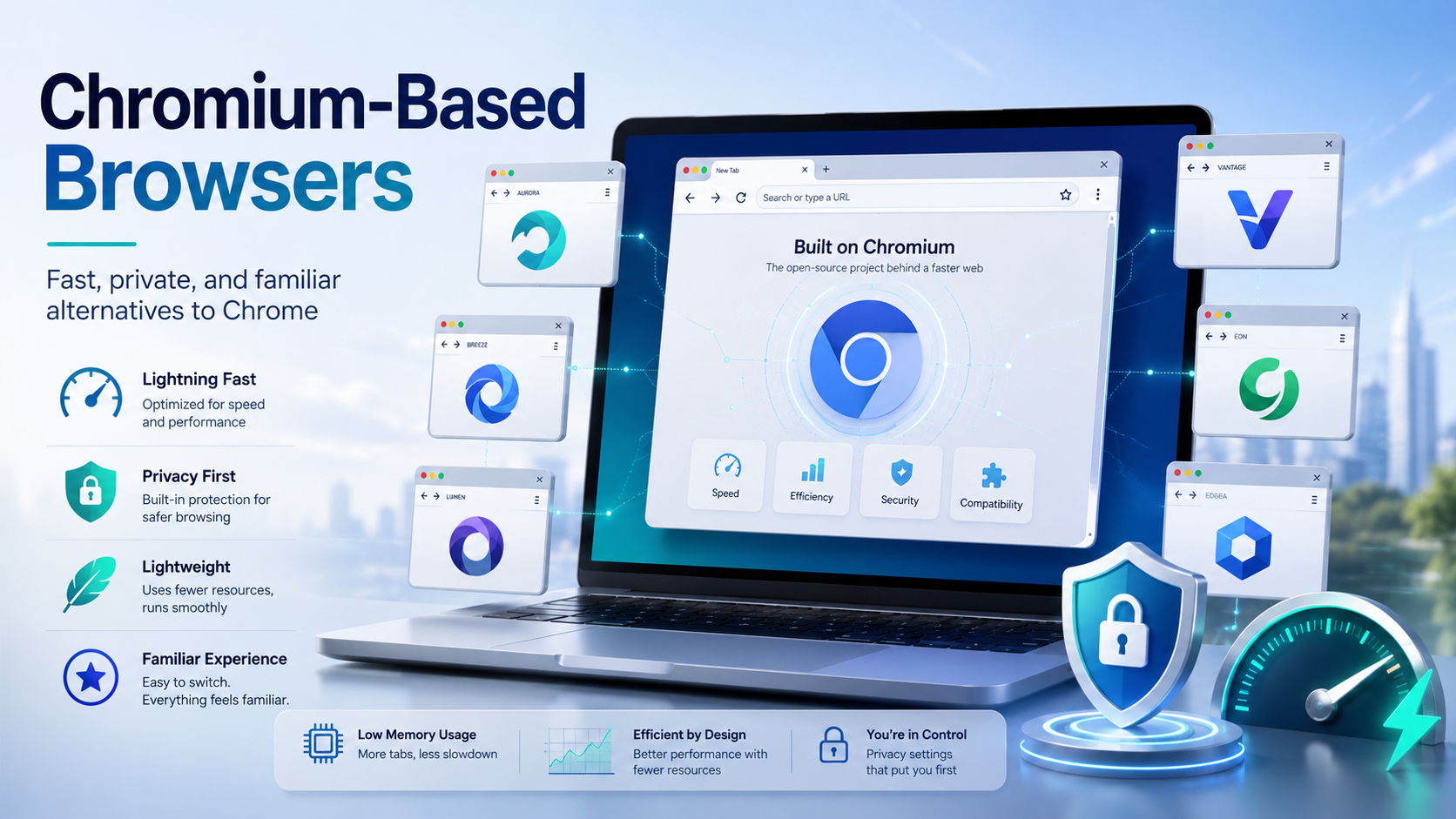
Chances are, you are reading this article on a browser built on the Chromium framework. While Google Chrome remains the undisputed heavyweight champion of the internet, an entire ecosystem of fantastic alternatives has quietly taken over the web. These are known as chromium based browsers, and they are reshaping how we experience the internet.If you are tired of your computer slowing down due to[…]

In MMO, dropshipping, and affiliate business models, managing multiple accounts on a single device always comes with significant risks—frequent checkpoints, shadowbans, or even mass account suspensions. Logging into multiple accounts using a traditional browser makes it easy to leave overlapping digital footprints, which greatly increases the likelihood of account bans. This is exactly why[…]
Use the one-time promo code HIDEMIUM to get +5% on your deposit (valid until September 15, 2027).You can start with no upfront cost: test the Dexodata network on a $1 starting balance, and your first top-up earns a 25% bonus (on deposits up to $50).Go to Dexodata: dexodata.comRunning multiple browser profiles at a professional level is nothing like ordinary browsing. Each profile has to look like[…]
.png)
Managing multiple online accounts has become an essential part of building a strong digital presence for businesses. Tools like AdsPower Browser, GoLogin, Hidemium, and other antidetect browsers are proving to be crucial in optimizing multi-account management, ensuring businesses operate efficiently and securely.According to Hidemium, the trend of using secure multi-account browsers is set to[…]
.png)
The EdTech vertical in India is among the hottest B2B markets in Asia today. Funding in the space surged five-fold in the first half of 2025, while companies are hiring aggressively, opening offline stores and signing up new vendor contracts. For B2B sales teams, that activity creates a genuine window.” The fastest-growing companies are also the fastest acquirers.The challenge is to reach the[…]
